Dynamics 365 F&O and Walmart Seller Central Integration & Automation
- Automate
- Align
- Accelerate
Dynamics 365 F&O and Walmart Seller Central integration brings Walmart marketplace activity into the ERP process where order control, inventory accuracy, fulfillment, and finance review are handled. APPSeCONNECT helps connect both systems through structured automation, so marketplace records can move without repeated exports, uploads, and manual correction.
Dynamics 365 F&O manages item records, warehouse stock, order processing, tax rules, and financial controls. Walmart Seller Central manages listings, marketplace orders, order acknowledgment, shipment updates, and seller-facing operations. When the two systems are not connected properly, teams deal with delayed order handling, overselling risk, inconsistent listings, late tracking updates, and harder settlement review.
KEY BENEFITS
Why APPSeCONNECT Is the Gold Standard for Dynamics 365 F&O and Walmart Seller Central Integration
For Walmart sellers using Dynamics 365 F&O as the operational system, integration is not only about moving orders into the ERP. It is also about keeping marketplace commitments aligned with stock, pricing, fulfillment, and finance rules that already exist inside the business. This integration gives teams a controlled way to move Walmart orders, item updates, inventory changes, pricing updates, shipment details, customer information, payment references, and settlement-related records through monitored workflows.
Order Acknowledgment Delays
Walmart orders need timely acknowledgment after they are received. When ERP order creation depends on manual entry, the marketplace status can fall behind the fulfillment process.
Stale Stock Promises
Inventory inside Dynamics 365 F&O changes as goods are received, adjusted, reserved, or shipped. If Walmart availability does not reflect those movements, buyers may place orders against stock that is no longer available.
Listing Update Errors
Walmart item updates depend on clean SKU mapping, product identifiers, category fields, and required attributes. A weak connection can leave Seller Central with outdated or rejected listing data.
Pricing Drift Risk
Marketplace prices need to stay close to ERP-controlled pricing decisions. When updates are handled outside the integration flow, teams may miss price changes, promotions, or margin-sensitive corrections.
Late Tracking Updates
Shipment confirmation has to reach Walmart with the right carrier and tracking details. Delays here create extra checks for operations teams and can affect marketplace performance visibility.
Settlement Review Gaps
Finance teams need Walmart payment references, fees, refunds, adjustments, and order totals to be easier to review against ERP records. Disconnected reporting makes reconciliation slower.
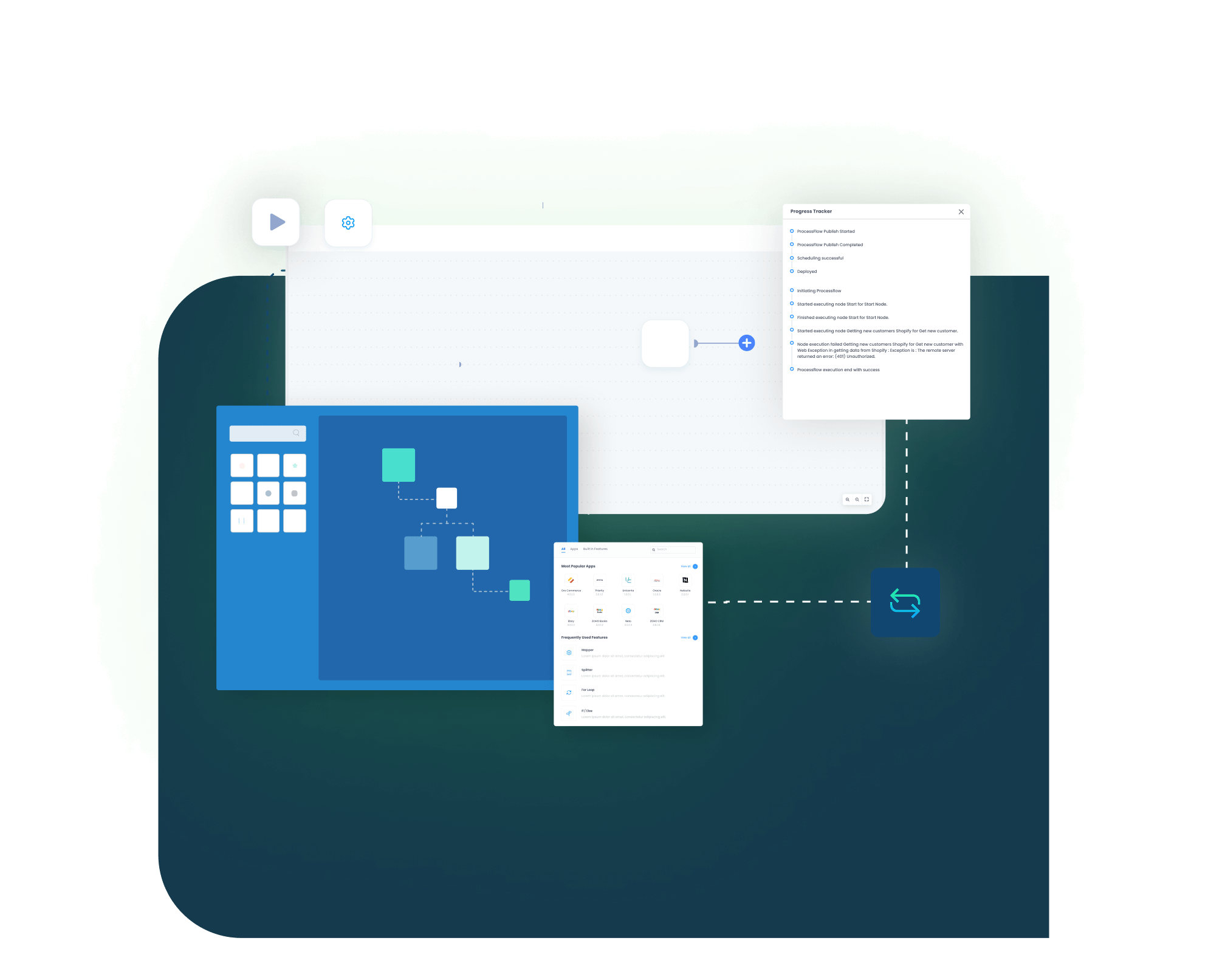
Standard Features Covered in Our Dynamics 365 F&O and Walmart Seller Central Integration Template
Item and Listing Update
Item Sync — Dynamics 365 F&O → Walmart Seller Central: Move ERP item data into Walmart Seller Central with mapped SKU, item details, product identifiers, and marketplace fields required for the listing flow.
Price Update
Price Updates — Dynamics 365 F&O → Walmart Seller Central: Send ERP-managed pricing to Walmart. Base prices can move through the flow, and special or promotional prices can be mapped when the business process needs them.
Inventory and Availability Update
Inventory Sync — Dynamics 365 F&O → Walmart Seller Central: Update Walmart stock availability from ERP inventory records. Stock can be refreshed by SKU, and warehouse-to-ship-node mapping can be used where the setup requires it.
Sales Order Add
Order Sync — Walmart Seller Central → Dynamics 365 F&O: Create sales orders in Dynamics 365 F&O from Walmart marketplace orders. The order can carry item lines, quantities, taxes, shipping charges, discounts, and address details.
Order Acknowledgement Update
Order Acknowledgment — Dynamics 365 F&O → Walmart Seller Central: Send acknowledgment back to Walmart after the order is accepted into the ERP process. This keeps marketplace status closer to internal order handling.
Shipment and Tracking Update
Shipment Updates — Dynamics 365 F&O → Walmart Seller Central: Return shipment confirmation to Walmart after fulfillment. Carrier name, tracking number, and shipment status can move through the same flow.
Settlement, Fee, and Payment Update
Payment Reference Sync — Walmart Seller Central → Dynamics 365 F&O: Move Walmart order, payment, and settlement references into the ERP process based on the configured order or payout status. Finance teams can use these references during reconciliation.
Popular Dynamics 365 F&O and Walmart Seller Central Integrations
Sellers often connect Dynamics 365 F&O and Walmart Seller Central with other systems around marketplace operations. These can include warehouse tools, shipping platforms, tax systems, reporting tools, 3PL partners, WFS-related reports, product information systems, and other commerce channels.
Popular Dynamics 365 F&O Integrations
Looking for a Specific Integration?
Visit All Dynamics 365 F&O Application
Popular Walmart Seller Central Integrations
Looking for a Specific Integration?
Visit All Walmart Seller Central Application
INTEGRATION BROCHURE
Download the Dynamics 365 F&O and Walmart Seller Central Integration Brochure
Get the full brochure for planning Dynamics 365 F&O and Walmart Seller Central integration across ERP and marketplace workflows. It covers order import, item updates, inventory refresh, price movement, order acknowledgment, shipment confirmation, payment references, and settlement review planning.
Inside You’ll Find:
- Flow Diagrams: See how listings, inventory, orders, acknowledgements, settlements, and shipment updates move across both systems.
- Mapping Notes : Review item fields, shipping values, charges, and finance references before your team starts testing.
- Rollout Checklist : Check sample orders, listing updates, and return flows before you switch to production use.
- Marketplace Planning Tips : See how teams manage more items, more orders, and more frequent updates over time.
INTEGRATION GUIDE
How Does the Workflow Run End-to-End
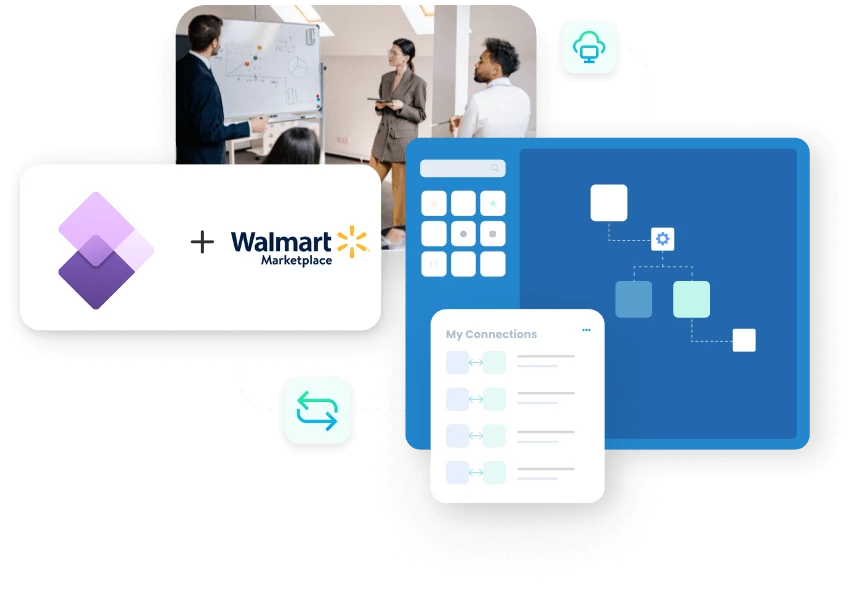
A Dynamics 365 F&O and Walmart Seller Central integration runs through ProcessFlows. Each ProcessFlow sets the source, target, entity, connector action, schema, mapping rules, validations, run mode, retry behavior, and monitoring path before a record moves between the ERP and Walmart.
Trigger & Source Connection
The workflow can begin from a schedule, webhook, manual run, or configured sync. The source may be a Walmart order, an ERP stock update, an item change, a price update, a shipment record, or a payment report.
Data Extraction & Schema Reading
The platform reads the source entity and its schema before transformation starts. The record may include an order, item, inventory update, price record, customer detail, shipment confirmation, payment reference, or settlement report.
Transformation & Field Mapping
Source fields are converted into the target format. SKU and item number are mapped first. Ship node, warehouse, price, tax, address, shipping method, carrier, tracking number, discount, and payment reference fields can be added where needed.
Validation & Business Rule Execution
The workflow checks the record before posting it to the target system. It can review SKU validity, duplicate orders, warehouse mapping, ship-node rules, required Walmart fields, tax logic, price rules, carrier values, and settlement references.
Target Push & Response Handling
The prepared record is sent to the target system. The same process can create ERP sales orders, update Walmart inventory, push pricing, acknowledge marketplace orders, or send shipment confirmation. API responses and failure reasons are captured for review.
Monitoring, Retry & Audit Logging
Logs, snapshots, node status, and transaction details show what happened during the run. Teams can correct rejected records and retry unprocessed transactions from the integration layer.

Real-world use cases
Use Cases
This Dynamics 365 F&O and Walmart Seller Central integration is designed for sellers that need marketplace operations to follow ERP control. It supports retail teams, distributors, warehouse teams, finance users, and multi-channel sellers that depend on accurate product, order, inventory, fulfillment, and payment data.
Walmart Marketplace Retail
Walmart orders reach the ERP without manual rebuilding
- A retailer selling on Walmart needs orders to enter Dynamics 365 F&O with enough detail for fulfillment, tax review, and finance handling. The integration reduces the manual effort usually needed to recreate marketplace orders inside the ERP.
- Walmart orders can create Dynamics 365 F&O sales orders with line-level details.
- Taxes, shipping charges, discounts, billing data, and delivery data can move with the order.

- Order acknowledgment can return to Walmart after the ERP accepts the order.
- Shipment confirmation can update Walmart with carrier and tracking details.
Supports marketplace retailers, direct-to-consumer sellers, and teams that manage Walmart orders through Dynamics 365 F&O.
What this integration handles
Sorted
Walmart orders
Mapped
Taxes and charges
Returned
Order acknowledgment
Tracked
Shipment updates
Multi-Channel ERP Control
Walmart listings follow ERP item and price rules
- ERP item updates can feed Walmart Seller Central with mapped product details.
- Base, special, or promotional prices can move through configured price flows.
- Inventory changes can update Walmart availability by SKU.
- Warehouse mapping can support one or more fulfillment locations.
Supports sellers managing Walmart with other marketplaces, storefronts, or wholesale channels from the same ERP environment.
What this integration handles
Synced
Item data
Controlled
Marketplace prices
Updated
Inventory by SKU
Mapped
Warehouse locations
Ship-Node Inventory & Fulfillment
Walmart availability reflects warehouse movement more closely
- ERP inventory changes can refresh Walmart availability.
- Ship-node mapping can connect Walmart fulfillment logic with ERP warehouses.
- Shipment confirmation can carry carrier and tracking details back to Walmart.
- Failed fulfillment updates can be reviewed and retried.
Supports warehouse, fulfillment, and operations teams that want fewer oversell issues and fewer late tracking updates.
What this integration handles
Updated
SKU availability
Aligned
ERP warehouses
Sent
Shipment confirmation
Reviewed
Failed records
Finance & Settlement Review
Walmart payment references are easier to review against ERP orders
Finance teams need Walmart payment information to stay close to order activity. Payouts, fees, refunds, adjustments, and deposits may also need structured review before reconciliation work can be completed.
- Payment, order, and settlement references can move from Walmart into the ERP process.
- Order totals can include tax, shipping, discount, and charge information.
- Settlement reports can support review of fees, refunds, commissions, adjustments, and deposits.
- Logs and transaction snapshots can make audit and reconciliation checks easier.
Supports finance, accounting, audit, and marketplace operations teams that need clearer traceability from Walmart to ERP.
What this integration handles
Matched
Orders and payments
Reviewed
Fees and adjustments
Traceable
Refund context
Auditable
Transaction logs
Meet appse ai
How appse ai Helps Streamline Dynamics 365 F&O and Walmart Seller Central Integration
After the main Dynamics 365 F&O and Walmart Seller Central flows are live, teams still need to manage exceptions, changing volumes, repeated validation issues, settlement checks, and marketplace response errors. appse ai adds AI-assisted workflow support around integration design, issue review, and process improvement, so teams can understand where the workflow needs attention.
Workflow Design
Build or adjust marketplace-to-ERP automation flows with no-code tools and AI-assisted guidance.
Issue Detection
Help teams spot failed order imports, rejected item updates, broken inventory runs, payment report issues, and repeated API errors earlier.
Exception Review
Review missing fields, SKU mismatches, ship-node gaps, pricing issues, tax mapping errors, and Walmart response messages with clearer context.
Decision Support
Add routing, enrichment, and conditional logic to support order review, fulfillment checks, finance validation, and exception handling.
Process Signals
Help teams track slow runs, repeated errors, order spikes, catalog update failures, settlement review delays, and fulfillment bottlenecks.
API Orchestration
Extend automation across ERP, marketplace, warehouse, finance, shipping, reporting, and custom systems through one workflow layer.
Workflow Optimization
Help teams find where the Walmart integration slows down, fails often, or needs better mapping, validation, or scheduling.
Ready to Launch Your Dynamics 365 F&O and Walmart Seller Central Integration Today?
Dynamics 365 F&O and Walmart Seller Central need to work from the same operational truth when orders, item data, stock, pricing, fulfillment, and finance records are involved. With structured integration flows, teams can scale Walmart selling while reducing manual marketplace work and improving record visibility across the ERP process.
Companies automating their business through APPSeCONNECT
Customer Success Stories
Related Resources
Dynamics 365 F&O and Walmart Seller Central integration connects ERP operations with Walmart marketplace activity. It can move orders, item data, inventory, pricing, shipment updates, customer details, payment references, and reconciliation data between both systems.
Businesses use this integration to reduce manual order entry, late acknowledgment, stale stock, listing mismatch, pricing errors, and settlement review delays. It helps Walmart activity stay closer to the ERP process used by operations and finance.
APPSeCONNECT connects both systems through configured ProcessFlows. Each flow defines the source system, target system, entity, mapping logic, validation rules, run mode, retry behavior, and monitoring path.
The integration can sync Walmart orders, customer details from orders, ERP item data, product attributes, prices, inventory, shipment confirmations, carrier details, tracking numbers, payment references, and settlement-related data.
Walmart orders can be created in Dynamics 365 F&O as sales orders. The order flow can include item details, quantities, prices, taxes, shipping charges, discounts, billing address, delivery address, and order totals.
Order acknowledgment can be sent back to Walmart after the order is accepted into Dynamics 365 F&O. This keeps the marketplace order status aligned with the ERP order process.
ERP-managed item data can update Walmart Seller Central through mapped listing flows. The exact fields depend on the product category, Walmart requirements, and the seller’s item setup.
Dynamics 365 F&O inventory can update Walmart availability by SKU. The setup can also map ERP warehouses to Walmart ship nodes when multi-location fulfillment is required.
Dynamics 365 F&O pricing can update Walmart Seller Central through configured price flows. Base prices, special prices, and promotional prices can be mapped based on the seller’s marketplace pricing process.
After shipment processing in Dynamics 365 F&O, fulfillment information can sync back to Walmart Seller Central. Carrier details and tracking numbers can move with the shipment update.
Walmart order, payment, and settlement references can sync into the ERP based on the configured process. Finance teams can use those references with ERP order records during review and reconciliation.
Walmart settlement reports can provide payout, fee, commission, refund, adjustment, and deposit context. These records can be included in the integration plan when settlement reconciliation is part of the project.
Cancellation and refund status can be mapped where the business process needs ERP review, finance handling, return processing, or reporting updates. The exact flow depends on how the seller handles these records.
WFS-related reporting can be considered when the seller uses Walmart Fulfillment Services. Inventory, order, settlement, and return report flows should be validated against the seller’s Walmart account and ERP process before rollout.
Failed records can be reviewed through logs, snapshots, node status, transaction details, and API responses. Teams can correct missing fields, mapping issues, authentication problems, rejected payloads, or validation errors before retrying the record.
appse ai adds AI-assisted workflow design, issue detection, exception review, process signals, decision support, and API orchestration around the integration. It helps teams review marketplace exceptions with more context after the core sync is live.
Start by defining the first workflows your team needs. Common starting points include Walmart order sync, order acknowledgment, inventory sync, item updates, price updates, shipment confirmation, and payment reference sync.