

















Go live instantly!

Launch Faster with APPSeCONNECT’s Ready-to-Deploy Packages.
Starting at just $99/month!!

Click to try any of these!

Transform your
workflow with appse ai

Integrate Your Business Apps with ERP

Make your ERP the single record your whole business runs on. APPSeCONNECT connects your ERP to your CRM, online store, marketplace, and shipping tools, so orders, inventory, pricing, and invoices move on their own. No retyping. No stale numbers.

SAP Certification-white-bg
g2-captera-rating
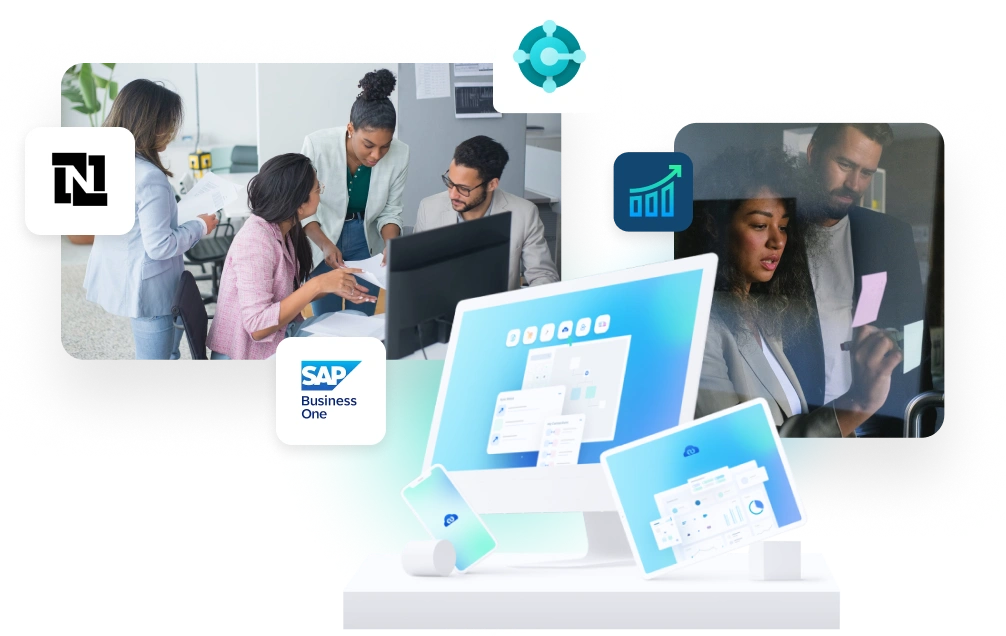
Team of professionals collaborating around a computer and tablets showing enterprise software dashboards (SAP Business One context).

Trusted By 1500+ Fast Growing Brands Worlwide

Understand the Basics

What is ERP Integration?

ERP integration connects your ERP to the other systems your business runs, such as your CRM, online store, marketplace, warehouse, and accounting tools. Your ERP stays the master record, and the connected systems read from it and write back to it, so everyone works from the same orders, inventory, and pricing.

Make Your ERP the Source of Truth

Your ERP already holds your real orders, stock, and pricing. Integration keeps every other tool matched to it, so there is one number teams can trust.

Move Data Without Retyping

Orders, customers, and invoices flow between systems on their own, so staff stop copying the same details by hand.

Real-Time or Scheduled

Pick instant updates for urgent changes like a new order, or timed syncs for large batches. You choose per flow.

Reasons to Integrate

Why Businesses Connect Their ERP

Teams do not integrate for the technology. They do it to stop the daily problems that come from an ERP that cannot talk to the rest of the stack. Here is what drives the decision.

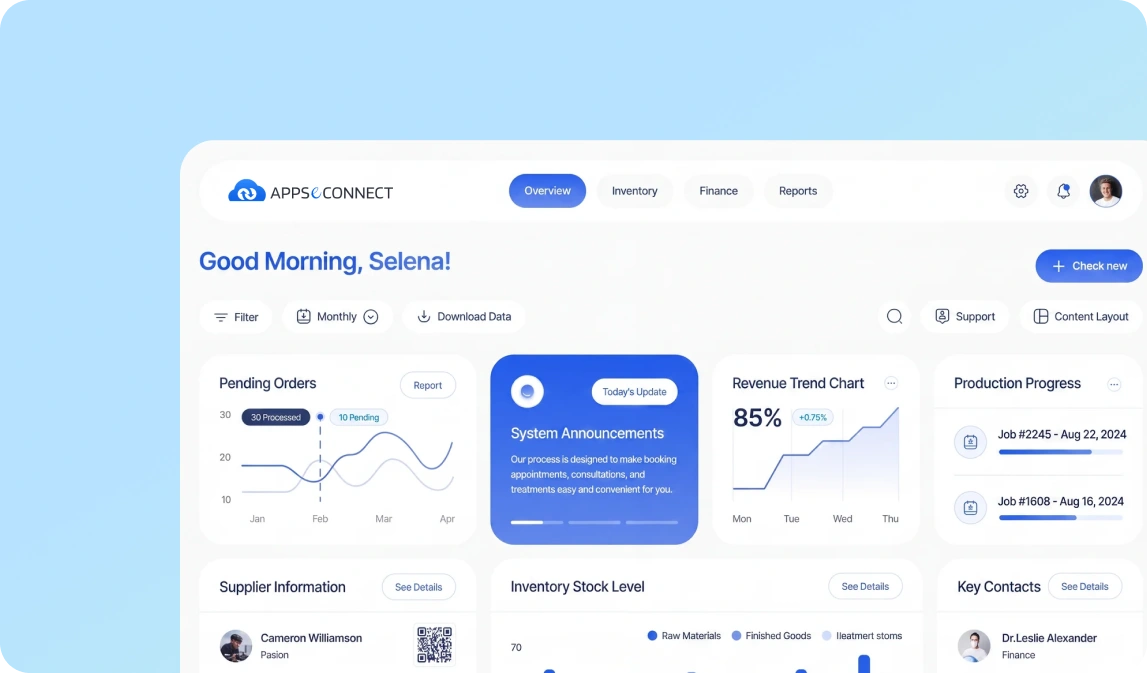
Dashboard UI with greeting 'Good Morning, Selena!' and multiple charts and widgets on a white rounded panel against a blue gradient background.

Why APPSeCONNECT

Why Teams Choose APPSeCONNECT to Integrate Their ERP

APPSeCONNECT is an ERP-first integration platform built for businesses that need real-time data flow across sales, finance, operations, and fulfillment. Our low-code iPaaS ships with tested connectors, so you skip months of custom API work and go live in weeks.

Ready Connectors for Leading ERP Systems

APPSeCONNECT connects the ERP systems most businesses run, including SAP Business One, Microsoft Dynamics Business Central, NetSuite, and Sage 300. You start from tested templates, not a blank page.

Your ERP Stays the System of Record

Other tools work around your ERP, not against it. That keeps pricing, stock, and customer data clean and owned by the right teams.

Low-Code ProcessFlow Designer

Map fields, build logic, test flows, and launch them without deep coding. Business users can follow along, and technical teams can add custom rules.

Strong Security and Stable Performance

AES-256 for stored data, TLS 1.2 in transit, ISO 27001 and SOC 2 Type II, GDPR support, and 99.9% uptime.

Our Solutions

ERP Integration Services We Offer

Our services cover every common ERP integration pattern, all on the same low-code platform, with shared monitoring, security, and support.

ERP with eCommerce Integration

Sync orders, products, pricing, and inventory between your ERP and your online store, so the store always shows what you can actually ship.

ERP with CRM Integration

Connect sales activity to your ERP for full order-to-cash visibility, from first quote to final invoice.

ERP with Marketplace Integration

Pull orders and inventory from your marketplaces into your ERP, so multi-channel sales stay in one place.

ERP with POS Integration

Send store sales, payments, and stock updates back to your ERP, so retail and finance stay aligned.

ERP with Shipping and Warehouse

Move orders out to fulfillment and bring returns and tracking back to the ERP, so operations run without spreadsheets.

ERP with Accounting Integration

Keep invoices, payments, and reconciliation flowing between your ERP and accounting tools.

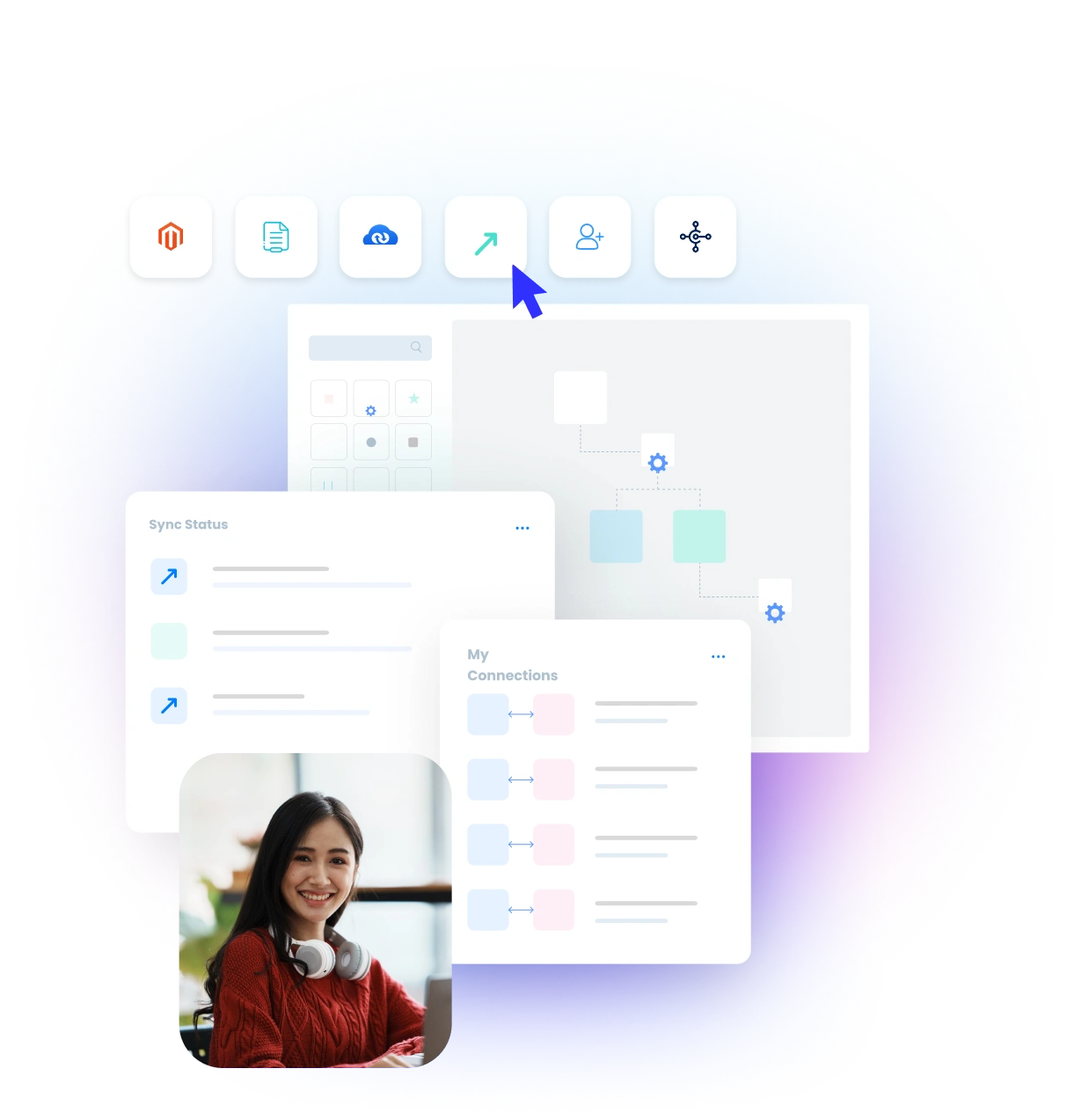
Illustration of a software dashboard with rounded-icon toolbar, multiple white panels, and a smiling woman photo overlapping the bottom left against a blue gradient background.

Featured Integrations

Every System, Connected to Your ERP

We support the ERP and business systems your team already runs. Each one ships with ready-made templates that connect to your ERP as the source of truth.

SAP ECC Loogo
Sage-300
Microsoft Dynamics GP Logo
NAV logo
acumatica integration

Do not see your system here? APPSeCONNECT includes a Connector SDK for building custom adapters.

See Business Benefits

Key Benefits by Connecting Your ERP

When your ERP feeds the rest of your stack, the whole business runs faster from order to cash. Here are the outcomes our customers report.

Smoother Work Across Teams

Smoother Work Across Teams

Many business tasks cross more than one department. A sales order affects stock, shipping, and billing, so each step needs the next one to move on time. ERP integration helps those steps move together instead of waiting for separate handovers and follow-up messages.

Better Data Accuracy

Better Data Accuracy

When the same master record flows from ERP to other tools, duplicate records and version conflicts drop. Sales sees the same account data as finance. Operations sees the same stock picture as the store and warehouse. That makes day-to-day work more reliable.

Faster Order Fulfillment

Faster Order Fulfillment

Orders should not wait in a queue because someone has to export and upload files first. APPSeCONNECT moves order details into ERP faster and helps trigger the next steps in picking, packing, and shipping. That cuts delay and gives customers a better experience.

Clearer Financial Visibility

Clearer Financial Visibility

As transactions happen, finance teams need updated revenue, payable, receivable, and stock figures. ERP integration helps those changes reach the right systems sooner. Leaders spend less time waiting for yesterday’s batch and more time making decisions from current numbers.

Lower IT Upkeep

Lower IT Upkeep

Custom scripts often work until one system changes. Then the repair work begins. APPSeCONNECT replaces many fragile one-off connections with a managed setup, ready templates, and clearer monitoring. That reduces the time developers spend fixing flows that should keep running.

Easier Growth

Easier Growth

Growth usually brings more channels, more locations, or more business units. APPSeCONNECT helps teams extend existing flows instead of rebuilding the whole setup again. That makes expansion easier to plan, whether you add a new warehouse or launch in a new market.

Better Records for Reviews

Better Records for Reviews

Each important data movement should leave a clear history behind it. APPSeCONNECT keeps track of when a flow ran, what it changed, and where it sent the data. That helps teams review issues faster and prepare for audits with less manual digging.
Our Process

How Our ERP Integration Process Works

We follow a simple five-step process so you launch with confidence.

Map Your ERP Setup

Identify your ERP, its version, and how it is deployed. Then map the systems it needs to feed, such as your store, CRM, marketplace, and shipping tools.

Define the Most Important Data Flows

Choose the flows that matter most first, such as orders, inventory, customers, and invoices. Decide which move one way and which move both ways.

Choose the Right Integration Method

Some updates need to happen right away, others can run on a schedule. We support event-based, scheduled, and mixed flows.

Configure Field Mapping and Business Rules

Use ProcessFlow Designer to match fields, apply value changes, and set the rules behind each flow, including tax, currency, pricing, and exceptions.

Go Live, Monitor, and Improve

After testing, live flows run from one dashboard. Review errors, retry failed records, and extend to more systems over time.

Industry Use Cases

Industries That Rely on a Connected ERP

ERP integration looks different from one business to another. A distributor moving thousands of orders needs a different setup than a manufacturer tracking production. APPSeCONNECT supports both.

Manufacturing

Connect sales, production, and finance to the ERP, so quotes, orders, and inventory stay in step.

Wholesale and Distribution

Handle large order volumes, repeat buyers, and warehouse updates with the ERP as the single record.

Retail and eCommerce

Keep your store, stock, and orders matched to the ERP, so buyers see accurate availability and get faster fulfillment.

Food and Beverage

Track stock, pricing, and orders across channels, so perishable and fast-moving goods stay accurate.

Automotive and Parts

Keep complex catalogs, pricing, and orders synced between the ERP and every sales channel.

Health and Life Sciences

Connect orders, billing, and compliance records to the ERP for accurate, traceable operations.

Testimonials

What Our Customers Say About ERP Integration

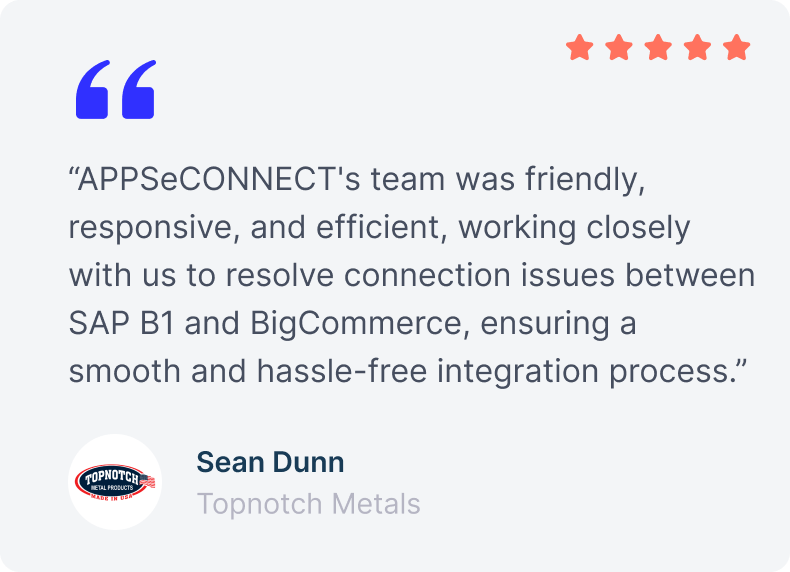
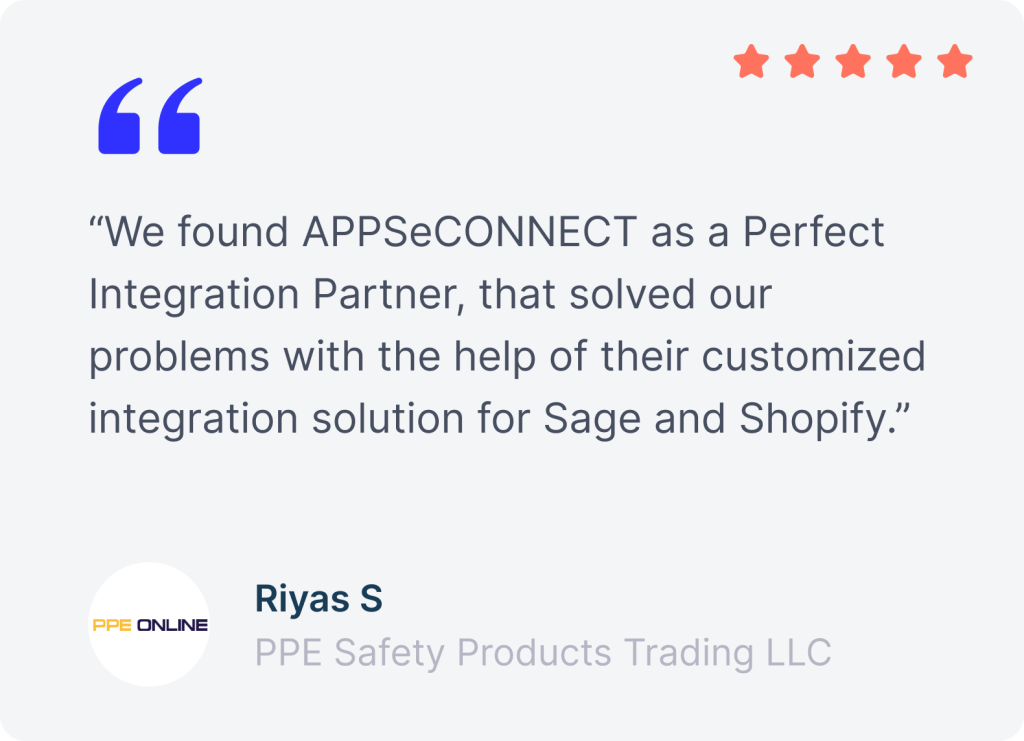
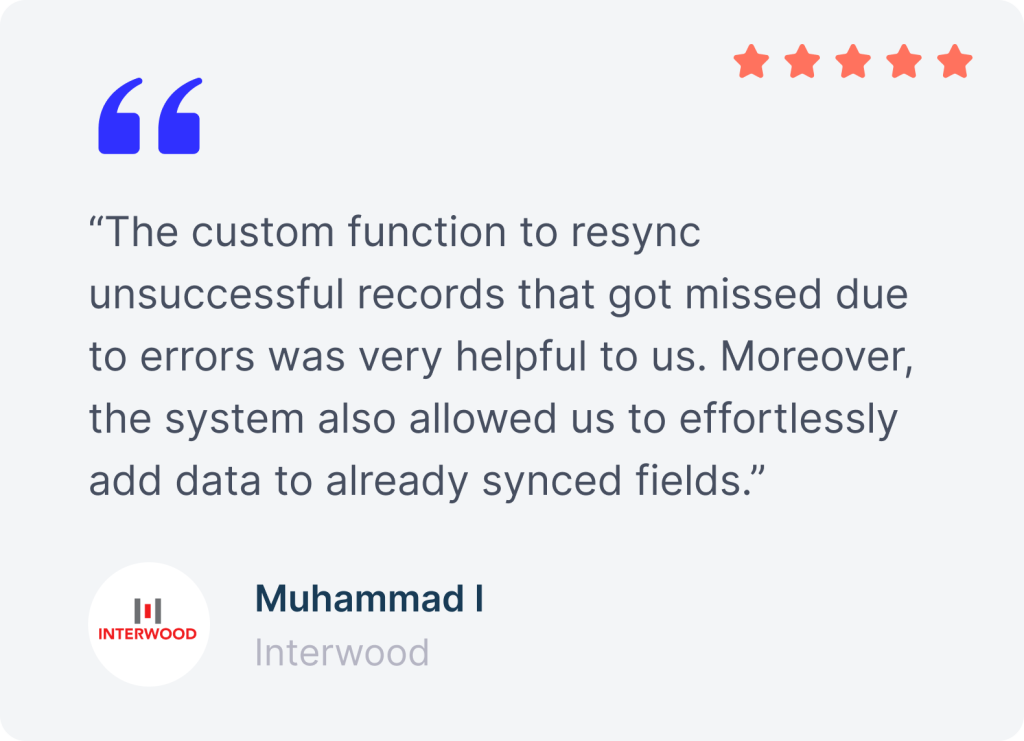
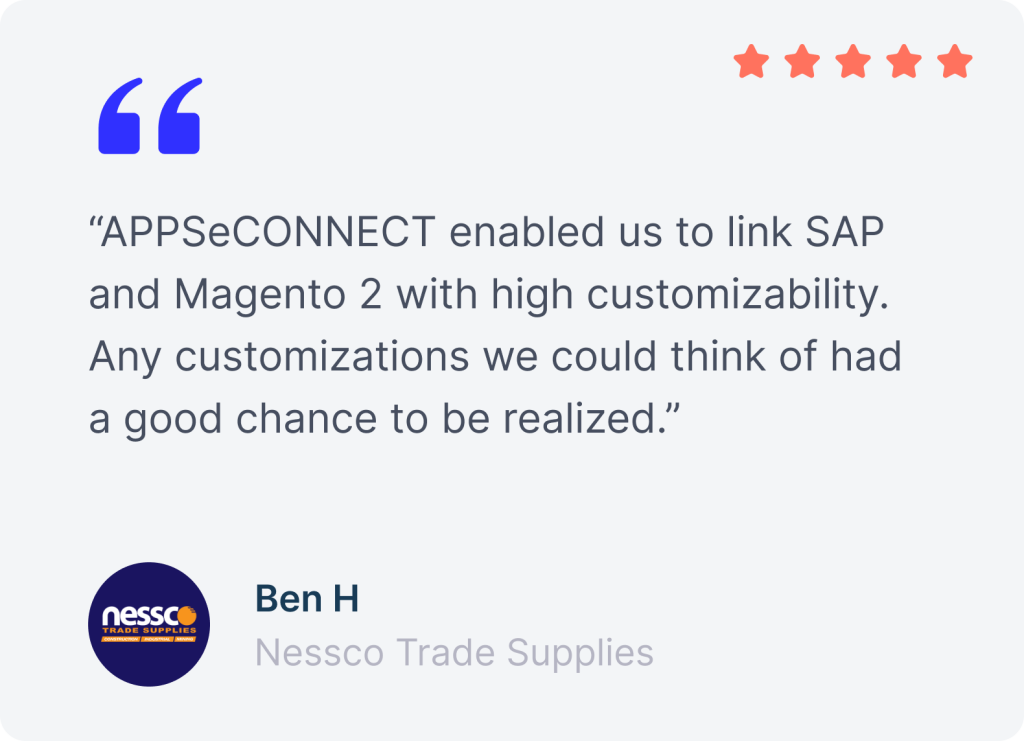
Businesses use APPSeCONNECT to make their ERP the record their whole stack runs on, without adding manual steps.

fiomega review
Swann
puchol
distri company review
kascar
Sinergroup
testimonial
PPE
Interwood review
ben H
honest kitchen
mako group
fulis paperware
fiomega review
Swann
puchol
distri company review
Sinergroup
Sinergroup
testimonial

Start Your ERP Integration Journey Today

Stop rekeying orders and chasing numbers. APPSeCONNECT connects your ERP to your store, CRM, and marketplace, so data moves on its own. Start with ready-made templates and room to scale.

FAQs

Frequently Asked Questions

Answers to the most common questions from SAP Business One + HubSpot CRM teams before booking a demo.

What ERP systems does APPSeCONNECT support?

APPSeCONNECT supports SAP Business One, SAP S/4HANA, SAP ECC, Microsoft Dynamics 365, NetSuite, Sage 300, Epicor, Infor, and other ERP setups.

How long does ERP integration take to implement?

Common flows can launch within days when ready templates fit your needs. Larger projects with custom fields and more systems usually take longer.

Can APPSeCONNECT integrate both cloud and on-premises ERPs?

APPSeCONNECT supports cloud ERP and local ERP setups in the same project, so teams can connect old and new systems together.

What is the difference between ERP integration and ERP customization?

ERP integration connects your ERP to other tools. ERP customization changes the ERP itself, which often takes more time and can complicate upgrades.

How does ERP and eCommerce integration work?

ERP and eCommerce integration sends orders, stock changes, prices, and shipment updates between your store and ERP without repeated uploads or manual entry.

How does ERP and CRM integration improve sales performance?

ERP integration with CRM gives sales teams live access to pricing, order history, credit status, and open invoices, which helps them quote faster.

How much does ERP integration cost?

Cost depends on your ERP, the systems you connect, and the flow complexity. APPSeCONNECT offers tiered plans and custom pricing for larger needs.
appseconnect-New-Logo_2022.png
Common Integration Landing Page

Submit Your Enquiry

Fill in your details below to connect with our team!