Go live instantly!

Launch Faster with APPSeCONNECT’s Ready-to-Deploy Packages.
Starting at just $99/month!!

Click to try any of these!

Transform your
workflow with appse ai

CRM ERP Integration
Services & Platform

Run sales, finance, and service on one set of records. APPSeCONNECT’s low-code iPaaS ties your CRM to your ERP, eCommerce store, marketing automation, and support desk, so every team works from the same customer, order, and inventory data. Sales reps see real-time inventory levels and order status. Finance gets clean accounts data without rekeying. Service agents pull up a full history in one screen. The result is a connected revenue cycle that runs from lead to cash without manual handoffs. Our CRM and ERP integration services help you scale without rebuilding what already works.

Sync

Keep leads, contacts, deals, orders, invoices, support tickets, and campaign activity matched across the systems your teams use.

Deploy

Start with ready templates for Salesforce, HubSpot, Dynamics 365 CRM, Zoho CRM, Pipedrive, and other popular platforms.

Operate

Track data movement, review alerts, retry failed records, and keep a clear history in one place.
block black Icon

Understand Your CRM Systems

What is CRM Integration?

CRM integration is the process of connecting your Customer Relationship Management system with the rest of your business stack, most often your ERP, eCommerce platform, marketing automation tool, and customer support software. The biggest payoff usually comes from CRM and ERP integration, because it bridges front-office sales activity with back-office finance and operations data. Customer records, sales orders, invoices, shipping status, and pricing flow between systems automatically, giving every team a single, accurate view of the customer.

Compliance Blue icon

Unify Client Data Across Systems

Sales, marketing, support, finance, and operations each run their own tools, so no one sees the whole customer. CRM ERP integration pulls those records into a single source of truth, so every team works from the same account, order, and contact data without switching tabs.

Compliance Blue icon

Automate the Lead to Cash Journey

A new prospect should not sit in the CRM while accounting waits in the ERP. Bi-directional sync moves leads, opportunities, sales orders, invoices, and payments across systems without manual rekeying, keeping the lead-to-cash cycle moving with no handoff delays.

Compliance Blue icon

Enable a Full Customer View

One data point is not a customer view. Sales needs order history from the ERP. Support needs case status. Finance needs invoice and payment data. CRM integration with ERP brings front-office and back-office records into a single customer 360 view, so every team sees the same account clearly.

what is data Integration

Benefits of CRM Integration

Why Businesses Need CRM Integration?

CRM integration matters because data trapped in one system stops the rest of the business from moving fast. Whether you are a startup or a global enterprise, CRM ERP integration benefits show up in faster quotes, fewer billing errors, sharper forecasts, and better customer retention. Linking your CRM to your ERP, eCommerce platform, and marketing stack creates a single source of truth that every department can rely on.

  • Complete Pipeline Visibility From Sales to Finance

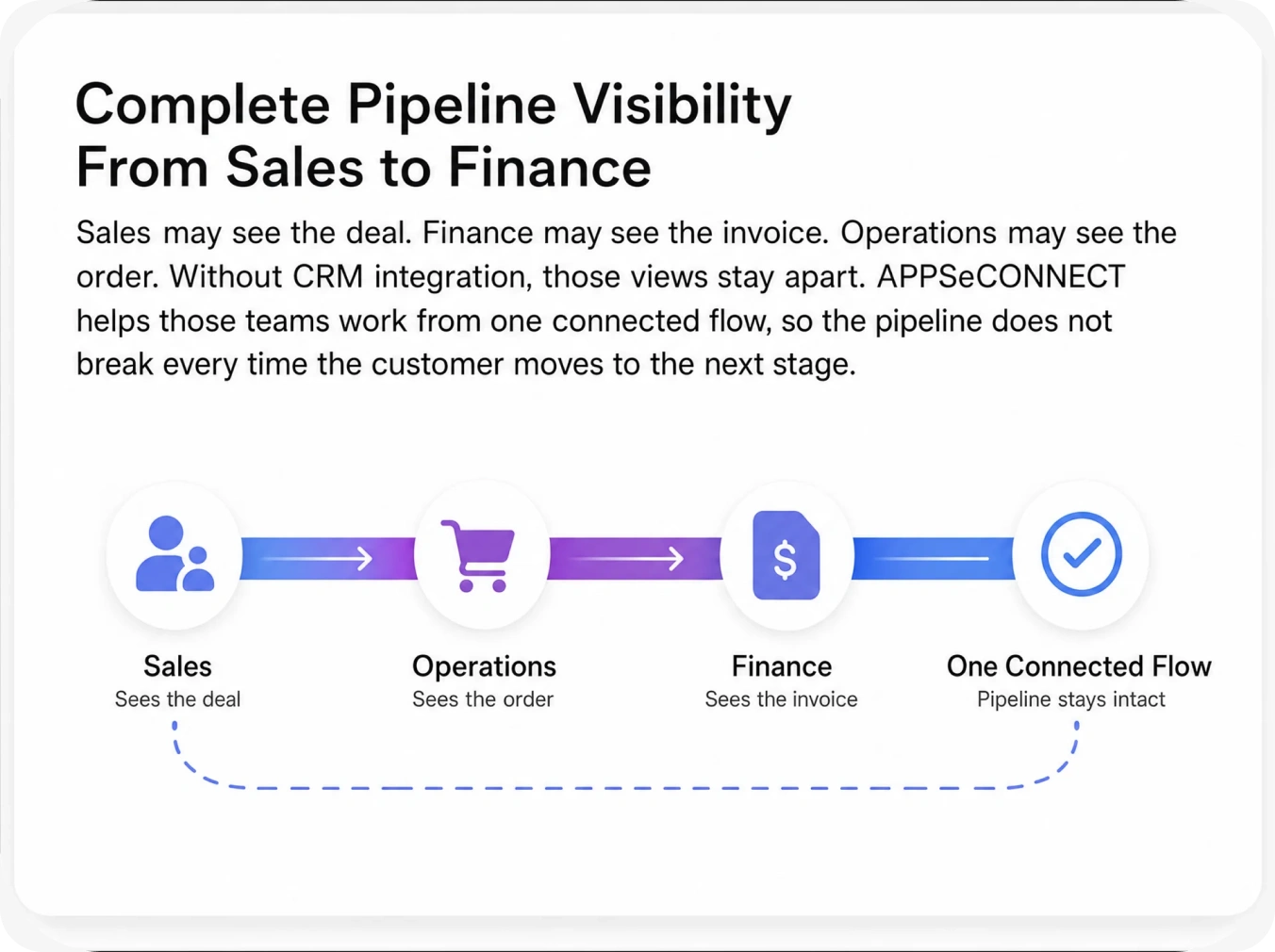
    Sales may see the deal. Finance may see the invoice. Operations may see the order. Without CRM integration, those views stay apart. APPSeCONNECT helps those teams work from one connected flow, so the pipeline does not break every time the customer moves to the next stage.

  • Faster Lead to Revenue Conversion

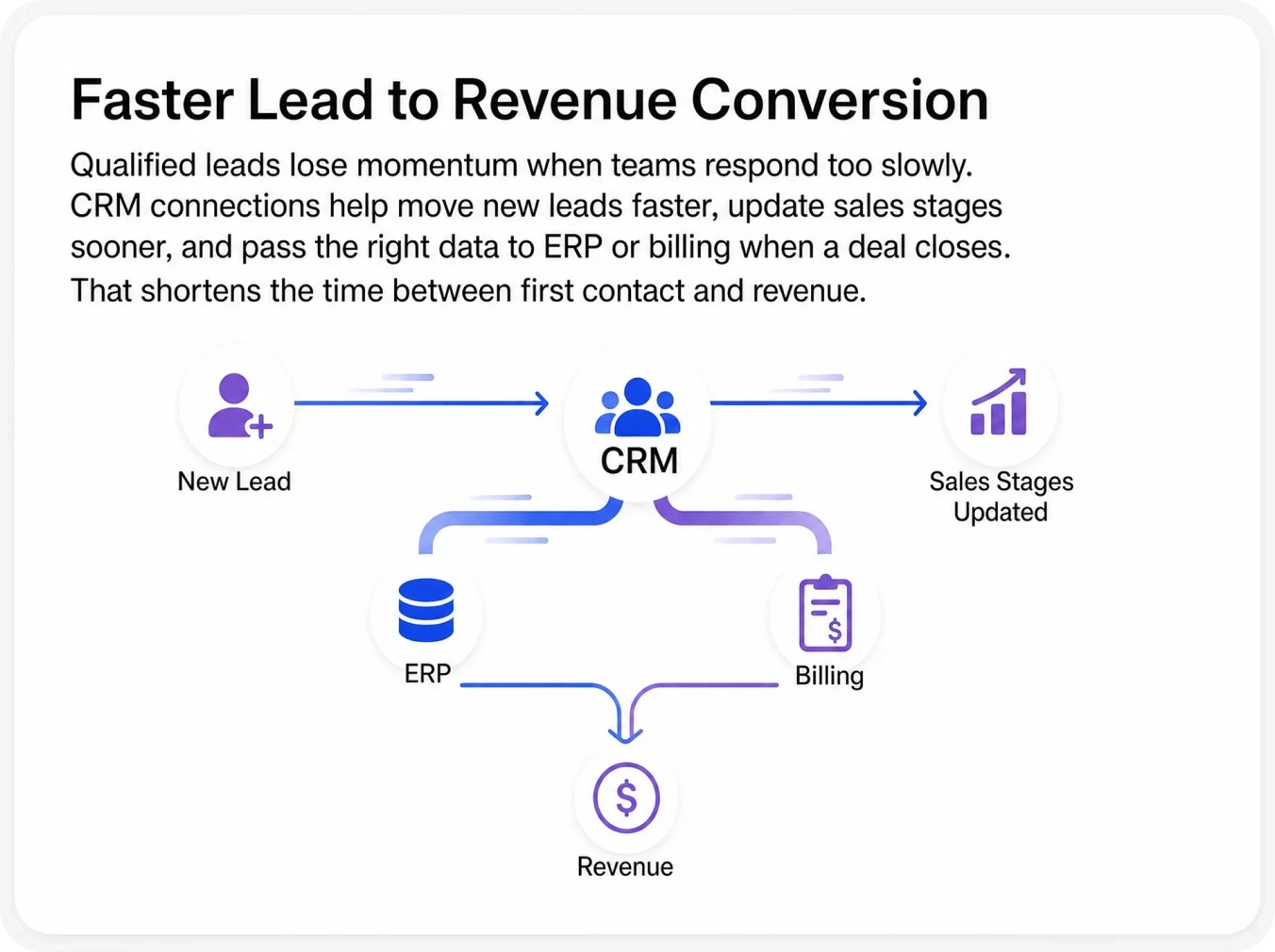
    Qualified leads lose momentum when teams respond too slowly. CRM connections help move new leads faster, update sales stages sooner, and pass the right data to ERP or billing when a deal closes. That shortens the time between first contact and revenue.

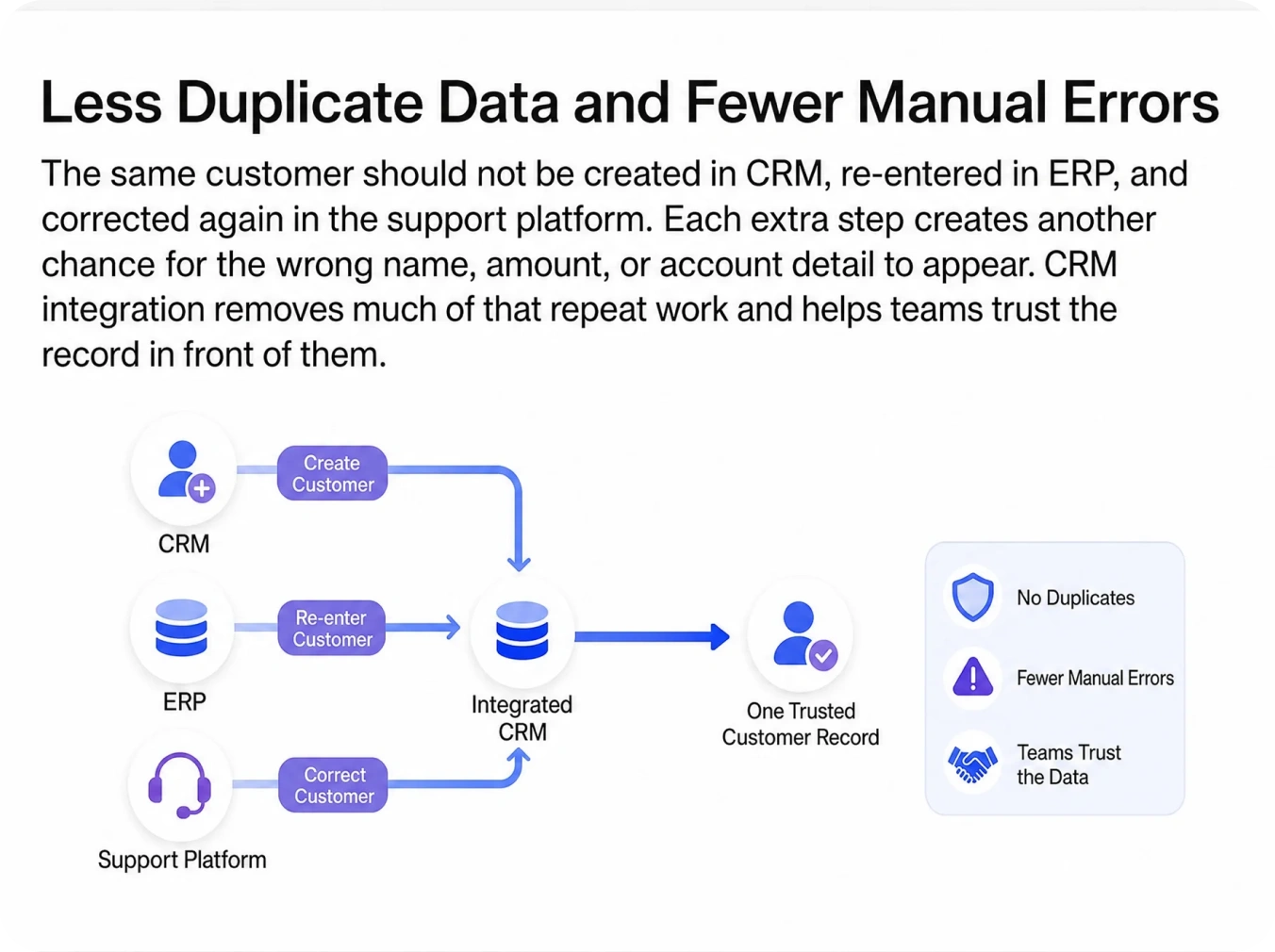
  • Less Duplicate Data and Fewer Manual Errors

    The same customer should not be created in CRM, re-entered in ERP, and corrected again in the support platform. Each extra step creates another chance for the wrong name, amount, or account detail to appear. CRM integration removes much of that repeat work and helps teams trust the record in front of them.

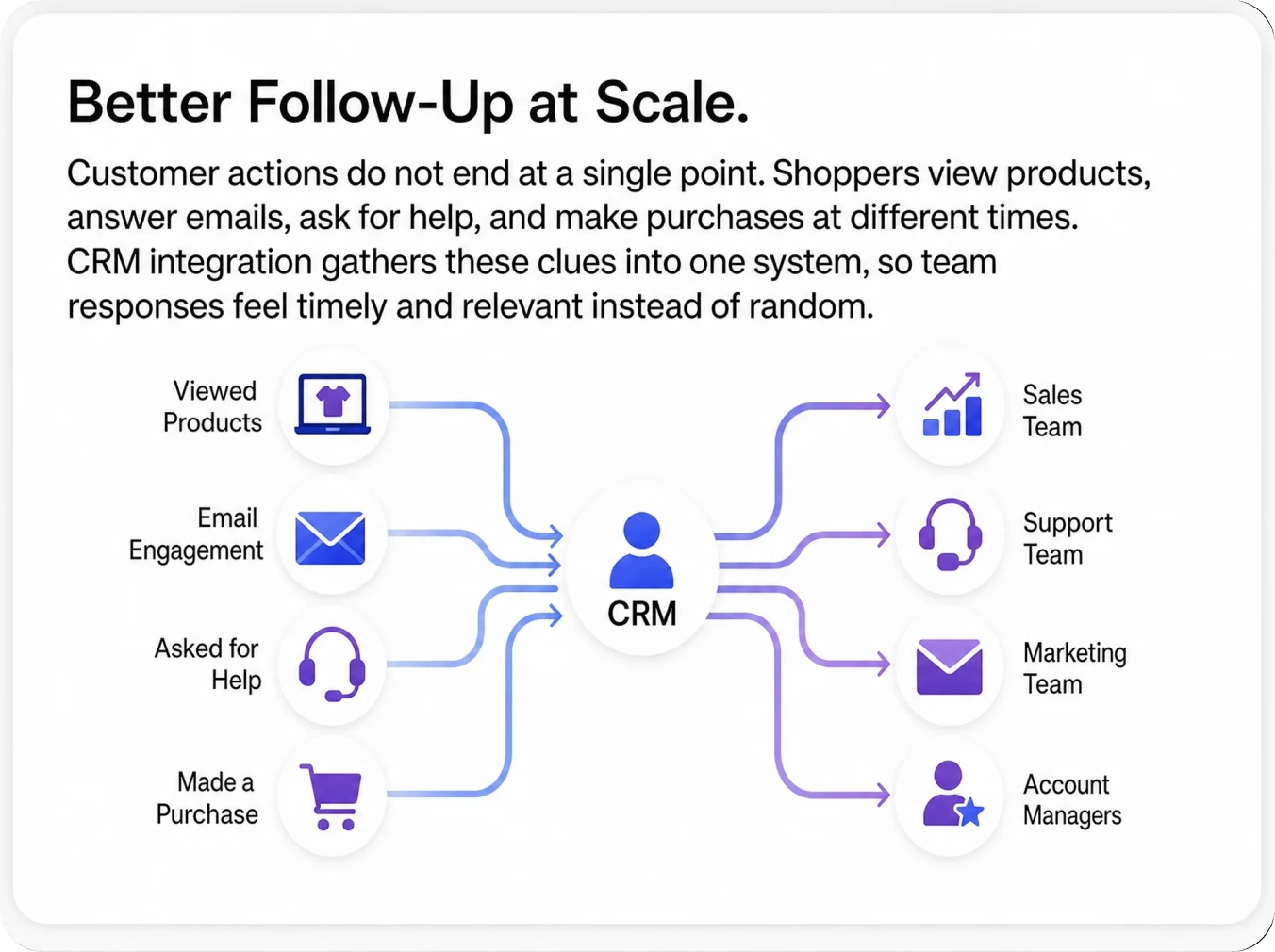
  • Better Follow-Up at Scale

    Customer actions do not end at a single point. Shoppers view products, answer emails, ask for help, and make purchases at different times. CRM integration gathers these clues into one system, so team responses feel timely and relevant instead of random.

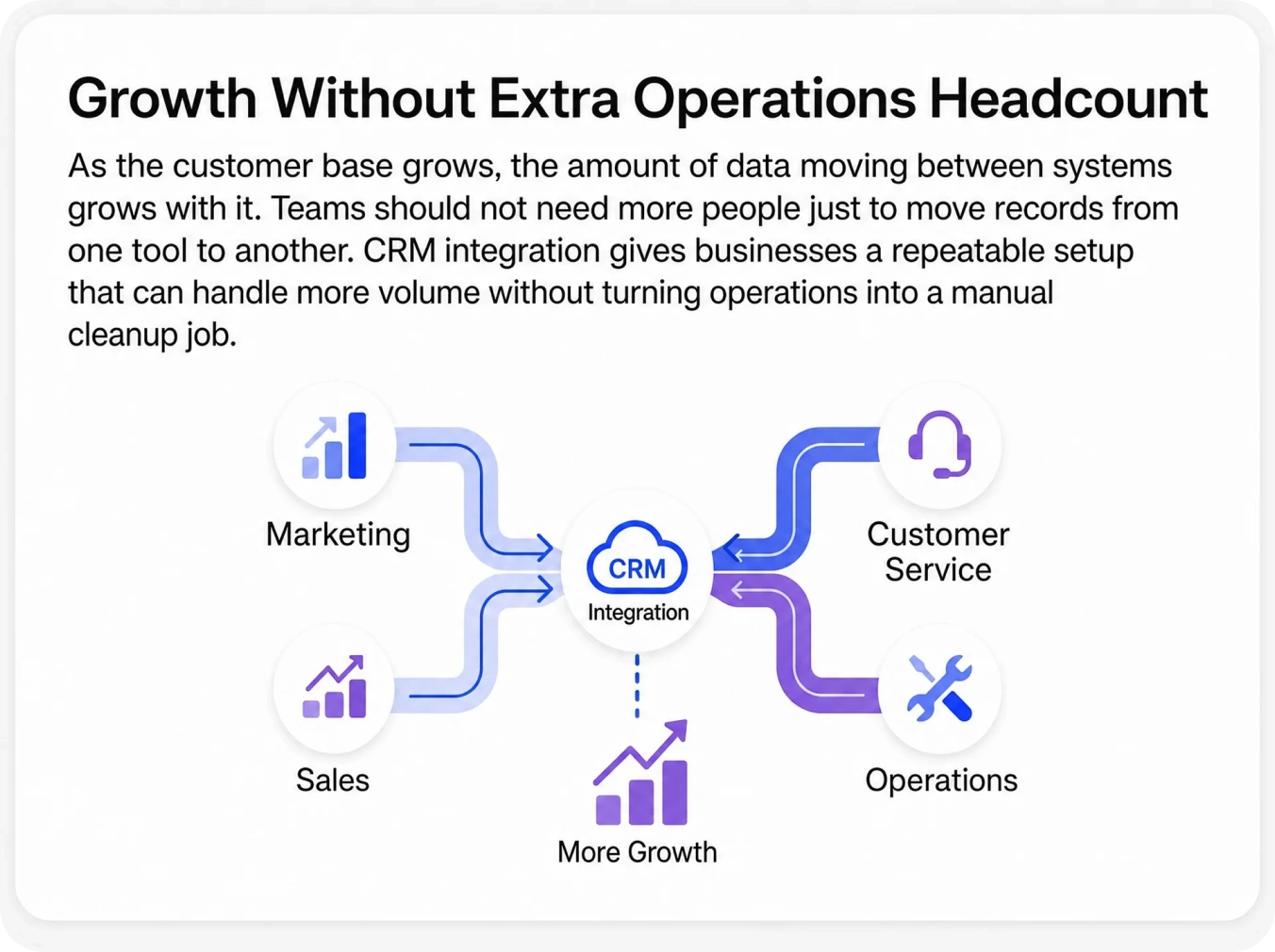
  • Growth Without Extra Operations Headcount

    As the customer base grows, the amount of data moving between systems grows with it. Teams should not need more people just to move records from one tool to another. CRM integration gives businesses a repeatable setup that can handle more volume without turning operations into a manual cleanup job.
Sync Black

The Problem

Why Choose APPSeCONNECT for CRM ERP Integration & Automation?

APPSeCONNECT is an ERP CRM integration platform built for businesses that need real-time data flow between sales, finance, operations, and service. Our low-code iPaaS ships with pre-built connectors for the systems most enterprises already run, so you skip months of custom API work and go live in weeks, not quarters.

Ready Connectors for Major CRM Platforms

APPSeCONNECT supports Salesforce, HubSpot, Microsoft Dynamics 365 CRM, Zoho CRM, Pipedrive, SugarCRM, Freshsales, Monday.com CRM, Copper CRM, Insightly, Keap, and Creatio CRM. Teams can connect these platforms to ERP, eCommerce, marketing, support, and billing tools without starting from scratch. Ready templates and tested mappings help teams move faster during setup.

Two-Way Data Movement That Keeps Teams Updated

CRM integration works best when updates move both ways where needed. A closed deal in CRM can create an order in ERP. A payment update in billing can return to the CRM account. A support change can appear for the account team before the next customer call. That keeps each team closer to the latest information.

Low-Code ProcessFlow Designer for Business and IT Teams

APPSeCONNECT includes a visual ProcessFlow Designer that helps teams map fields, build logic, test flows, and launch them without deep coding. Business users can follow the setup more easily. Technical teams can still add custom rules when the project needs more control.

Strong Data Protection and Stable Performance

Customer data needs careful handling. APPSeCONNECT protects stored data with AES-256. Data moving between systems uses TLS 1.2. The platform follows ISO 27001 and SOC 2 Type II. It also supports teams working under GDPR. With 99.9% uptime, teams can depend on their CRM data flow during daily work.

book-black-icon

Our Solutions

CRM Integration Services We Offer

Our service catalog covers every common CRM ERP integration pattern, so you do not have to start from a blank page. Each one is delivered on the same low-code platform with shared monitoring, security, and support.

Compliance Blue icon

CRM with ERP Integration

Connect Salesforce, HubSpot, Dynamics 365, or Zoho to SAP Business One, SAP S/4HANA, NetSuite, or Microsoft Dynamics 365 Business Central for full order-to-cash visibility.

thunder dark icon

CRM with eCommerce Integration

Sync customers, products, pricing, and orders between your CRM and Shopify, BigCommerce, Magento, WooCommerce, or Amazon.

CRM with Marketing Automation

Push leads, campaign attribution, and lifecycle data between CRM and Klaviyo, Mailchimp, HubSpot Marketing, or Marketo.

Real time sync

CRM with Customer Support

Tie support tickets and case histories from Zendesk, Freshdesk, or HubSpot Service Hub back to the customer record in CRM.

Retry blue icon

CRM to ERP Integration Across Multi-Channel Operations

Run a single record set across your CRM, ERP, web store, marketplace, and POS so finance, sales, and operations stop arguing about whose number is right.

star blue icon

CRM Data Migration & Cleanup

Move records from legacy CRMs into your new platform with field mapping, deduplication, and audit logs.

Featured Integrations

All CRM integrations provided by APPSeCONNECT

We support the CRM platforms your team is most likely already running. Each one ships with pre-built templates for CRM integration with ERP systems, eCommerce stores, and marketing tools.

Do not see your CRM here? APPSeCONNECT includes a Connector SDK that helps teams build custom adapters for CRM platforms that are not listed.

See Business Benefits

Key Benefits of CRM Integration for Your Business

When CRM, ERP, and the rest of your stack talk to each other, the business runs faster end to end. Below are the outcomes our customers report once their CRM ERP integration goes live.

Faster Sales Cycles

Sales reps move faster when they can see order history, payment status, support issues, and account details in one place. They spend less time waiting for internal updates and more time moving the deal forward.

Higher Lead Conversion

A strong lead should not sit in a queue while someone checks scores or routing rules by hand. CRM integration helps assign leads faster, trigger the next action sooner, and keep warm interest from cooling off.

Better Customer Retention

Customer retention improves when teams can see the full account profile. Past buys, support needs, recent emails, and payment data help groups choose when to check in, when to renew, and when to offer a better deal.

Less Revenue Leakage

Deals freeze when one tool misses a quote, an invoice, or the right account rank. CRM integration closes those gaps by keeping the revenue process connected from first lead to final payment.

Stronger Marketing and Sales Alignment

Marketing must see what drives a real pipeline, not just clicks or forms. Sales must know why a lead is ready. CRM integration helps sales and marketing act on the same buyer signals and campaign data.

Scalable Revenue Operations

As the business grows, leads, accounts, orders, and renewals increase as well. Use CRM integration to help RevOps manage that growth without building heavy manual steps for every new sales path or territory.

Better Audit Trails and Governance

Your client data must leave a clear trail. APPSeCONNECT logs what moved, when it moved, and where it went. This helps teams review changes, resolve errors faster, and strengthen internal data governance without extra manual work.

Explore Our Process

How Our CRM Integration Process Works

APPSeCONNECT follows a simple five-step process that helps teams avoid those problems and launch with more confidence.

girl-image-99-doller

01

Map Your CRM Ecosystem

Identify your CRM platform, version, and deployment model. Then map the systems it needs to exchange data with, especially ERP, POS, or accounting, along with eCommerce, marketing, support, billing, and communication tools.

02

Define the Most Important Data Flows

We help teams choose the flows that matter most first, such as contacts, accounts, leads, deals, orders, tickets, and payment updates. Teams also decide which updates should move one way and which should move both ways.

03

Choose the Right Integration Method

Some updates need to happen right away, while others can run on a schedule. We support event-based flows, scheduled runs, and mixed models, so each flow matches the business need.

04

Configure Field Mapping and Business Rules

Teams use ProcessFlow Designer to match fields, apply value changes, and define the rules behind each flow. This includes needs such as territory assignment, lead scoring, currency handling, account type rules, and exception handling.

05

Go Live, Monitor, and Improve

After testing, live flows are monitored from a central dashboard. Teams can review errors, retry failed records, and extend the same setup to more objects, teams, and connected systems over time.

Explore Industry Use Cases

Industries That Rely on CRM Integration

CRM integration looks different from one business to another. A retailer tracking cart activity and repeat buyers does not need the same setup as a manufacturer managing quotes and account service history. APPSeCONNECT supports both, with CRM data flows that match the systems, customer records, and team handoffs each industry depends on.

Blue star icon
Retail and eCommerce

Retail and eCommerce businesses need CRM data to stay linked with online stores, ERP, marketing tools, and support systems. We help keep customer profiles, orders, cart activity, returns, and campaign responses aligned so teams can follow up faster and serve buyers with better context.

Blue star icon
Manufacturing

Manufacturing teams rely on CRM integration to connect sales activity with ERP, order processing, pricing, and service records. We help move account details, quotes, order status, invoice updates, and support history so sales and operations stay on the same page.

Blue star icon
Wholesale and Distribution

Wholesale and distribution businesses manage large account lists, repeat orders, warehouse updates, and billing records every day. We help connect CRM with ERP, inventory, support, and finance tools so teams can handle customer accounts, order follow-up, and service issues with fewer gaps.

Blue star icon
Financial Services

Financial services teams often work across CRM, billing, reporting, and customer service systems. We help connect these records so teams can manage client details, payment status, service requests, and account activity with better accuracy and less manual checking.

Blue star icon
Healthcare and Life Sciences

Healthcare and life sciences businesses need CRM data to work alongside billing, service, reporting, and other operational systems. We help connect these records so teams can manage provider, patient, or partner relationships with better follow-up and a clearer view of account activity.

Blue star icon
SaaS and Technology

SaaS and technology companies often rely on CRM alongside billing, support, product usage, and finance systems. We help bring these records together so teams can track customer activity, renewals, service issues, and revenue updates without chasing details across separate tools.

Testimonials

What Our Customers Say About CRM Integration with APPSeCONNECT

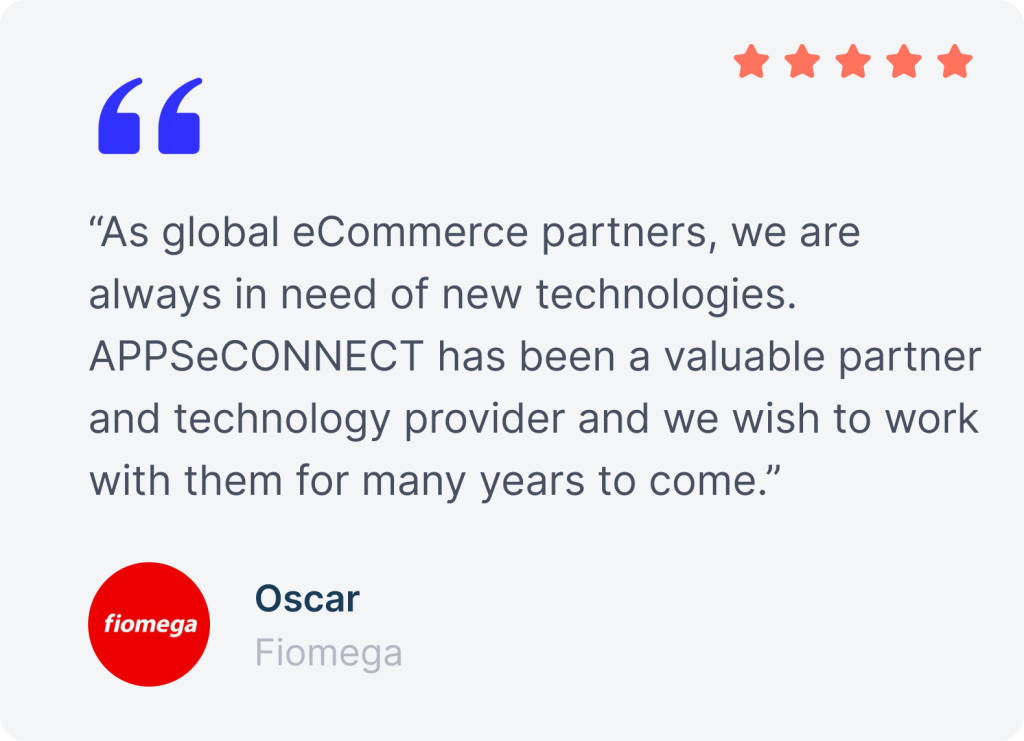
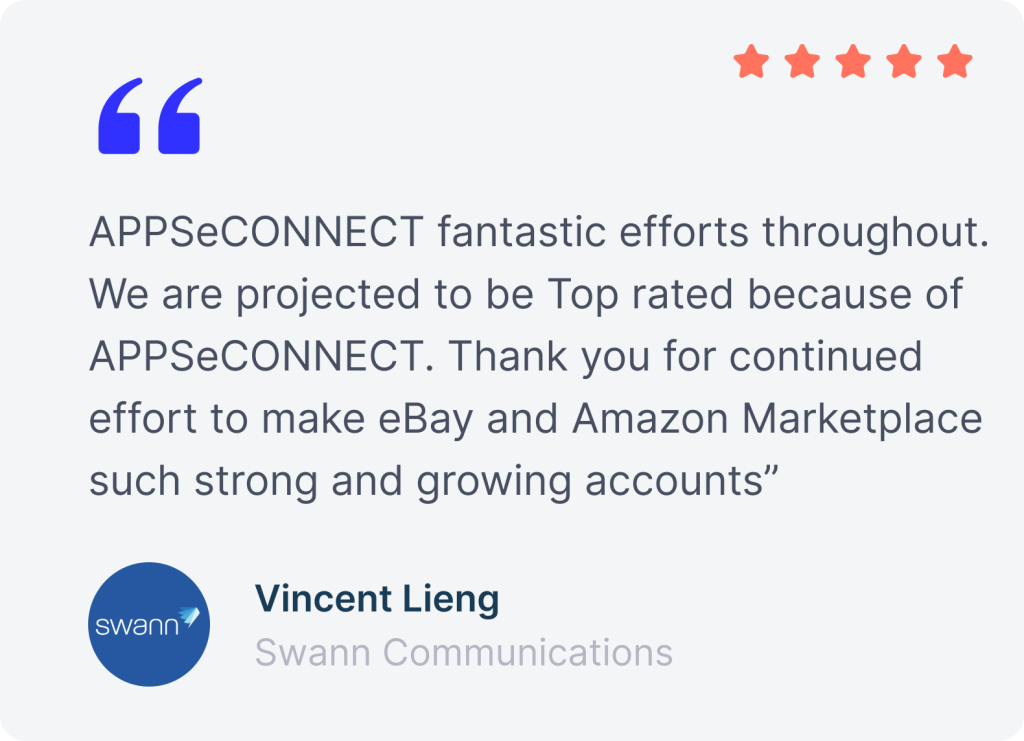
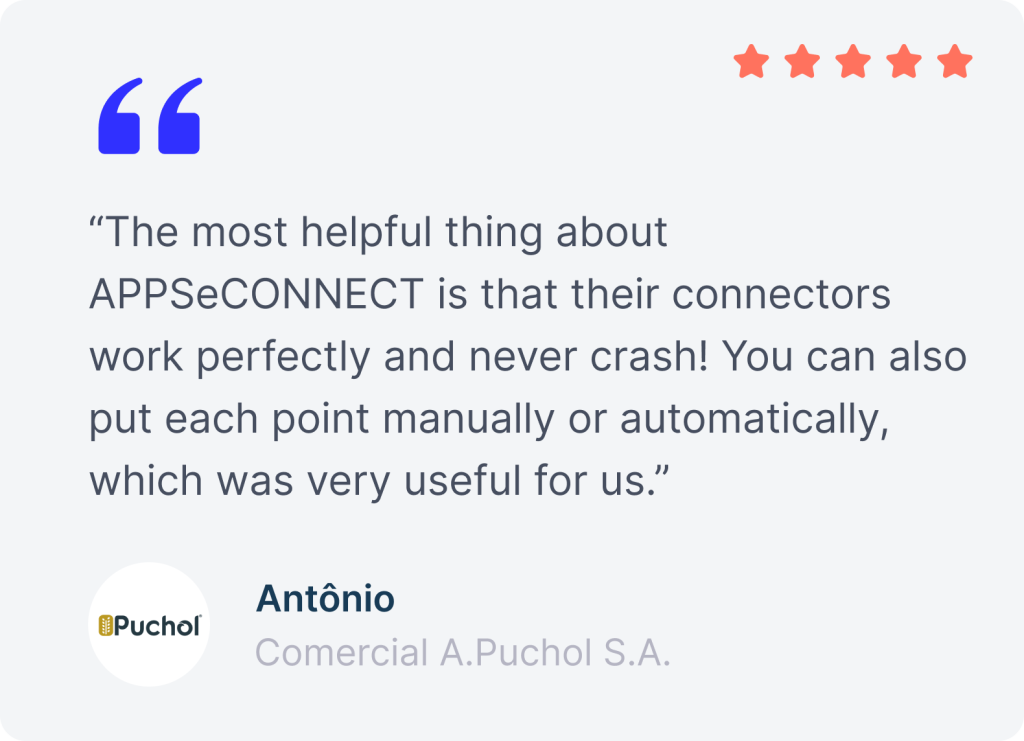
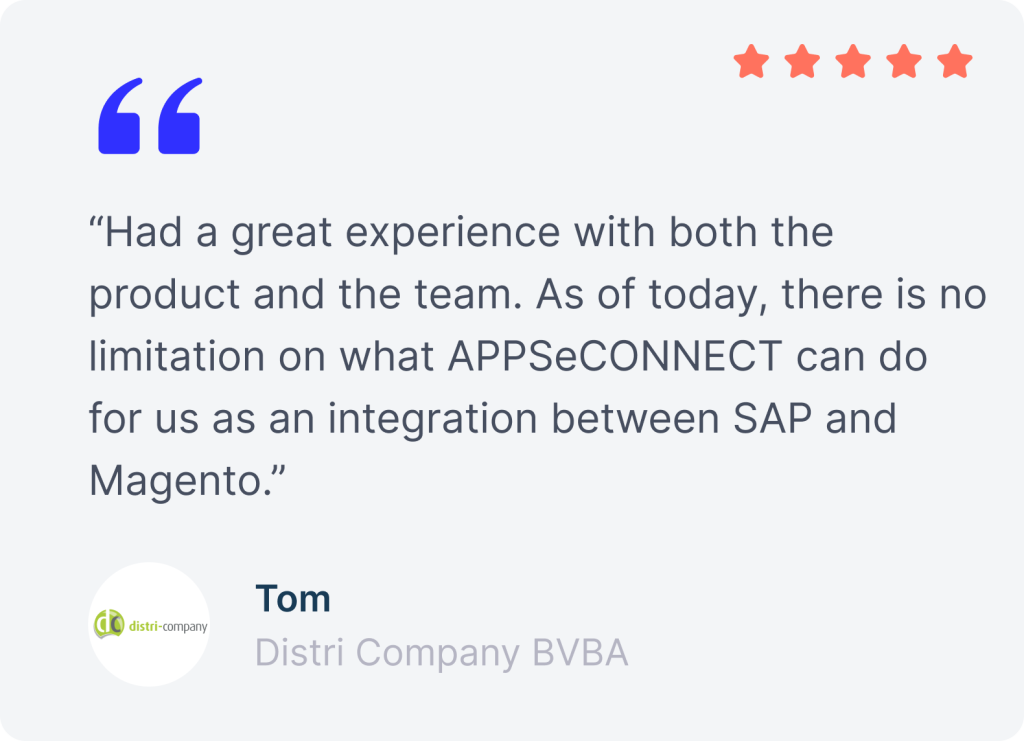
Companies use APPSeCONNECT to connect CRM with ERP, online stores, help desks, and billing systems without adding manual steps.

fiomega review
Swann
puchol
distri company review
kascar
Sinergroup
testimonial
PPE
Interwood review
ben H
honest kitchen
mako group
fulis paperware
fiomega review
Swann
puchol
distri company review
Sinergroup
Sinergroup
testimonial

Connect Your CRM. Transform Your Revenue Team.

Your CRM stores critical lead, deal, account, and customer data. When systems stay disconnected, teams face delays and extra manual work. APPSeCONNECT helps you connect CRM data, reduce repetitive tasks, and move faster across the revenue cycle. Integrate Salesforce, HubSpot, Dynamics 365 CRM, Zoho CRM, Pipedrive, and more with ready templates, flexible control, and room to scale.

FAQs

Frequently Asked Questions

What is CRM integration and why does it matter?

CRM integration connects your CRM with ERP, eCommerce, marketing, support, and billing tools, so teams stop working from partial records and manual updates.

What CRM systems does APPSeCONNECT support?

APPSeCONNECT supports Salesforce, HubSpot, Microsoft Dynamics 365 CRM, Zoho CRM, Pipedrive, SugarCRM, Freshsales, and other popular CRM platforms.

How does CRM and ERP integration work?

CRM and ERP integration moves account, deal, order, invoice, and payment data between the two systems automatically, using rules that fit your business.

How long does CRM integration take to set up?

Many standard CRM flows can go live in days with ready templates. Larger projects take longer when more systems and custom logic are involved.

How does CRM integration improve sales performance?

Sales teams get faster access to order history, invoice status, lead activity, and support context, which helps them quote better and follow up sooner.

How does CRM and marketing automation integration work?

It keeps lead scores, campaign activity, lifecycle stage updates, and contact changes moving between CRM and marketing tools without manual list work.

How much does CRM integration cost with APPSeCONNECT?

Cost depends on your CRM, connected systems, and flow complexity. APPSeCONNECT offers tiered plans and enterprise pricing based on business requirements.
appseconnect-New-Logo_2022.png
Common Integration Landing Page

Submit Your Enquiry

Fill in your details below to connect with our team!