CRM ERP integration connects your customer relationship management system with your enterprise resource planning system so customer, order, inventory, invoice, and payment data can move between them automatically.
The real question is not whether CRM and ERP should connect. Most growing businesses already know they should. The bigger decision is how to connect them in a way that works now and still holds up when the business adds new sales channels, warehouses, apps, or finance workflows.
Key Takeaways
|
CRM vs ERP: What Each System Owns
A CRM, or customer relationship management system, usually manages the customer-facing side of the business. Sales teams use it for accounts, leads, opportunities, quotes, activities, and customer conversations.
An ERP, or enterprise resource planning system, usually manages the operational and financial side. It handles orders, inventory, fulfillment, invoicing, payments, procurement, and accounting records.
The two systems need to work together because the same customer journey touches both sides. A sales rep may create a quote in the CRM, but the final price, available stock, order status, invoice, and payment details often come from the ERP. When the systems are not connected, teams start doing manual checks, copying data between tools, or making decisions from incomplete information, and Salesforce found that reps spend only 28% of their week actually selling, with much of the rest lost to tasks like deal management and data entry. That is where errors, delays, and duplicate records begin, and the cost adds up: poor data quality costs organizations an average of $12.9 million a year, according to Gartner.
What CRM ERP Integration Actually Does
Integration keeps one connected record moving across both systems instead of two separate versions drifting apart. A new account in the CRM can become a customer in the ERP. ERP-controlled pricing and stock can reach the sales rep inside the CRM. An approved quote can move forward as a sales order, and the resulting invoice and payment status can flow back so account teams see what happened.
The piece most teams underestimate is the system of record. For each shared object, one system should hold the authoritative version and the other should read or update it under clear rules. Pricing and inventory usually belong to the ERP. Leads and early opportunity activity usually belong to the CRM. Without that decision, integration just moves conflicting data faster.
What Data Syncs Between CRM and ERP
CRM and ERP do not share every record. A good integration starts by deciding which records matter, where they should live, and which system should update them.
Record | Why It Moves | Typical Direction |
Customers / Contacts | Sales and finance need the same account details | CRM ↔ ERP |
Products / Pricing | Reps need accurate items and prices while quoting | ERP → CRM |
Quotes | Approved quotes often become orders | CRM → ERP |
Sales Orders | The ERP handles fulfillment and invoicing | CRM → ERP |
Invoices / Payments | Sales and support need billing visibility | ERP → CRM |
Inventory | Reps need to know what can actually be sold | ERP → CRM |
Order History | Teams need full customer context | ERP → CRM |
The direction can change depending on how the company works. Some businesses create customers first in the CRM. Others want finance to approve customer records in the ERP before anything moves forward.
That is why CRM ERP integration should start with record ownership, not tools. Once ownership is clear, the method becomes easier to choose. Teams still defining their records and workflows can map them against broader ERP integration best practices before locking in a method.
How CRM ERP Integration Works: The Four Methods
CRM and ERP can be connected in several ways. None of these methods is perfect for every business. Each one trades off speed, control, cost, and long-term maintenance.
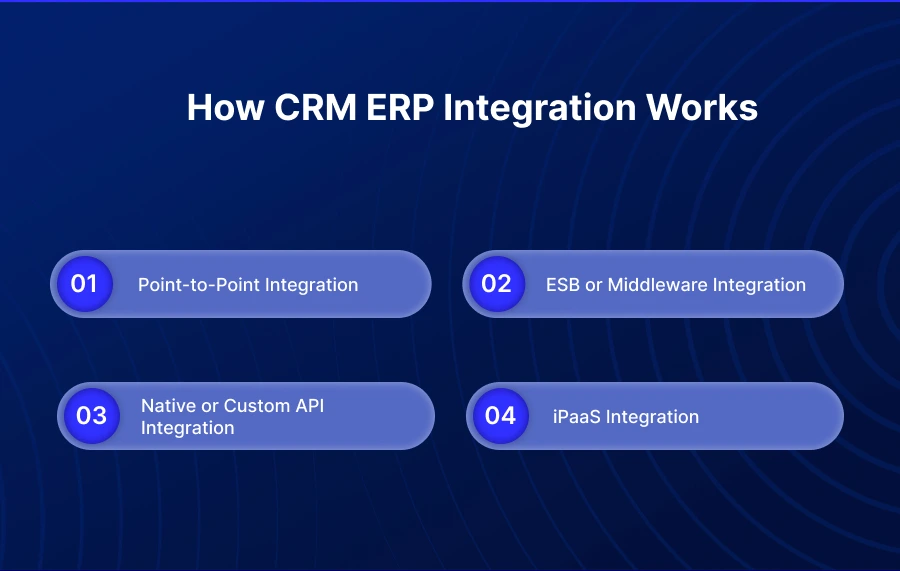
Method | Setup Effort | Maintenance | Best Fit |
Point-to-point | Low | High as systems grow | One CRM, one ERP, a limited workflow |
ESB / Middleware | High | Medium | Large setups with many systems and strict rules |
Native / API | Medium | Medium-high | Teams with stable APIs and developers available |
iPaaS | Low-medium | Lower with a managed platform | Growing teams connecting CRM, ERP, and other apps |
Point-to-Point Integration
Point-to-point integration connects the CRM directly with the ERP. This is often the fastest way to begin when the requirement is narrow, such as sending new customer records from the CRM to the ERP or pushing basic order details between two systems.
The problem starts when the setup grows. A direct link may work fine at first, but the business may later add eCommerce, a marketplace, a warehouse system, a shipping tool, or a payment app. Each new system can create another connection to build and maintain, and one small change in a field, rule, or process can affect several links at once.
Point-to-point is best when the workflow is small, stable, and unlikely to change soon. It is not ideal when the CRM and ERP sit at the center of a growing system.
ESB or Middleware Integration
An enterprise service bus, or ESB, works like a central traffic layer for business data. Instead of every system connecting directly to every other system, the middleware layer controls how data moves between them.
This approach can work well for larger companies with many systems and strict rules, for example when CRM, ERP, warehouse, finance, service, and reporting systems all need to follow the same routing and approval logic. The benefit is control. The drawback is weight: middleware usually takes more planning, more technical skill, and more ongoing care.
ESB or middleware makes sense when the business needs a highly controlled data movement layer. It can be too much when the main goal is to connect CRM, ERP, and a few surrounding apps faster with less custom work.
Native or Custom API Integration
Native or custom API integration uses the available APIs of the CRM and ERP to move data between them. Developers can decide which fields move, when records sync, how errors are handled, and what happens when a rule is broken. That control is especially useful when the business has a unique process that a standard connector cannot handle well.
The challenge is maintenance. APIs change, business fields change, sales processes change, and pricing rules change. If the integration is custom-built, someone has to keep it working every time those changes happen.
Custom API integration is a good choice when the team has developers who understand both the systems and the business process. It is risky when technical bandwidth is limited and requirements change often.
iPaaS Integration
Integration platform as a service, or iPaaS, uses a cloud-based platform to connect CRM, ERP, and other business apps through reusable connectors and workflows. For many growing businesses, this is the most practical middle path, and adoption reflects that: Gartner found the iPaaS market grew 30.7% in 2023 to $7.77 billion, the second fastest growing application and infrastructure middleware segment. It avoids the mess of too many direct links while reducing the amount of custom code needed.
An iPaaS setup can help teams map fields, run scheduled or real-time syncs, monitor failed records, and manage workflows from one place. That matters because CRM ERP integration is rarely a one-time project. Once the connection goes live, the business still has to handle changes, errors, new workflows, and new systems.
The main tradeoff is subscription cost. That cost should be compared with custom development, long-term maintenance, and the time spent fixing sync issues by hand. A small one-way sync may not need a full platform, and a very complex enterprise setup may still need deeper middleware or custom API work. But for mid-market teams that need CRM, ERP, eCommerce, inventory, payments, and support systems to work together, iPaaS is often the more manageable option.
A Quote-to-Cash Example Across CRM and ERP
Quote-to-cash is a useful way to understand CRM ERP integration because it touches sales, operations, inventory, and finance at once.
Stage | What Happe | Data Movement |
Quote Creation | Sales builds a quote in the CRM using current pricing | ERP → CRM |
Approval | The approved quote becomes a sales order | CRM → ERP |
Fulfillment | The ERP checks stock, shipment, and delivery progress | ERP internal |
Billing | The ERP creates invoice and payment records | ERP → CRM |
Account Update | The CRM shows order and payment status | ERP → CRM |
A point-to-point setup may handle this if the process is basic. But once the same flow includes eCommerce orders, warehouse systems, customer portals, or payment tools, it needs more structure. A custom API build can handle specific rules, but the team has to maintain every change. Middleware can control a complex process, but it may be too heavy for smaller teams. iPaaS fits when the business wants repeatable workflows, monitoring, and less day-to-day custom maintenance.
Benefits of Integrating CRM and ERP
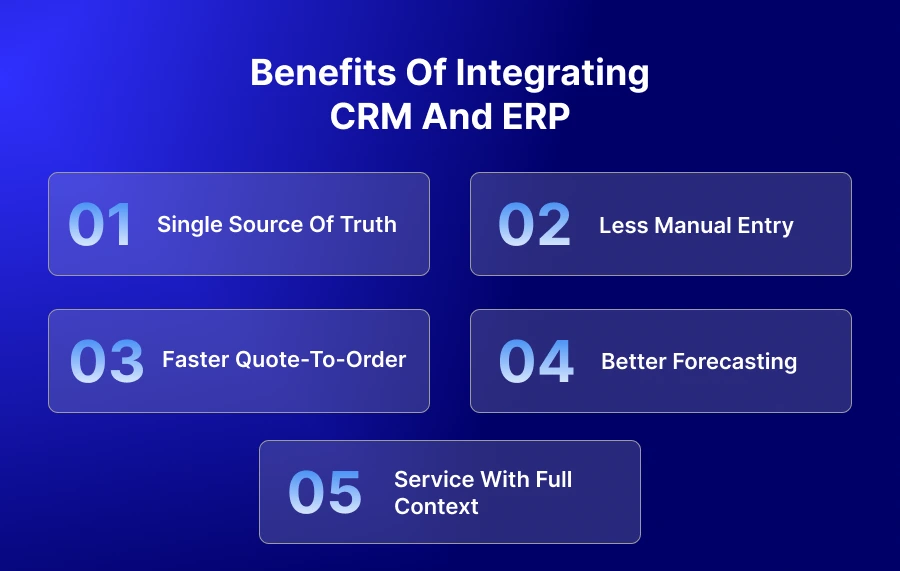
- Single Source of Truth: Sales, finance, and operations work from the same customer, order, and pricing records instead of conflicting versions.
- Less Manual Entry: Records move automatically, so teams stop rekeying data and creating duplicates between systems.
- Faster Quote-to-Order: Approved quotes become orders without a manual handoff, shortening the path from sale to fulfillment.
- Better Forecasting: Connected order, invoice, and payment data gives revenue and finance teams a clearer view of what is actually happening.
- Service With Full Context: Support and account teams can see order status, invoices, and history without switching systems or waiting on another team.
Common Challenges and How to Avoid Them
Most CRM ERP integration problems do not come from the connection itself. They come from unclear rules, messy data, and weak ownership.
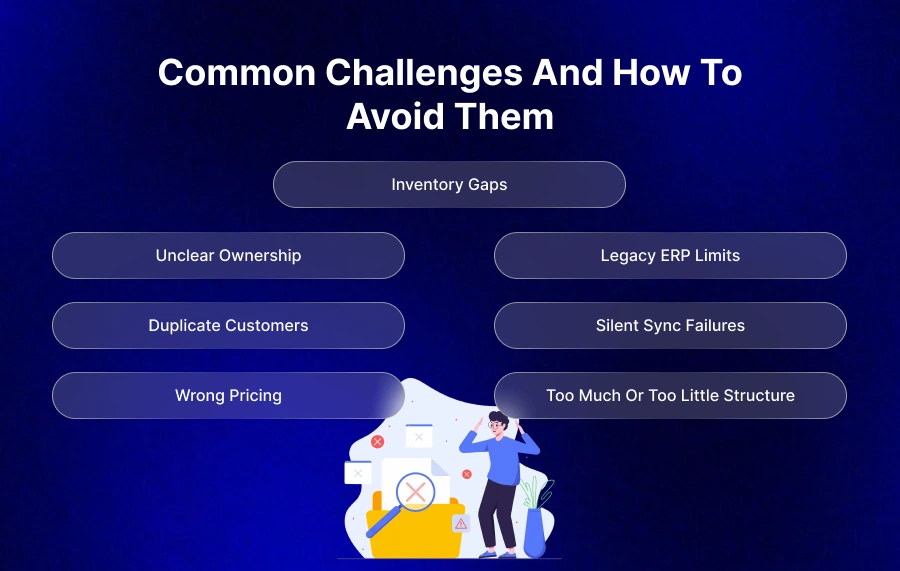
- Unclear Ownership: Decide which system owns each record. Customers, pricing, orders, invoices, and payments should not have ambiguous owners.
- Duplicate Customers: Set matching rules by email, name, tax ID, billing address, or customer code, and clean duplicates before go-live.
- Wrong Pricing: If finance or operations controls pricing, keep the ERP as the pricing source while sales teams use that data inside the CRM.
- Inventory Gaps: Sales teams should not quote stock that is unavailable. If inventory changes quickly, sync timing matters.
- Legacy ERP Limits: Older ERP systems may not have modern APIs and may rely on files, database access, or older connection methods.
- Silent Sync Failures: Failed records should not disappear. Teams need alerts, logs, and a clear process for fixing errors.
- Too Much or Too Little Structure: A heavy middleware setup can slow a focused CRM-ERP workflow, while a fragile direct link can break once more systems join the roadmap.
How to Choose the Right Method
The right method depends on how much complexity your team needs to handle now and how much change you expect later. A simple setup should not be overbuilt, and a growing setup should not be held together with fragile shortcuts.
- Unclear Ownership: Decide which system owns each record. Customers, pricing, orders, invoices, and payments should not have ambiguous owners.
- Duplicate Customers: Set matching rules by email, name, tax ID, billing address, or customer code, and clean duplicates before go-live.
- Wrong Pricing: If finance or operations controls pricing, keep the ERP as the pricing source while sales teams use that data inside the CRM.
- Inventory Gaps: Sales teams should not quote stock that is unavailable. If inventory changes quickly, sync timing matters.
- Legacy ERP Limits: Older ERP systems may not have modern APIs and may rely on files, database access, or older connection methods.
- Silent Sync Failures: Failed records should not disappear. Teams need alerts, logs, and a clear process for fixing errors.
- Too Much or Too Little Structure: A heavy middleware setup can slow a focused CRM-ERP workflow, while a fragile direct link can break once more systems join the roadmap.
How to Get Started
CRM ERP integration should begin with the business process, not the tool.
- List the Shared Records: Start with customers, contacts, products, pricing, quotes, sales orders, invoices, payments, inventory, and order history.
- Choose the Owner: Decide which system controls each record and when the other system can update it.
- Decide Sync Timing: Mark each record as real-time, near-real-time, scheduled, or exception-based.
- Pick the Right Method: Match the method to your systems, data volume, team capacity, and growth plan.
- Start With the Biggest Pain Point: Orders, customer records, pricing, and invoices often create the most visible problems.
- Test Before Launch: Use a sandbox to test mappings, duplicates, failed records, and unusual cases.
- Monitor After Go-Live: Keep reviewing errors, failed records, and workflow changes once the integration is live.
How APPSeCONNECT and appse ai Help With CRM ERP Integration
When CRM ERP integration goes beyond a single direct connection, an ERP-first iPaaS can make the setup easier to run and easier to grow.
APPSeCONNECT helps teams connect ERP, CRM, eCommerce, marketplace, accounting, and other business apps through pre-built integration packages and low-code workflow design. The hard part is rarely moving one record from CRM to ERP. The harder part is keeping customers, pricing, orders, inventory, invoices, and payments aligned as the business changes.
For CRM to ERP integration, APPSeCONNECT can help teams plan around the records that matter most. Customer details can stay consistent, ERP-controlled pricing and inventory can reach the CRM, approved quotes and orders can move into the ERP, and invoice and payment updates can come back to the CRM so sales and support teams have better account context.
APPSeCONNECT also comes with appse ai, its AI automation layer. Once CRM and ERP data are connected, appse ai helps extend the workflow into broader automation, supporting workflow design, exception handling, process routing, and AI-assisted operational steps across connected systems.
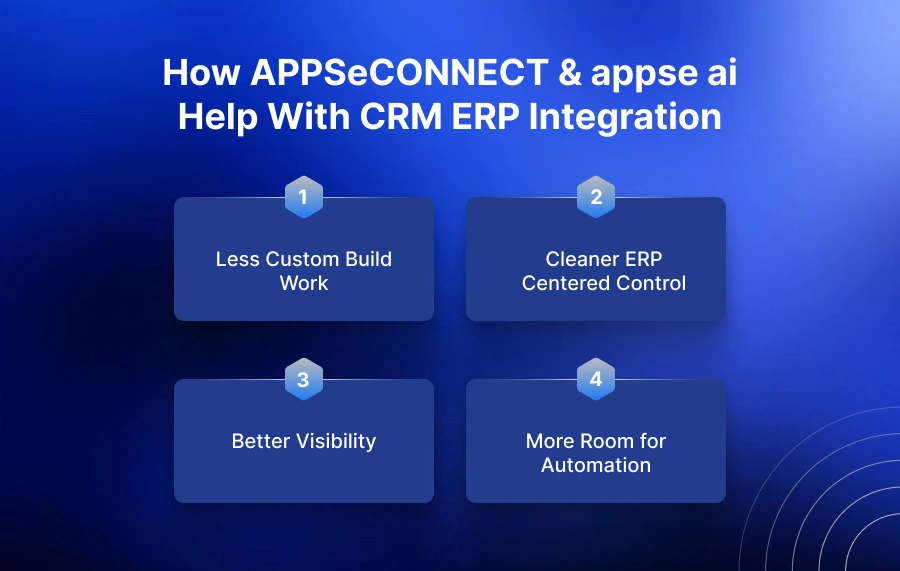
- Less Custom Build Work: Pre-built packages and low-code flows reduce the need to code every workflow from scratch.
- Cleaner ERP-Centered Control: Pricing, inventory, orders, invoices, and payments can stay governed by the ERP while CRM users still get the data they need.
- Better Visibility: Monitoring and error handling help teams catch failed syncs before they become customer, billing, or fulfillment issues.
- More Room for Automation: appse ai helps connected workflows move beyond data sync into broader business process automation.
APPSeCONNECT is worth evaluating when CRM, ERP, and nearby apps all need to work together without creating a long-term custom integration burden.
Frequently Asked Questions
CRM ERP integration connects a customer relationship management system with an enterprise resource planning system so important business data can move between them automatically. It helps sales, finance, inventory, fulfillment, and support teams work from more complete information.
The main methods are point-to-point integration, ESB or middleware integration, native or custom API integration, and iPaaS integration. Each can work, but the right choice depends on system count, data volume, team capacity, governance needs, and future growth.
Common records include customers, contacts, products, pricing, quotes, sales orders, invoices, payments, inventory, and order history. Pricing and inventory often move from ERP to CRM, while quotes and orders often move from CRM to ERP.
iPaaS is better when the team wants faster setup, reusable workflows, monitoring, and less custom maintenance. Custom API integration is better when the business needs full control and has developers available to maintain the integration over time.
Many CRM and ERP systems can be integrated if they have APIs, connectors, file exchange, database access, or another supported connection method. The bigger question is whether the setup can handle record ownership, sync timing, errors, and future changes.
The timeline depends on the systems, number of workflows, data quality, customization level, and chosen method. A narrow one-way sync can be faster, while a multi-workflow setup with customers, orders, inventory, invoices, and payments needs more planning, testing, and monitoring.
Conclusion
CRM ERP integration works best when the business first decides what data moves, which system owns it, and how much change the setup must handle. Point-to-point, ESB, custom API, and iPaaS methods can all work in the right situation. The strongest choice is the one that keeps sales, finance, inventory, and customer teams aligned without creating an integration setup that becomes hard to maintain.
To know how APPSeCONNECT can help you with your C-Line ERP integration and automate work through and across your entire business, book a demo with one expert.