Go live instantly!

Launch Faster with APPSeCONNECT’s Ready-to-Deploy Packages.
Starting at just $99/month!!

Click to try any of these!

Transform your
workflow with appse ai

SAP S/4HANA Public Cloud and Zoho CRM Integration and Automation

SAP S/4HANA Public Cloud and Zoho CRM integration keeps your sales pipeline and your back-office ERP working from the same data, so accounts, contacts, products, pricing, quotes, sales orders, invoices, and payment status move between the two systems instead of being re-keyed by hand. APPSeCONNECT gives you a governed, ERP-first iPaaS to run that connection, linking SAP S/4HANA Public Cloud through OData and BAPI and Zoho CRM through its REST APIs and OAuth 2.0, with pre-built ProcessFlow templates and a low-code visual designer so revenue and operations teams can launch without custom code and adapt as the business grows.

BUSINESS VALUE

Why APPSeCONNECT Is the Gold Standard for SAP S/4HANA Public Cloud and Zoho CRM Integration

SAP S/4HANA Public Cloud and Zoho CRM work together through controlled, two-way workflows. APPSeCONNECT keeps Zoho CRM activity connected to S/4HANA records, so sales, service, and finance teams act on the same customer, pricing, order, invoice, and payment information without repeated manual follow-ups between systems.

Real Time Sync

Quote and Sell Against Live ERP Stock and Pricing

S/4HANA stock positions and price lists can surface inside Zoho CRM, so reps quote current pricing and avoid committing orders for items the warehouse cannot ship.

Key Benefits

Turn Closed-Won Deals Into S/4HANA Orders Automatically

A finalized Zoho opportunity can create a validated S/4HANA sales order through mapped rules, reducing the hours and errors that come with hand-keying orders at the close of a deal.

Two Way Sync

Keep Accounts and Contacts Aligned Both Ways

Account, contact, and address changes can move between Zoho CRM and SAP S/4HANA Public Cloud, so invoices, statements, and shipments reach the right details instead of a stale record in one system.

Give Sales Order and Payment Visibility Inside Zoho

S/4HANA fulfillment, invoice, and payment status can be made visible in Zoho CRM, so reps answer customer questions without routing every request back to finance.

Key benefits

Support Quote-to-Order With ERP-Backed Context

Pricing, discount, tax, and currency values from S/4HANA can support Zoho quote preparation, so quotes carry ERP context before they move into order processing.

Key Benefits

Replace CSV Exports With a Connected Revenue View

With pipeline data in Zoho and revenue data in S/4HANA kept in sync, teams can reduce the manual CSV exports and spreadsheet joins used to build a combined view.
Standard Features Covered in Our Zoho CRM and SAP S/4HANA Public Cloud Integration Template

The template ships with pre-mapped ProcessFlows for the most common SAP S/4HANA Public Cloud and Zoho CRM fields. Install the flows, adjust the mappings to your configuration, and go live. The setup can also extend to customer hierarchy, sales organization data, pricing rules, and reporting fields based on your project scope.

  • Zoho CRM Accounts → SAP S/4HANA Business Partners: New or updated Zoho accounts can create or update S/4HANA business partner records, including address, tax, and account reference details.

  • SAP S/4HANA Business Partners → Zoho CRM Accounts: Customer changes from S/4HANA can refresh Zoho account records, so CRM users work with current ERP-backed information.


  • SAP S/4HANA Contacts → Zoho CRM Contacts: S/4HANA contact records can sync into Zoho CRM, with name, email, phone, role, and account relationship fields mapped.


  • Address and Partner Details: Sold-to, ship-to, and bill-to address details can stay aligned across both systems for accurate invoicing and shipment.
  • Zoho CRM Quotes → SAP S/4HANA Order Flow: Approved Zoho quotes can move toward S/4HANA sales order processing, reducing re-entry when a quote is ready for ERP handling.

  • SAP S/4HANA Pricing → Zoho CRM Quotes: Pricelist, discount, tax, and currency values from S/4HANA can support Zoho quote preparation where required.

  • Zoho CRM Opportunities → SAP S/4HANA Sales Context: Closed-won opportunity details can be passed to S/4HANA to trigger sales order creation, with account, value, and owner details included.

  • Product Lookup and Match: Products selected in Zoho quotes can be matched with S/4HANA material numbers to reduce errors as quotes move into ERP workflows.
  • SAP S/4HANA Sales Orders → Zoho CRM: Sales order number, line details, quantities, requested dates, and status can be made visible in Zoho CRM for sales follow-up.


  • SAP S/4HANA Shipment Updates → Zoho CRM: Dispatch and shipment confirmation details from S/4HANA can update Zoho records so teams can answer delivery questions.


  • SAP S/4HANA Invoices → Zoho CRM: Invoice number, amount, due date, payment status, and open balance can sync to Zoho for account and collections follow-up.


  • Payment Status → Zoho CRM: Payment and settlement status from S/4HANA can be reflected against the matching Zoho account.
  • SAP S/4HANA Materials → Zoho CRM Products: Material master data from S/4HANA can update Zoho product records, including material number, description, unit of measure, and active status.

  • Pricelist Sync: S/4HANA pricelist updates can refresh Zoho pricing references so quotes reflect current values.

  • Tax and Currency Mapping: Tax codes, currency values, and regional settings can be mapped between both systems so quote, order, and invoice data moves with fewer corrections.

Popular SAP S/4HANA Public Cloud Integrations

Connect SAP S/4HANA Public Cloud with other business applications.

Looking for a Specific Integration?
Visit All SAP S/4HANA Public Cloud

Popular Zoho CRM Integrations

Connect Zoho CRM with other business applications.

Looking for a Specific Integration?
Visit All Zoho CRM Application

INTEGRATION BROCHURE

Download the SAP S/4HANA Public Cloud and Zoho CRM Integration Brochure

Use the brochure to plan how SAP S/4HANA Public Cloud and Zoho CRM can exchange customer, quote, order, delivery, invoice, payment, and product records. It helps teams decide which system should own each process and how to roll the integration out.

Learn more about:

Real-world use cases

Use Cases

The SAP S/4HANA Public Cloud and Zoho CRM integration supports businesses that need customer-facing teams and ERP teams to work from connected records. It is useful for manufacturers, distributors, B2B sellers, and service organizations using SAP S/4HANA Public Cloud as the ERP system and Zoho CRM as the customer relationship platform.

Sales Operations

Scenario: Reps quote with live S/4HANA stock and pricing

Sales teams in Zoho CRM need reliable S/4HANA data before they quote or commit to customer expectations. Stock positions, material data, and pricing rules all influence what the team can sell and how the quote should be built.

Supports field sales, inside sales, account managers, and quote-driven B2B teams.

What this integration handles

Synced

Account and contact data

Mapped

Product and price details

Checked

Tax and currency rules

Prepared

Quote-to-order handoff

Finance & Billing

Scenario: Zoho users see invoice and payment context without asking finance

Finance activity stays in S/4HANA, while customer follow-up happens in Zoho CRM. Integration helps account teams view billing context before they discuss renewals, payment issues, or new orders.

Supports finance, collections, sales management, and account teams that need cleaner billing visibility.

What this integration handles

Visible

Invoice and due date data

Shared

Payment status context

Matched

Invoice and payment loop

Reviewed

Billing follow-up details

Customer Service

Scenario: Service teams handle cases with ERP transaction context

A service team working in Zoho CRM may need S/4HANA order, shipment, invoice, or product details to answer a customer question. Integration reduces the time spent switching systems or waiting for operational updates.

Supports customer service, account care, support desks, and post-sale service teams.

What this integration handles

Shown

Order status details

Updated

Shipment information

Linked

Invoice references

Aligned

Customer and contact records

Revenue Operations

Scenario: Pipeline activity stays connected with ERP outcomes

Revenue teams need to see more than pipeline movement inside Zoho CRM. They also need to understand which opportunities became S/4HANA orders, which orders moved forward, and which invoices were issued.

Supports revenue operations, sales leadership, finance operations, and reporting teams.

What this integration handles

Connected

Pipeline and ERP records

Updated

Sales order status

Tracked

Invoice and payment signals

Audited

Run history and logs

error icon black

WORKFLOW

How Does the Workflow Run End-to-End?

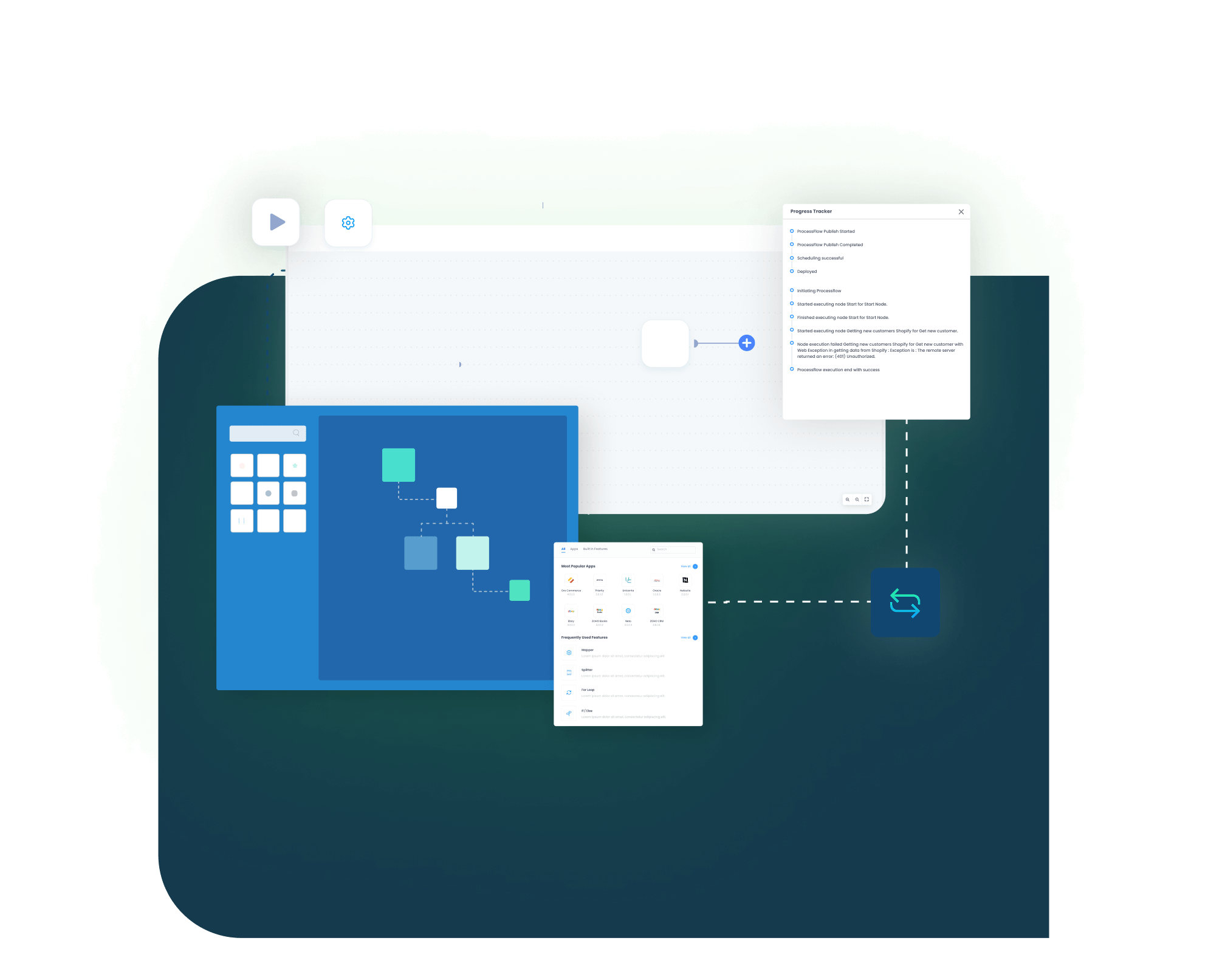
The SAP S/4HANA Public Cloud and Zoho CRM integration runs through ProcessFlows. Each ProcessFlow defines the source system, target system, entity, connector action, field mapping, validation rules, run mode, retry settings, and monitoring path before any record moves.

Connect, Automate and Grow!

Try APPSeCONNECT for 30 Days or Request a Free Demo.

Order Capture

A trigger event happens, such as a Zoho opportunity moving to closed-won, an account update, or a converted lead.

Event Trigger and Source Connection

APPSeCONNECT detects the event through a Zoho webhook or scheduled poll, validates the payload, and routes it through your ProcessFlow.

Data Extraction and Schema Reading

The flow reads the selected entity and its schema, which may be an account, contact, product, quote, sales order, invoice, or payment record.

Transformation and Field Mapping

Fields transform between Zoho CRM and S/4HANA, applying rules for currency, tax codes, customer match, product lookup, and address format.

Record Creation and Target Push

The connector creates or updates the S/4HANA sales order, business partner, or address through OData or BAPI, and captures the response with document numbers and success state.

Back-Sync, Monitoring, and Retry

S/4HANA stock changes, invoice numbers, payment status, and shipment confirmations flow back to Zoho CRM. Run history, retry logs, and alerts surface exceptions so operators can reprocess failed records without losing audit context.

block-black

Meet appse ai

How appse ai Helps Streamline SAP S/4HANA Public Cloud and Zoho CRM Integration

After SAP S/4HANA Public Cloud and Zoho CRM are connected, teams still manage failed records, mapping changes, process delays, and repeated checks. appse ai adds AI-assisted support around workflow design and exception review while keeping S/4HANA and Zoho CRM controls in place.

blue star Icon
Workflow Design

Help teams build or adjust automation flows with no-code tools and AI-assisted guidance.

blue star Icon
Issue Detection

Spot failed records, failed workflow runs, and repeated exception patterns across account, quote, order, and invoice flows.

blue star Icon
Exception Review

Review missing fields, mapping gaps, and validation errors with clearer transaction context.

blue star Icon
Decision Support

Apply routing and conditional checks when CRM activity depends on S/4HANA pricing, tax, or customer rules.

blue star Icon
Process Signals

Track where records slow down, fail often, or create extra follow-up work for sales, finance, or service teams.

blue star Icon
Teams Stay in Control

AI-assisted support helps the process while teams set the rules and decide how records move.

Frequently Asked Questions

Ready to Transform Your SAP S/4HANA Public Cloud and Zoho CRM Integration Today?

SAP S/4HANA Public Cloud and Zoho CRM should not leave teams working from different versions of customer, quote, order, and invoice data. APPSeCONNECT helps connect Zoho CRM activity with S/4HANA records through structured, two-way workflows, so teams can launch faster, cut manual work, and keep sales, service, and finance in lockstep.

Companies automating their business through APPSeCONNECT

Download Free Integration Brochure

Fill in your details below to download our brochure instantly. Discover all the details you need in one place!
appseconnect-New-Logo_2022.png
Common Integration Landing Page

Submit Your Enquiry

Fill in your details below to connect with our team!