Go live instantly!

Launch Faster with APPSeCONNECT’s Ready-to-Deploy Packages.
Starting at just $99/month!!

Click to try any of these!

Transform your
workflow with appse ai

SAP S/4HANA Public Cloud and HubSpot Integration and Automation

SAP S/4HANA Public Cloud and HubSpot integration connects CRM pipeline activity with the ERP records that control pricing, order processing, delivery, and billing, and APPSeCONNECT gives you a governed platform to move that data both ways without hand-built CPI iFlows. HubSpot deals become SAP sales orders, SAP business partners and price lists reach HubSpot, and delivery, invoice, and payment status flow back so sales, finance, and operations work from the same records.

Key Highlights

Why APPSeCONNECT Is the Gold Standard for SAP S/4HANA Public Cloud and HubSpot Integration

SAP S/4HANA Public Cloud and HubSpot work together through controlled integration workflows. The native path runs through SAP Open Connector, API Management, and Cloud Platform Integration, which teams can build and maintain themselves. APPSeCONNECT runs the same object flows through a managed layer with mapping control, run logs, and safe retries, so CRM activity stays connected to ERP records without repeated manual follow-up.

global retailer icon

Turn Closed-Won Deals Into SAP Orders Without Re-Entry

Closed-won HubSpot deals can create SAP S/4HANA Public Cloud sales orders with line items, quantities, and totals, so operations does not rekey deals into the ERP.

Pre Packaged templates

Quote With ERP-Backed Pricing and Stock

SAP product, price list, and availability data can reach HubSpot so sales teams prepare quotes against current ERP pricing instead of stale figures.

key Benefits

Keep Business Partners Aligned Across Both Systems

Company and contact records can map to SAP business partners with roles and addresses, so account data stays consistent instead of being recreated differently in each system.

Healthcare Network

Give Sales Order and Delivery Visibility Inside HubSpot

SAP sales order, delivery, and shipment status can be shown in HubSpot, so account teams follow order progress without asking operations for every update.

retry blue

Keep Invoice and Payment Status Close to Account Teams

Invoice, credit memo, due date, and payment status details can move from SAP into HubSpot, so collections and sales follow up with the right context.

Intelligent Error handle

Control Every Run With Mapping, Logs, and Retry

Field mappings, run history, auto-retry, and exception routing keep records moving with control and give teams an audit trail for every transaction.
Standard Features Covered in Our SAP S/4HANA Public Cloud and HubSpot Integration Template

APPSeCONNECT supports SAP S/4HANA Public Cloud and HubSpot integration across customer, deal, order, and billing workflows. The setup can follow your SAP S/4HANA Public Cloud configuration and HubSpot processes, using SAP OData, IDoc, and BAPI mechanisms with HubSpot REST where supported.

  • HubSpot Companies and Contacts → SAP Business Partners: New or updated HubSpot companies and contacts can create or update SAP business partner records with roles, addresses, and account references.

  • SAP Business Partners → HubSpot Companies and Contacts: Business partner changes from SAP can refresh HubSpot company and contact records, so CRM users work with current ERP-backed customer data.

  • Partner Roles and Addresses: Sold-to, ship-to, bill-to, and payer details can be reflected in HubSpot to give sales teams a clearer view of the customer structure.
  • HubSpot Deals → SAP Sales Orders: Closed-won deals can convert into SAP sales orders with line items, quantities, and totals, reducing re-entry when a deal is ready for ERP handling.

  • SAP Pricing → HubSpot Quotes: SAP material price, customer-specific pricing, discounts, tax, and currency values can support HubSpot quote preparation where required.

  • SAP Sales Order Status → HubSpot: Order number, line details, quantities, requested dates, and status can be made visible in HubSpot for sales and service follow-up.
  • SAP Products and Price Lists → HubSpot: Material data, SKUs, attributes, and price lists can update the HubSpot product library so quotes reference current catalog data.

  • Product Matching: Products selected in HubSpot can be matched to SAP material numbers to reduce errors when deals move into ERP order workflows.
  • SAP Deliveries and Shipments → HubSpot: Delivery number, dispatch status, and tracking references can post to HubSpot activities so buyers and account teams see fulfillment progress.

  • SAP Invoices and Credit Memos → HubSpot: Invoice number, amount, due date, open balance, and credit memo details can be shown on HubSpot records for account visibility.

  • SAP Payments → HubSpot: Payment status can update HubSpot so collections and sales stay aligned on follow-up timing.
  • Run History and Auto-Retry: Every run is tracked for audit and troubleshooting, transient failures are auto-retried, and exceptions can be routed to owners.

  • Replay and Runtime Filters: Records can be reprocessed by ID or date range, and filtered records can be replayed to verify fixes without rerunning everything.

Popular SAP S/4HANA Public Cloud and HubSpot Integrations

SAP S/4HANA Public Cloud and HubSpot integration often becomes part of a larger revenue and operations stack. Businesses can connect eCommerce platforms, marketplaces, CPQ tools, service platforms, billing applications, reporting tools, and approved custom applications around the SAP and HubSpot workflow, with SAP S/4HANA Public Cloud remaining the ERP system of record.

Popular SAP S/4HANA Public Cloud Integrations

Our Integration Platform helps you seamlessly connect SAP S/4HANA Public Cloud with other Business Applications.

Looking for a Specific Integration?
View All SAP S/4 HANA Public Cloud Apps

Popular HubSpot Integrations

Our Integration Platform helps you seamlessly connect HubSpot with other Business Applications.

Looking for a Specific Integration?
View All HubSpot Apps

INTEGRATION BROCHURE

Download the SAP S/4HANA Public Cloud and HubSpot Integration Brochure

Use the brochure to plan how SAP S/4HANA Public Cloud and HubSpot can exchange business partners, deal, order, product, delivery, invoice, and payment records. It helps teams decide which system should own each process and how to roll out the integration.

Learn more about:

Real-world use cases

Use Cases

The SAP S/4HANA Public Cloud and HubSpot integration supports businesses that need customer-facing teams and ERP teams to work from connected records. It is useful for manufacturers, distributors, and B2B sellers using SAP S/4HANA Public Cloud as the ERP system and HubSpot as the CRM.

Sales Operations

Scenario: Sales Teams Quote and Convert Deals With SAP Context

Sales teams working in HubSpot need reliable SAP product, price, and stock data before they quote or commit to a deal.

Supports field sales, inside sales, and quote-driven B2B teams.

What this integration handles

Synced

Business partner and contact data

Mapped

Product and price details

Checked

Tax and pricing rules

Prepared

Deal-to-order handoff

Finance & Billing

Scenario: CRM Users See Invoice and Payment Context Without Asking Finance

Finance activity stays in SAP S/4HANA Public Cloud, while customer follow-up happens in HubSpot. Integration helps account teams view billing context before they discuss renewals or new orders.

Supports finance, collections, and account teams that need cleaner billing visibility.

What this integration handles

Visible

Invoice and due date data

Shared

Payment and credit memo context

Flagged

Open balance signals

Reviewed

Billing follow-up details

Customer Service

Scenario: Service Teams Handle Cases With ERP Transaction Context

A service team in HubSpot may need SAP order, delivery, invoice, or product details to answer a customer question. Integration reduces time spent switching systems or waiting for updates.

Supports customer service, account care, and post-sale service teams.

What this integration handles

Shown

Order status details

Updated

Delivery and tracking information

Linked

Invoice references

Aligned

Partner and contact records

Revenue Operations

Scenario: Pipeline Activity Stays Connected With ERP Outcomes

Revenue teams need to see which deals became SAP orders, which orders moved forward, and which invoices were issued, not just pipeline movement in HubSpot.

Supports revenue operations, sales leadership, and reporting teams.

What this integration handles

Connected

Pipeline and ERP records

Updated

Sales order status

Tracked

Invoice and payment signals

Auditable

Sync logs and snapshots

error icon black

Workflow

How Does the Workflow Run End-to-End

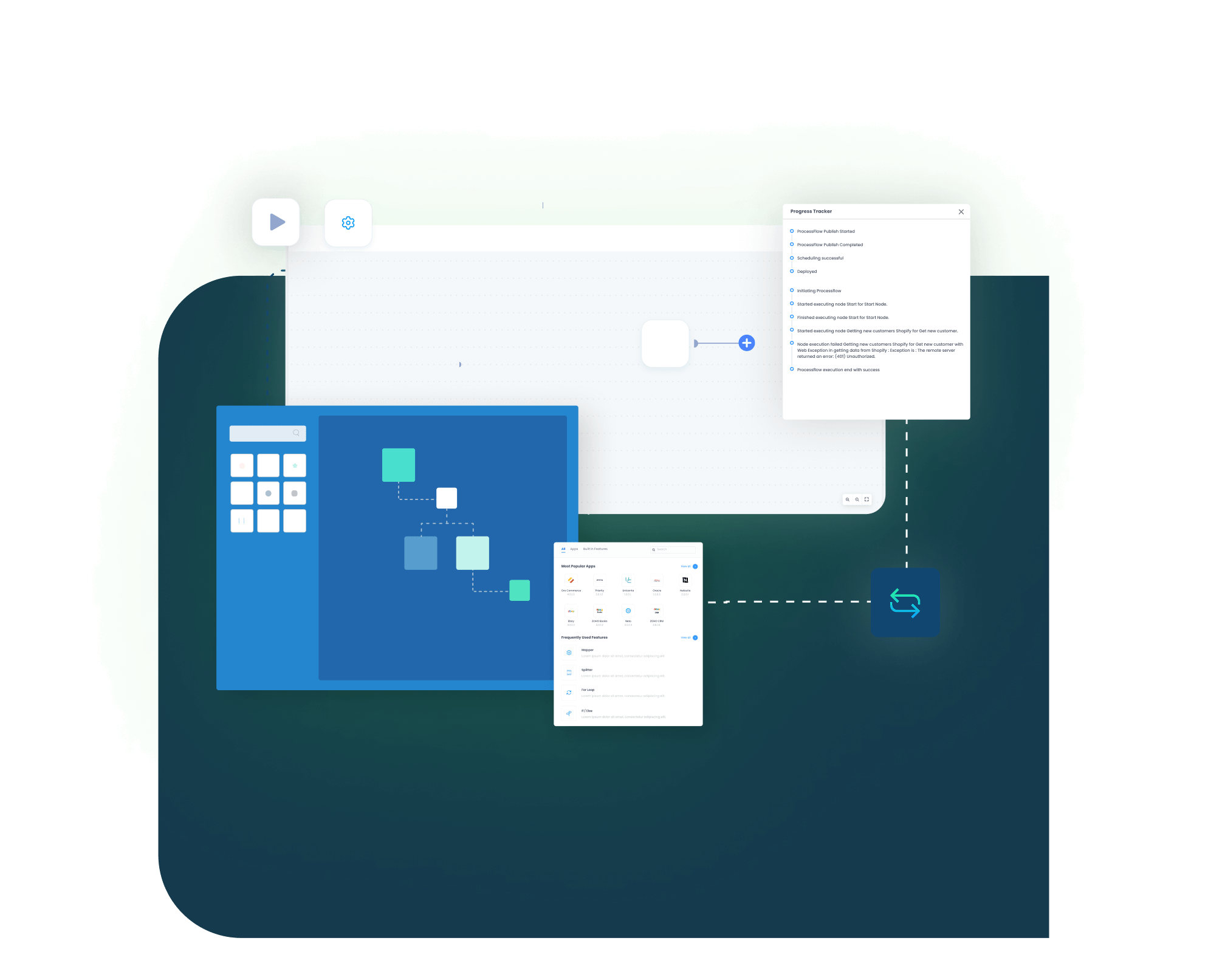
Our SAP S/4HANA Public Cloud and HubSpot integration runs through ProcessFlows. Each ProcessFlow defines where the record starts, how the source schema is read, how fields are mapped, which business checks are applied, how the target system responds, and how teams review the transaction afterward.

Connect, Automate and Grow!

See How This Would Run in Your Business

Validation and Business Rule Execution

The record is checked before it posts. The flow can validate partner matching, duplicate rules, material codes, pricing conditions, tax groups, and required fields.

Trigger and Source Connection

The flow can begin through a schedule, manual run, webhook where supported, or configured sync. The source can be SAP S/4HANA Public Cloud or HubSpot depending on the process.

Data Extraction and Schema Reading

The workflow reads the selected source entity and its schema. This may be a business partner, contact, deal, product, price list, sales order, delivery, invoice, or payment record.

Transformation and Field Mapping

Source data is converted into the target format. Business partner number, contact ID, deal ID, material number, price, tax, currency, order line, and status fields can be mapped.

Target Push and Response Handling

The prepared record is sent to SAP S/4HANA Public Cloud or HubSpot. The response is captured with success state, failure reason, system message, and sync status.

Monitoring, Retry, and Audit Logging

Logs, snapshots, node status, and retry controls help teams review issues and rerun records after correction.

block-black

Meet appse ai

How appse ai Helps Streamline SAP S/4HANA Public Cloud and HubSpot Integration

After SAP S/4HANA Public Cloud and HubSpot are connected, teams still manage failed records, mapping changes, process delays, and repeated checks. appse ai adds AI-assisted support around workflow design, exception review, and process signals while keeping SAP and HubSpot controls in place.

blue star Icon
Workflow Design

Help teams build or adjust automation flows with no-code tools and AI-assisted guidance.

blue star Icon
Issue Detection

Help teams identify failed records, failed runs, and repeated exception patterns across partner, deal, order, invoice, and product flows.

blue star Icon
Exception Review

Review missing fields, mapping gaps, validation errors, and system responses with clearer transaction context.

blue star Icon
Decision Support

Help apply routing and conditional checks when HubSpot activity depends on SAP pricing, tax, or partner rules.

blue star Icon
Process Signals

Help teams track where records slow down, fail often, or create extra follow-up for sales or finance.

blue star Icon
Teams Stay in Control

AI-assisted support helps the process while teams set the rules and decide how records move.

Ready to Launch Your SAP S/4HANA Public Cloud and HubSpot Integration Today?

SAP S/4HANA Public Cloud and HubSpot should not leave teams working from different versions of customer, deal, order, and invoice data. APPSeCONNECT helps connect HubSpot pipeline activity with SAP ERP records through structured workflows, so teams can reduce manual checks and improve visibility across the quote-to-cash lifecycle.

Frequently Asked Questions

Companies automating their business through APPSeCONNECT

Customer Success Stories

Integrated SAP Business One with Shopify, delivering real‑time orders, inventory, and customer‑specific pricing for faster fulfilment and fewer errors.
The Mako Group is the exclusive importer and U.S. distributor of the best tactical equipment and weapon accessories via brands like FAB Defense, Meprolight, Front Line and E-Lander.

Download Free Integration Brochure

Fill in your details below to download our brochure instantly. Discover all the details you need in one place!
sap-s4hana-zoho-crm-integration-brochure-cover

Download Free Integration Brochure

Fill in your details below to download our brochure instantly. Discover all the details you need in one place!
appseconnect-New-Logo_2022.png
Common Integration Landing Page

Submit Your Enquiry

Fill in your details below to connect with our team!