ERP integration is the process of connecting your ERP system to the other applications your business runs on, so data moves between them automatically instead of by manual entry. That includes your eCommerce store, CRM, marketplaces, POS, warehouse, and accounting tools. When these systems are integrated, an order, a stock change, a new customer, or an invoice created in one place appears in the others without anyone re-keying it.
This matters because most growing businesses run five or more disconnected systems. Without integration, teams retype the same data, stock counts drift, and orders slip. ERP integration removes that manual bridge and makes the ERP the single source of truth. This guide covers what ERP integration is, how it works, the methods and architecture behind it, the benefits, and how to choose the right approach for your business.
Key takeaways
|
What is ERP integration?
An ERP (Enterprise Resource Planning) system runs the core of a business: finance, inventory, purchasing, and operations. But the ERP is rarely the only system in use. Sales happen on an eCommerce platform or a marketplace, relationships live in a CRM, and orders ship through logistics tools. ERP integration is the connective layer that links these systems to the ERP so they share data continuously and behave as one.
In practice, integration is a defined, automated flow: when something happens in one system, the relevant data is created or updated in another. A Shopify order becomes a sales order in the ERP. A stock adjustment in the ERP updates the quantity shown on every storefront. The outcome is consistent data everywhere, with no manual step in between.
How does ERP integration work?
ERP integration works by moving data between systems based on events and rules. Four ideas explain how it functions.
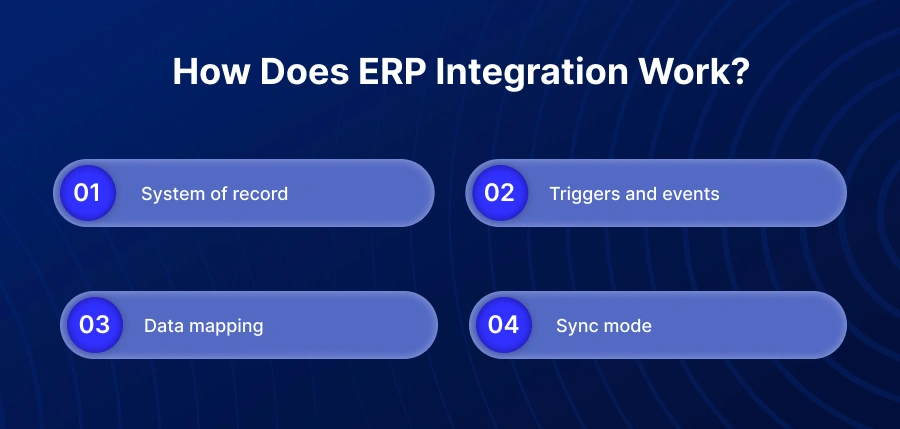
- System of record. You decide which system owns each type of data. The ERP is usually the system of record for inventory, pricing, and financials, while the storefront owns the customer-facing order.
- Triggers and events. An action, such as a new order or a stock change, triggers the integration to pass that data to the connected system.
- Data mapping. Fields in one system are matched to fields in another, so a customer, item, or tax code means the same thing on both sides.
- Sync mode. Data flows in real time (event-driven) or in scheduled batches, and often bidirectionally, so both systems stay current. Reliable integrations log every transaction and handle errors so nothing is lost silently.
What data flows between your ERP and other systems?
Any data that more than one system needs is a candidate for integration. The most common flows are below.
Data type | Typical direction | Example |
Sales orders | Store / marketplace to ERP | A Shopify order becomes a sales order in the ERP automatically |
Inventory / stock | ERP to storefronts | Stock levels push to every channel to prevent overselling |
Items / products | ERP to store | New SKUs, descriptions and images publish to the store |
Pricing | ERP to store | Customer-specific and B2B price lists stay accurate online |
Customers | Store / CRM to and from ERP | New customers sync so billing and history match |
Invoices / payments | ERP to and from store | Invoice and payment status flow back to the buyer |
Shipments / tracking | Shipping / ERP to store | Fulfilment status and tracking numbers reach the customer |
Signs your business has outgrown manual integration
If your systems are not connected, people become the integration. That works until volume rises. These are the signs the manual approach is now costing you.
Symptoms to watch for
- You oversell or hit stockouts because online stock does not match the ERP.
- Staff spend hours re-keying orders, customers, and invoices between systems.
- Orders reach the warehouse late because they are entered by hand.
- Pricing and tax errors appear because price lists live in two places.
- Finance spends days reconciling because the store and the ERP disagree.
- Adding a new sales channel means adding more manual work, not less.
The cost of disconnected systems
Manual data handling is slow, error-prone, and does not scale. The financial impact is well documented. Gartner estimates that poor data quality costs organizations an average of 12.9 million dollars per year. MIT Sloan Management Review research puts the loss even higher, finding that companies forfeit 15 to 25 percent of revenue annually to bad data. Every rekeyed order is a chance for a wrong quantity, a wrong price, or a missed shipment, and those errors compound as order volume grows. The real cost is not only the labour. It is the sales lost when stock is wrong and the growth a business cannot take on because operations cannot keep up.
Types of ERP integration: The three approaches
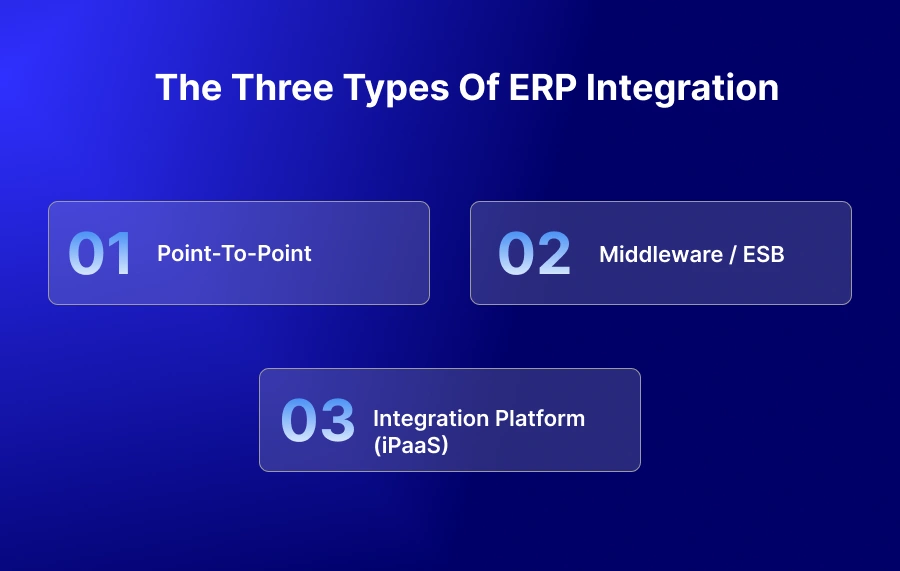
There is no single way to integrate an ERP. The right method depends on how many systems you connect, how often they change, and how much engineering you want to own.
Approach | How it works | Best for | Trade-off |
Point-to-point | A direct one-to-one connection between two apps | A single, simple connection | Breaks and multiplies as you add systems; hard to maintain |
Middleware / ESB | A central hub routes data between systems | Larger IT teams with on-premise estates | Heavier to set up and run; often on-premise |
Integration platform (iPaaS) | A cloud platform with prebuilt connectors and workflow logic | Connecting several systems and scaling | You must choose a platform that fits your stack |
Two related methods sit alongside these. EDI exchanges standardised documents with trading partners and is common in retail supply chains. Native connectors are prebuilt links offered by a specific app. For most mid-market businesses connecting an ERP with eCommerce, CRM, and marketplaces, an iPaaS is the most practical choice because it avoids the cost and fragility of custom code while handling many connections from one place.
ERP integration methods and architecture: a technical view
For teams evaluating a build, the method and architecture decide how reliable and scalable the integration will be.
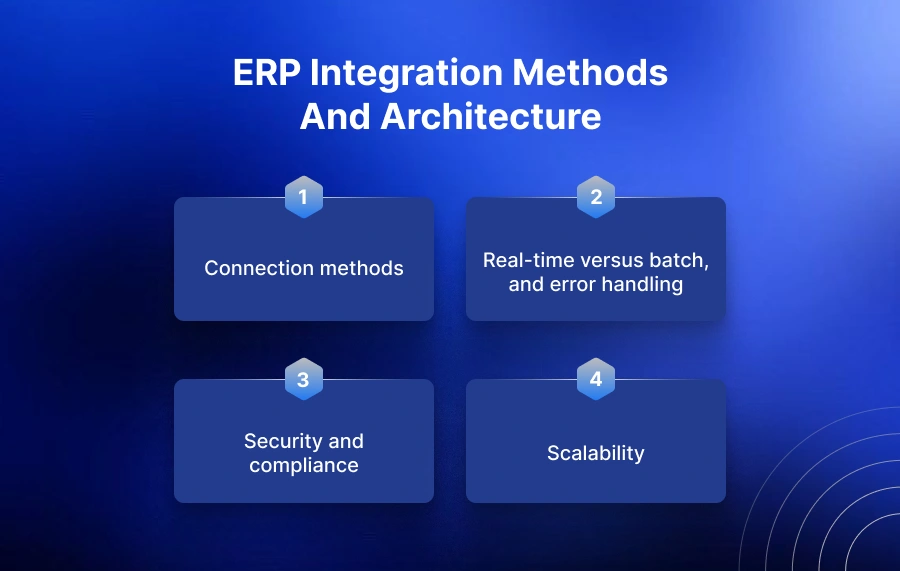
Connection methods
Most modern ERPs expose more than one integration interface. SAP Business One, for example, offers the Service Layer (a REST/OData interface) and the DI API. Other systems expose REST APIs, webhooks for event-driven updates, or file and EDI exchange for batch and trading-partner flows. The right interface depends on data volume, whether you need real-time events, and what the ERP supports.
Real-time versus batch, and error handling
Real-time, event-driven sync suits orders and inventory, where delay causes overselling. Batch sync suits large, less time-sensitive updates such as nightly catalogue refreshes. Whatever the mode, the integration must be idempotent, so a retried message does not create duplicates, and it must log every transaction, retry failures, and surface exceptions instead of losing them silently.
Security and compliance
An integration moves sensitive order, customer, and financial data, so security is part of the architecture, not an afterthought. Look for encryption in transit, role-based access control, clear data-handling practices, and recognised standards. APPSeCONNECT handles data to ISO 27001 and GDPR standards.
Scalability
The architecture has to hold up as transaction volume rises, as you add channels, and as you run multiple company databases or entities. Point-to-point scripts rarely do. A platform built for many connections and high throughput does.
For a full breakdown of methods, architecture patterns, and how to choose between them, see the APPSeCONNECT guide to ERP integration methods and best practices.
Benefits of ERP integration
Removing the manual bridge changes how the business runs. The main benefits are direct and measurable.
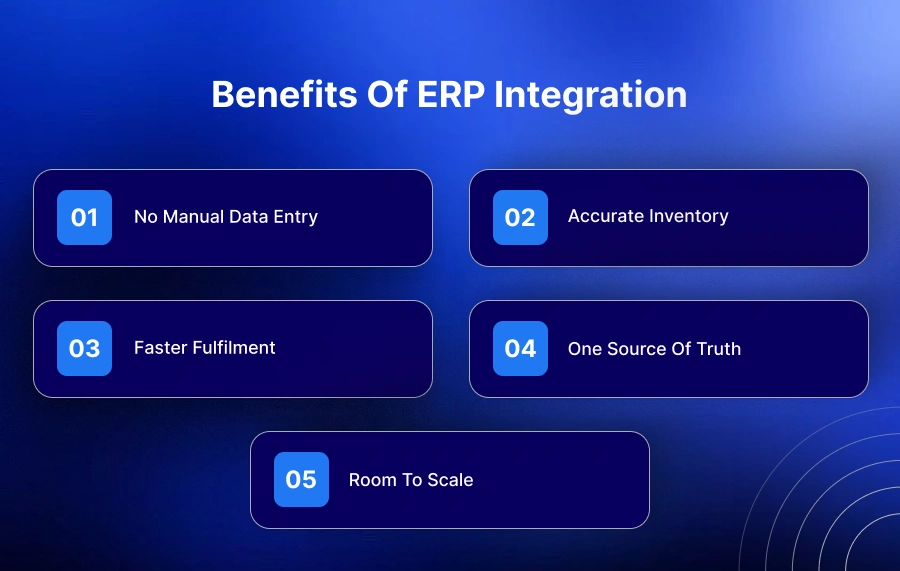
- No manual data entry. Orders, customers, and invoices move automatically, freeing staff and cutting keying errors.
- Accurate inventory. Real-time stock sync across channels prevents overselling and stockouts.
- Faster fulfilment. Orders reach the ERP the moment they are placed, so shipping starts sooner.
- One source of truth. Finance, sales, and operations work from the same numbers.
- Room to scale. New channels and higher order volumes no longer mean more manual work.
Real results from ERP integration
These are outcomes APPSeCONNECT customers reported after integrating their ERP with their sales and operations systems.
Business | Systems integrated | Reported result |
99% of bulk orders synced automatically, with higher accuracy | ||
30% increase in sales volume | ||
SAP Business One + eCommerce | Order fulfilment cycle time improved by up to 80% | |
SAP Business One + eCommerce | Order fulfilment cycle optimised by 70% |
Across more than 100 ERP integration deployments, APPSeCONNECT sees the same pattern. The businesses that win start by automating orders and inventory, and the projects that stall are the ones that never defined which system is the source of truth. That single decision, made early, separates a smooth rollout from a stalled one.
ERP integration examples
The clearest example is connecting an eCommerce store to an ERP. When a customer places an order online, it is created automatically as a sales order in the ERP, stock updates across channels, and the invoice and shipping status flow back to the customer. Distributors, manufacturers, and retailers use the same pattern to connect SAP Business One, NetSuite, or Microsoft Dynamics 365 Business Central to Shopify, Magento, WooCommerce, and marketplaces such as Amazon. See how real businesses have done this in the APPSeCONNECT customer case studies.
How to choose your ERP integration approach
Use these criteria to decide between point-to-point, middleware, and an iPaaS.
- Number of systems: One connection can be direct; several point to a platform.
- Change frequency: If your apps and APIs change often, prebuilt connectors reduce maintenance.
- In-house engineering: Custom code needs developers to build and maintain it for years.
- Total cost of ownership: Count maintenance, not just build cost.
- Time to live: Prebuilt connectors go live far faster than custom builds.
- Support model: Decide who fixes it when an API breaks at 2am.
Custom code can suit a rare, highly specific requirement, but it is the most expensive to build and the most fragile to maintain. Prebuilt connectors on an integration platform reverse that trade: faster to launch, cheaper to run, and supported when an API changes. If you are already scoping a project, the APPSeCONNECT integration services and platform pages walk through the approach in detail.
How APPSeCONNECT approaches ERP integration
APPSeCONNECT is an ERP-first integration platform (iPaaS). It is built around the ERP rather than bolted on afterward, which is why it connects deeply with systems such as SAP Business One, SAP S/4HANA, Microsoft Dynamics 365 Business Central, Sage, NetSuite, and Acumatica, and links them to eCommerce platforms, CRMs, marketplaces, and shipping tools.
Three things define the approach. It is ERP-first, so ERP-specific logic like pricing, tax, and multi-entity structures is handled natively. It uses prebuilt connectors and a low-code workflow builder, so businesses go live in hours rather than months of custom development. And it runs one platform for many connections, so adding a channel does not mean another brittle script. Data is handled to ISO 27001 and GDPR standards. The goal is simple: make the ERP the single source of truth, and let data move on its own.
Conclusion
ERP integration turns a set of disconnected tools into one connected business. It removes manual data entry, keeps inventory and pricing accurate, speeds up fulfilment, and makes the ERP the single source of truth. The approach you choose, point-to-point, middleware, or an integration platform, should match how many systems you run and how fast you plan to grow. For most mid-market businesses, an iPaaS delivers the widest coverage with the least maintenance.
Next step
|
Frequently Asked Questions
ERP integration is connecting your ERP to your other business systems so they share data automatically. Instead of typing the same order or customer into several tools, the data flows between them on its own, keeping every system accurate and current.
ERP stands for Enterprise Resource Planning. It is software that runs core business functions, including finance, inventory, purchasing, and operations, on one shared database. It works by giving every department a single, consistent set of records, so data entered once is available across the business.
A common example is connecting an eCommerce store to an ERP. When a customer places an order on Shopify, it is created automatically as a sales order in SAP Business One, stock levels update across channels, and the invoice and shipping status flow back to the customer. No one re-keys anything.
It works through events and rules. An action in one system, such as a new order, triggers data to pass to another system. Fields are mapped so records match on both sides, and data syncs in real time or in scheduled batches, often in both directions. Reliable integrations also log and monitor every transaction.
The three approaches are point-to-point (direct connections between apps), middleware or an enterprise service bus (a central hub that routes data), and iPaaS (a cloud platform with prebuilt connectors and workflow logic). iPaaS is the modern, most scalable option for connecting several systems.
ERP is commonly described as covering four core areas: finance and accounting, human resources, manufacturing and operations, and supply chain management. Integration connects these core ERP functions to the customer-facing and operational apps around them.
No. Excel is a spreadsheet, not an ERP. It lacks the shared database, modules, and automation an ERP provides. Many businesses outgrow spreadsheets, move to an ERP, then integrate that ERP with their other systems to remove manual work.
An API is the technical interface a system exposes so other software can exchange data with it. API integration is using those interfaces to connect two systems. ERP integration is the broader business outcome of connecting the ERP to your other applications, and it may use APIs, connectors, or EDI to achieve it.
iPaaS stands for integration platform as a service. It is a cloud platform that connects your applications using prebuilt connectors and low-code workflows, without custom development for each link. For ERP integration, an iPaaS lets you connect and automate many systems from one place and scale easily.
The main benefits are eliminating manual data entry, keeping inventory accurate across channels, fulfilling orders faster, giving finance and operations one source of truth, and being able to add channels and volume without adding manual work.
It depends on the number of systems, the complexity of the workflows, and the approach. A prebuilt connector on an integration platform can go live in hours to weeks, while custom or point-to-point builds take longer. Scope, data mapping, and testing are the main drivers of the timeline.
Real-time integration passes data the moment an event happens, which suits orders and inventory. Batch integration moves data on a schedule, such as hourly or nightly, which suits large, less time-sensitive updates. Many integrations use both, matched to each data type.
It can be, when the platform follows recognised security and privacy standards. APPSeCONNECT handles data to ISO 27001 and GDPR standards. Look for encryption, access controls, transaction logging, and clear data-handling practices in any integration solution.
Most major ERPs can be integrated, including SAP Business One, SAP S/4HANA, SAP ECC, Microsoft Dynamics 365 Business Central, Microsoft Dynamics NAV, Sage, NetSuite, and Acumatica. The right platform offers prebuilt connectors for the ERP and the apps around it.