SAP S/4HANA and Shopify Integration
- Automate
- Align
- Accelerate
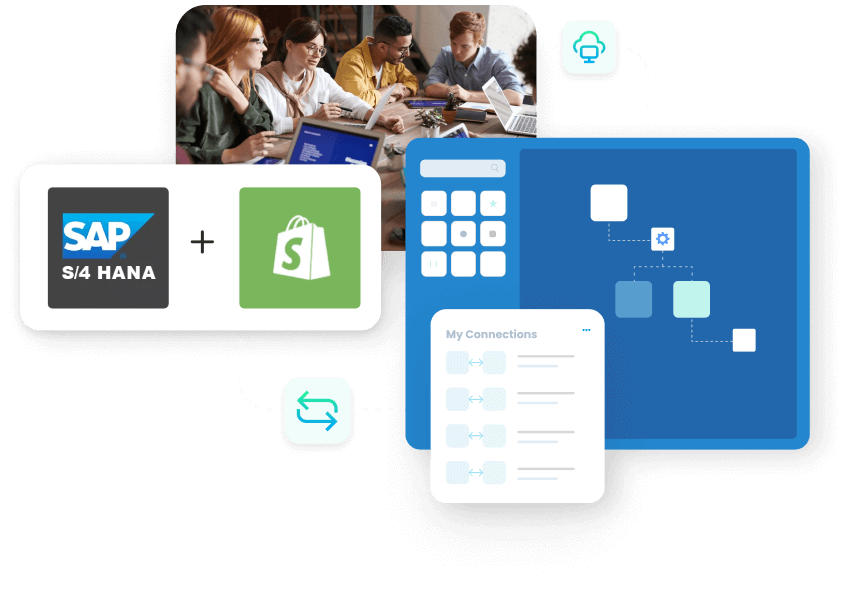
SAP S/4HANA and Shopify integration keeps your online store and your ERP working as one. Products, prices, customers, inventory, orders, invoices and fulfilment stay in step between the two systems automatically, so your team stops copying data by hand.
APPSeCONNECT does the heavy lifting for you. It links SAP S/4HANA and Shopify with ready-made workflows you can set up without writing code, so orders flow in, stock stays accurate, and your store and back office always match.
Business Value
Why APPSeCONNECT Is the Gold Standard for SAP S/4HANA and Shopify Integration
APPSeCONNECT connects SAP S/4HANA and Shopify in real time, without manual work. One governed platform built for mid-market manufacturers, distributors and B2B brands that run Shopify as the storefront and SAP S/4HANA as the system of record.
Building a custom API layer from scratch
IT managers and ERP administrators on S/4HANA do not want to hand-build and maintain a custom API layer just to connect an existing Shopify store.
Manual order entry into SAP
Web orders are re-keyed into SAP S/4HANA by hand, so order-to-cash slows and errors creep in between the storefront and the ERP.
Inventory drift and overselling
Stock levels in SAP and on Shopify fall out of step, so the store sells items that cannot ship and teams stop work to reconcile what is available.
Prices inconsistent across channels
Tiered and B2B prices live in SAP but do not reach Shopify in time, so customers see prices that no longer match the ERP.
Order and fulfilment status out of sync
Delivery confirmation, tracking and invoice status must stay aligned between ERP and storefront, but without integration they drift apart.
Generic iPaaS struggles with SAP nuance
Generic tools connect APIs quickly but stall on deep SAP nuance like IDocs, BAPIs and custom fields, so integrations break at volume.
Standard Features Covered in Our SAP S/4HANA and Shopify Integration Template
These are the seven standard endpoints the live integration template covers, kept exactly as they work today. Custom endpoints can be added for specific business needs.
Product (Add/Update)
- Products in SAP S/4HANA sync to Shopify as catalog products. Sync is bidirectional, so updates to existing products in SAP also sync to Shopify.
Customer
- A new Shopify customer account, contact, billing and shipping address syncs to SAP S/4HANA Business Partner Master Data, and existing web-customer details download from Shopify to SAP in real time.
Inventory
- Inventory level updates in SAP S/4HANA sync to Shopify, updating item quantity so the store does not oversell.
Sales Order
- New Shopify orders sync to SAP S/4HANA as a Sales Transaction Entry under Sales, with item lines, amount and customer information, each posted under the individual customer.
Invoice
- Invoices generated in SAP S/4HANA sync to Shopify automatically so customers see the latest payment status.
Price
- Price updates in SAP S/4HANA sync to Shopify, and Shopify price changes can sync back to SAP in real time, keeping prices consistent across channels.
Order Fulfillment
- Fulfilment from the Order Fulfilment section under Sales in SAP S/4HANA syncs to Shopify with tracking number, shipping method and related details.
Popular SAP S/4HANA Integrations
+
+
+
+
Popular Shopify Integrations
+
+
+
+
INTEGRATION BROCHURE
Download our SAP S4 Hana and Shopify Integration Brochure
Are you integrating your business operations with SAP S4 Hana with Shopify?
Discover how our SAP S4 Hana with Shopify integration simplifies back-office functions, supports real-time data synchronization, and promotes growth through low-code flexibility and enterprise-level security.
Download our comprehensive brochure to find out how APPSeCONNECT connects SAP S4 Hana with Shopify and provides a future-oriented solution that saves time and cuts costs while driving profitability.
Download our brochure to learn
Integration Architecture
Comprehensive workflows depicting real-time information exchange.
Implementation Tips
Strategies for quick deployment and management of edge cases.
Customer Success Stories
See how businesses leveraged automation for faster growth.
INTEGRATION GUIDE
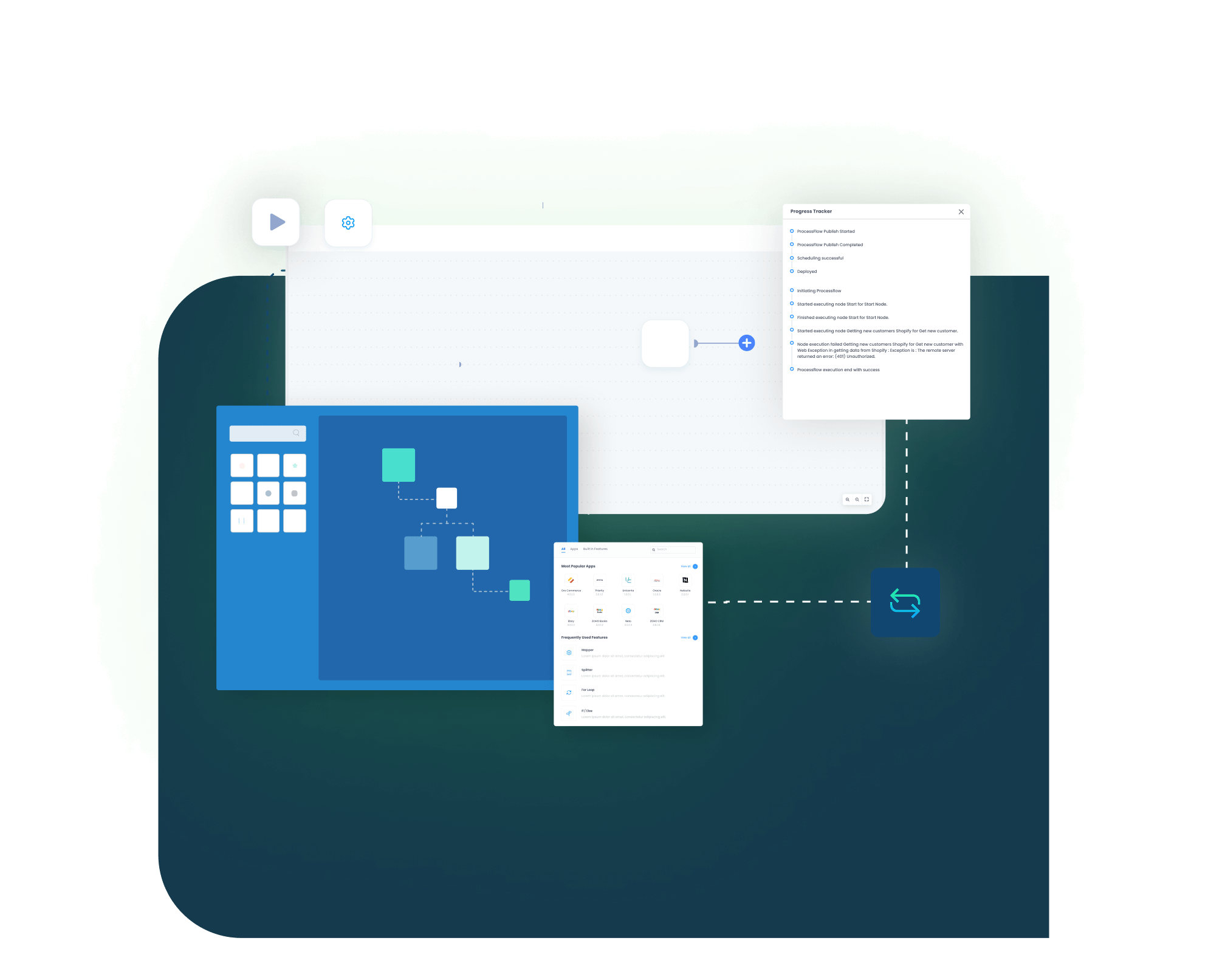
How Does the Workflow Run End-to-End?
Here is how a typical SAP S/4HANA and Shopify integration runs, from web order to SAP fulfilment and back.
01
Order Capture
A shopper places an order on Shopify, including item lines, taxes and shipping.
02
Event Trigger
APPSeCONNECT detects the new order the moment it happens, checks it, and starts the workflow.
03
Data Mapping
The order maps to SAP fields, for example Shopify order number to PurchaseOrderByCustomer and line items to SalesOrderItem and Material.
04
Record Creation
APPSeCONNECT posts the order to SAP S/4HANA as a Sales Transaction Entry under the right customer, viewable in SAP using VA03.
05
Back-Sync
SAP inventory, price, invoice and order-fulfilment updates, including tracking numbers, flow back to Shopify so the storefront stays current.
06
Monitor and Improve
Run history, retry logs and alerts surface exceptions, and your team reprocesses failed records without losing the audit trail.
Integrate SAP S/4HANA and Shopify – Get Started with APPSeCONNECT
Streamline siloed processes, consolidate your whole ERP–eCommerce workflow, and ensure real-time visibility of operations. From product listing to ultimate fulfillment, APPSeCONNECT optimizes your business for peak productivity and highest possible revenues.
Frequently Asked Questions
Yes. Platforms such as APPSeCONNECT provide connectors that link SAP ERP systems, including S/4HANA, with Shopify in real time, syncing products, prices, customers, inventory, orders, invoices and fulfilment.
SAP S/4HANA is usually on-premises with greater customization, while SAP S/4HANA Cloud is a SaaS solution with faster deployment but less flexibility. APPSeCONNECT supports both.
SAP Best Practices are standardized processes and pre-configured scenarios that speed up and improve the reliability of SAP S/4HANA implementations.
On the SAP side it works with IDocs, BAPIs and OData, including custom fields, so finance and logistics data stays accurate. On the Shopify side it uses the GraphQL Admin API and respects rate limits, with field mapping, versioning and alerts keeping the sync clean.
Products, customers, inventory, sales orders, invoices, prices and order fulfilment all sync, with sync direction and frequency configurable per endpoint.
Yes. Once an order syncs, it posts as a Sales Transaction Entry under the customer in SAP S/4HANA and can be displayed using transaction VA03.
Pre-configured endpoints and best practices can cut deployment time by as much as 65%. Exact timing depends on the number of endpoints and custom rules, so contact APPSeCONNECT for a scope.
Companies automating their business through APPSeCONNECT
Customer Success Stories
U.S. Tobacco Achieves a Fully Automated eCommerce Business with APPSeCONNECT’s End-to-End Business Process Automation Solution.
Related Resources
Articles and Guides to Help You With Your Integration and Automation Journey