






Zoho CRM and mailchimp, both solutions are very popular in its own segment. But often people need a connection between these two. For example, I am using both Zoho CRM and Mailchimp. I don’t want to copy information of one portal into another and as a simple solution I will search for an integration between these two, let’s see the best ways to do it.
Integration from Mailchimp
I logged in to my Mailchimp Account. Goes to Account -> Integrations tab
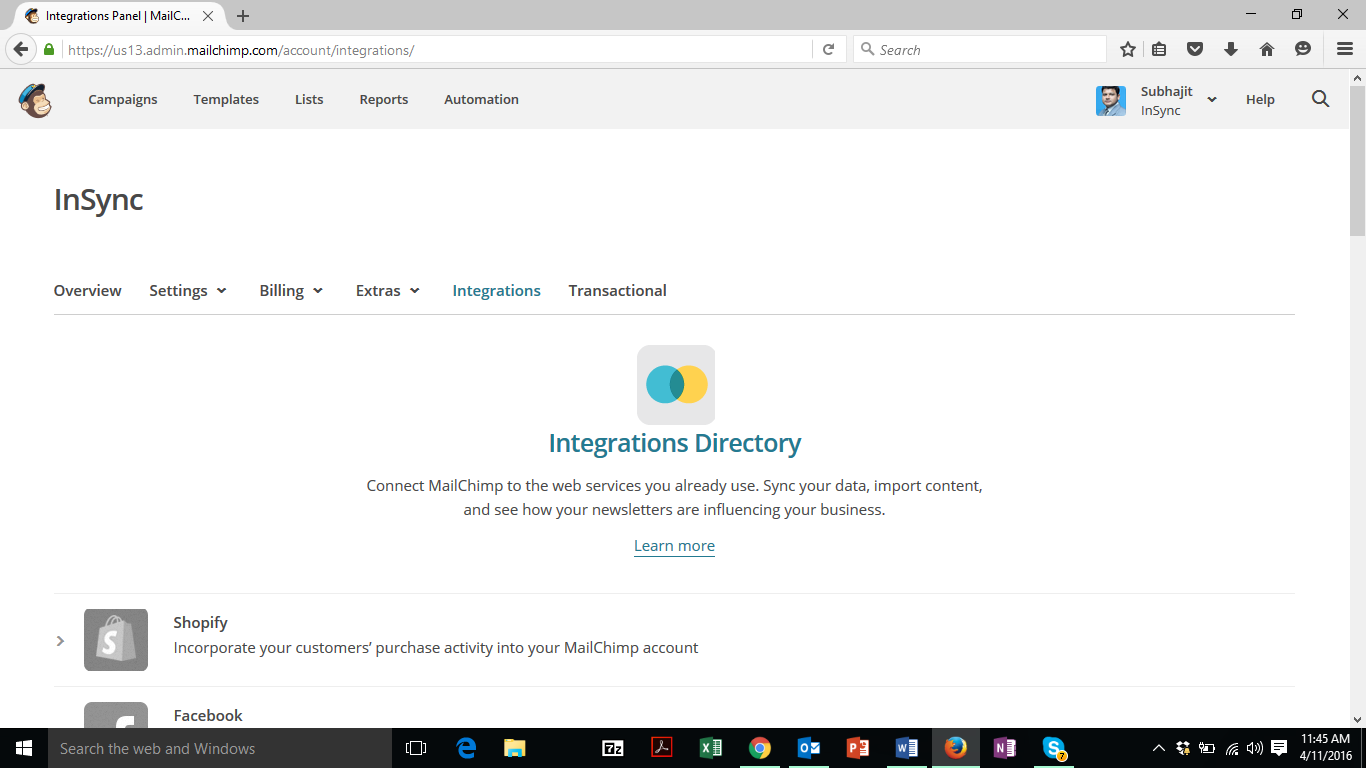
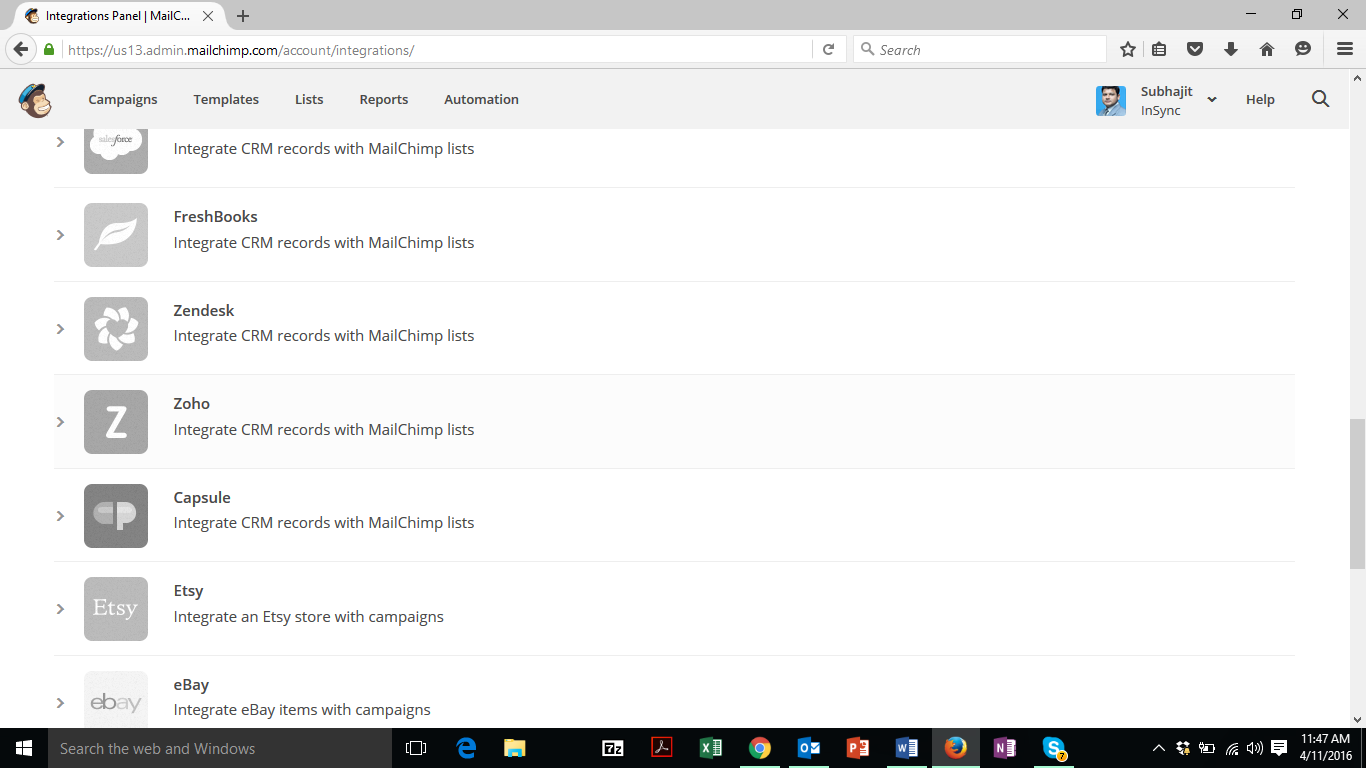
I got Zoho CRM in the list
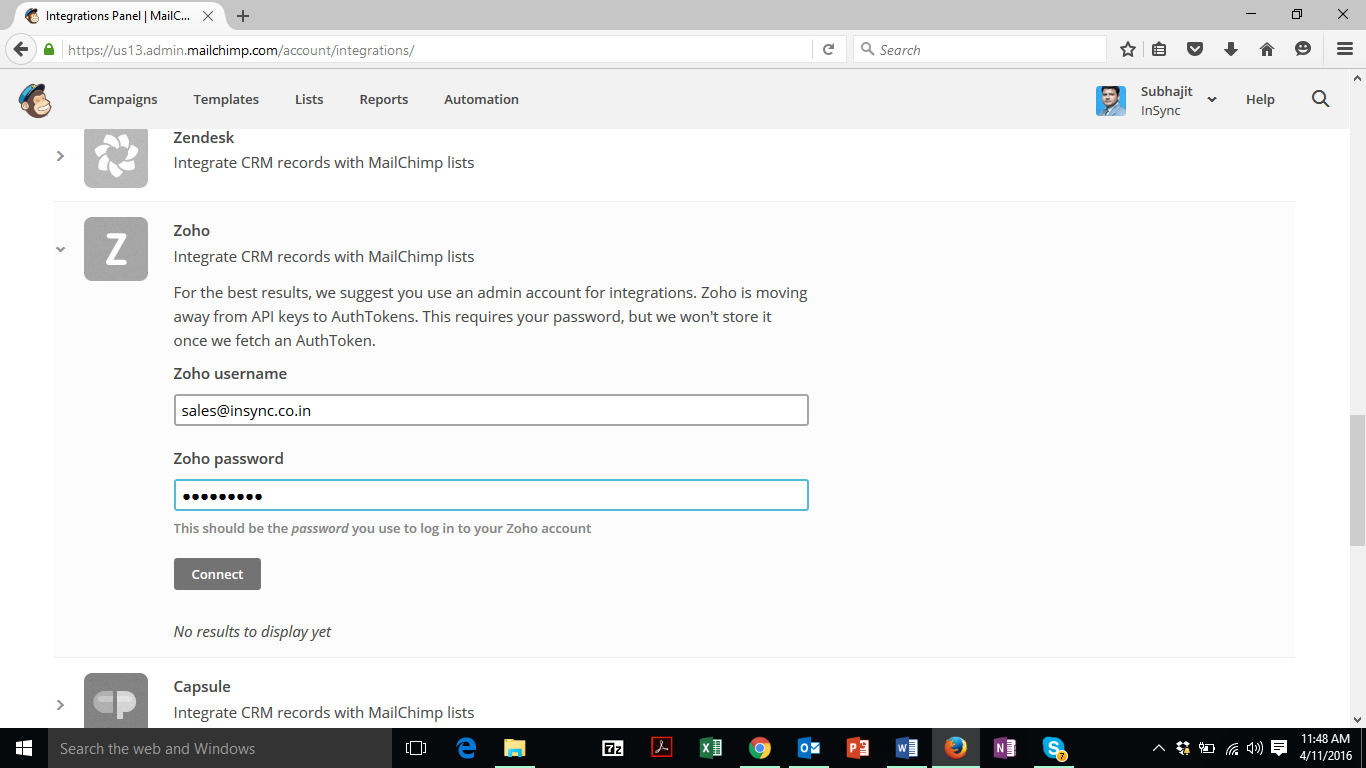
I logged in to Zoho Plugin using CRM Credentials
Once I logged in successfully, I can test the connection and if connection is successful, I can see my Zoho CRM Contacts (some samples) which can be imported to Mailchimp. And I can also see that the status showing as ‘Connected’.
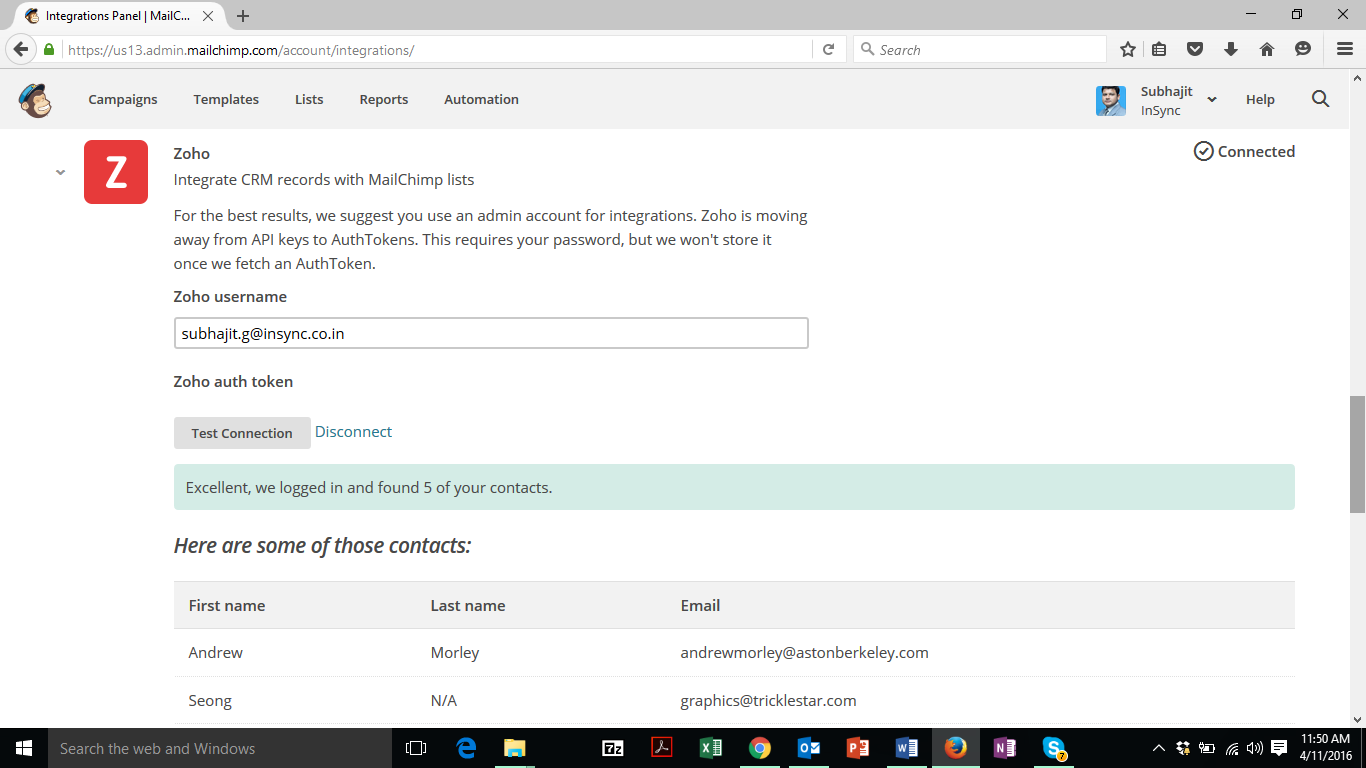
I am not able to see any ‘Import’ or such button, so I return to my ‘List’ section in mailchimp and found it blank. That means no Zoho CRM ‘Contacts’ has been added yet. So I click on ‘Create List’ and lets check if Zoho CRM contacts can be imported in this way.
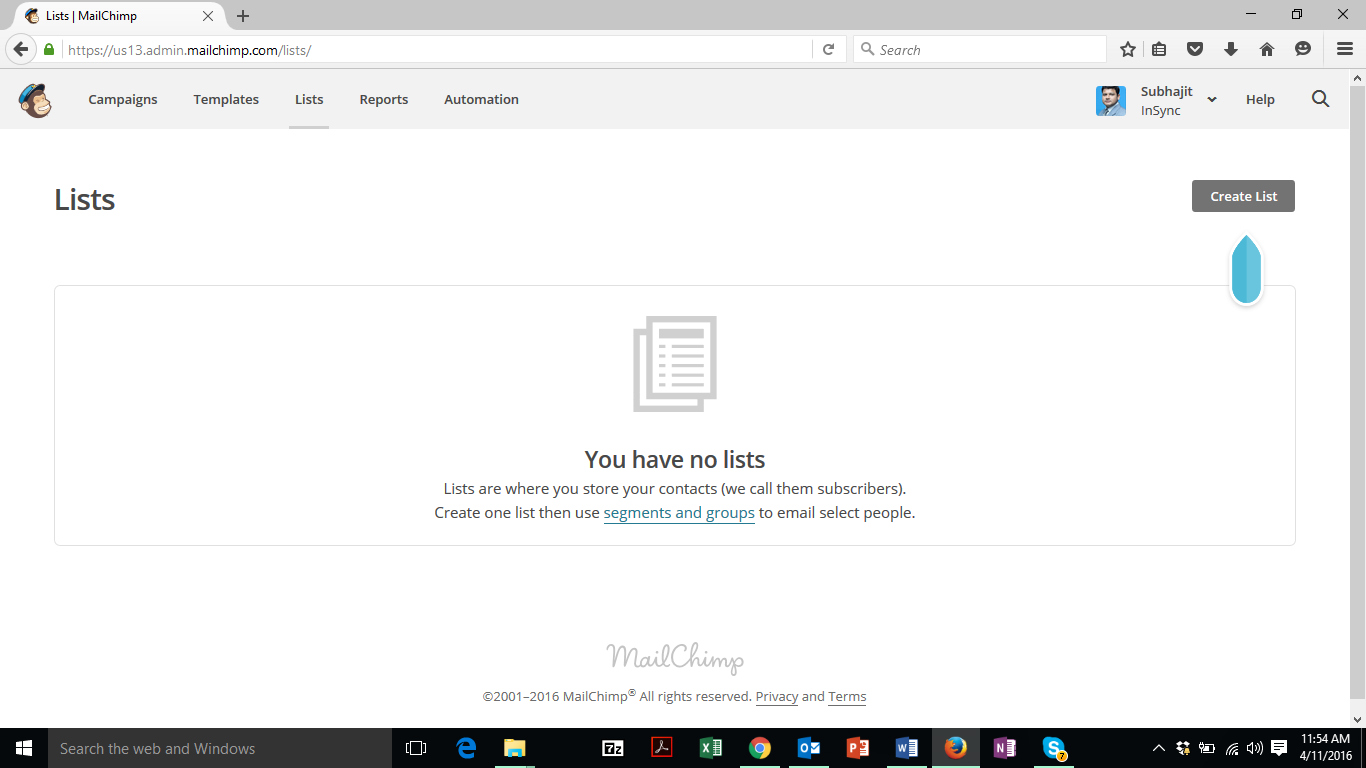
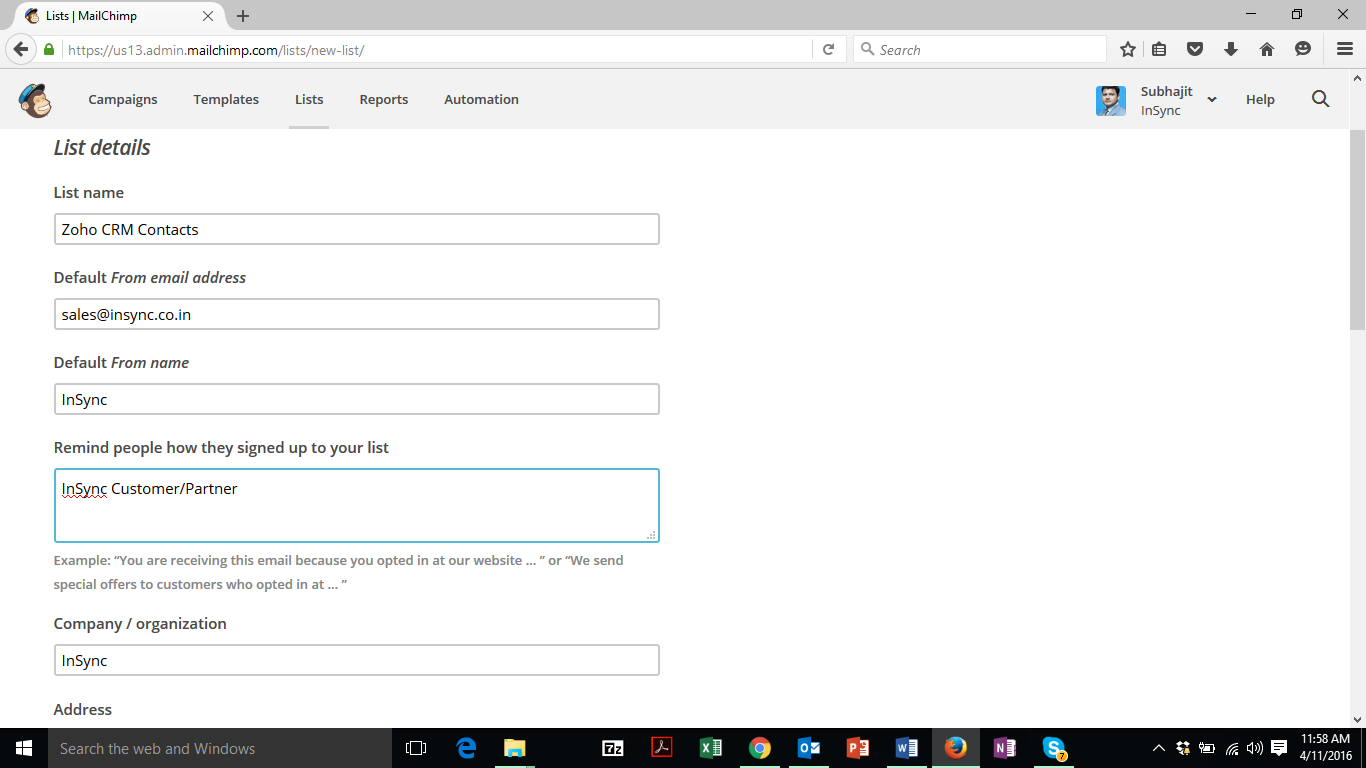
Creating a new List Now in Mailchimp
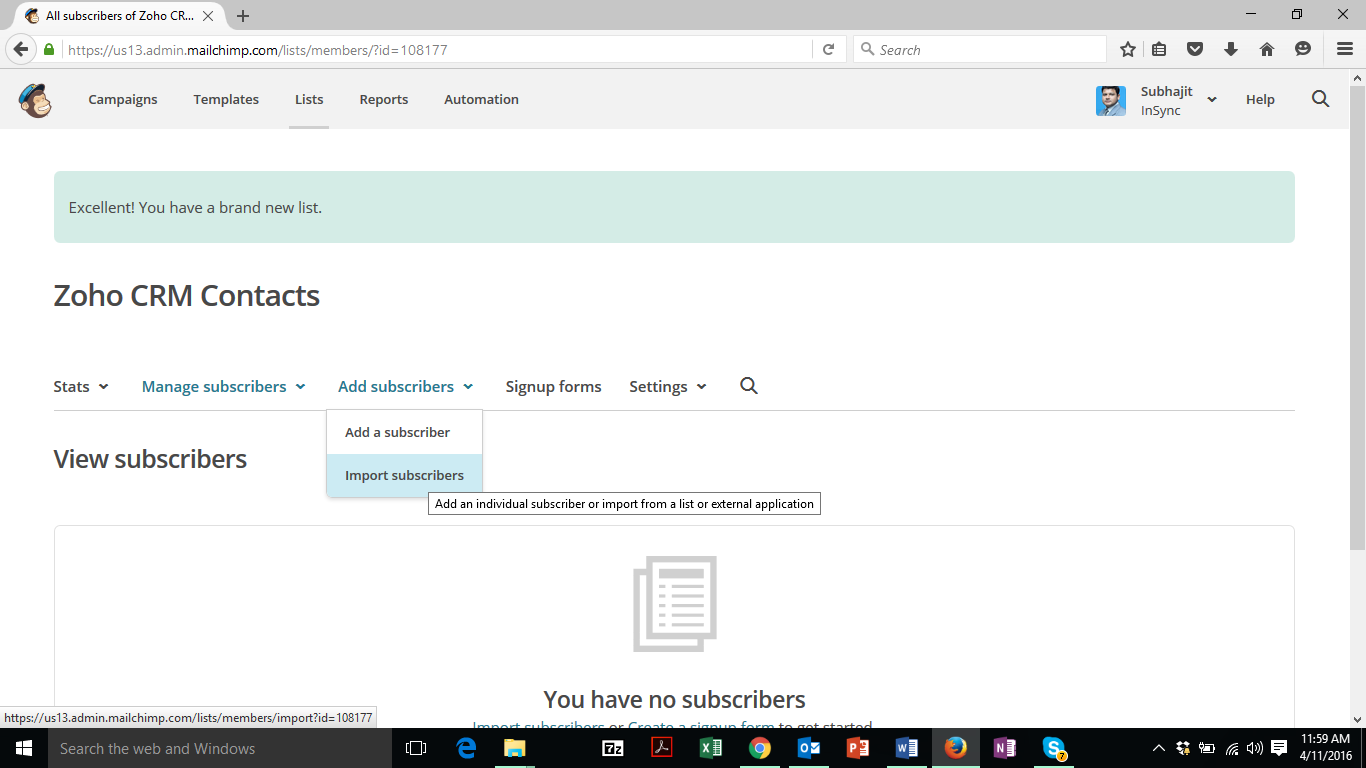
Now let’s try to import data in the list, and let’s see if we can add data from Zoho CRM
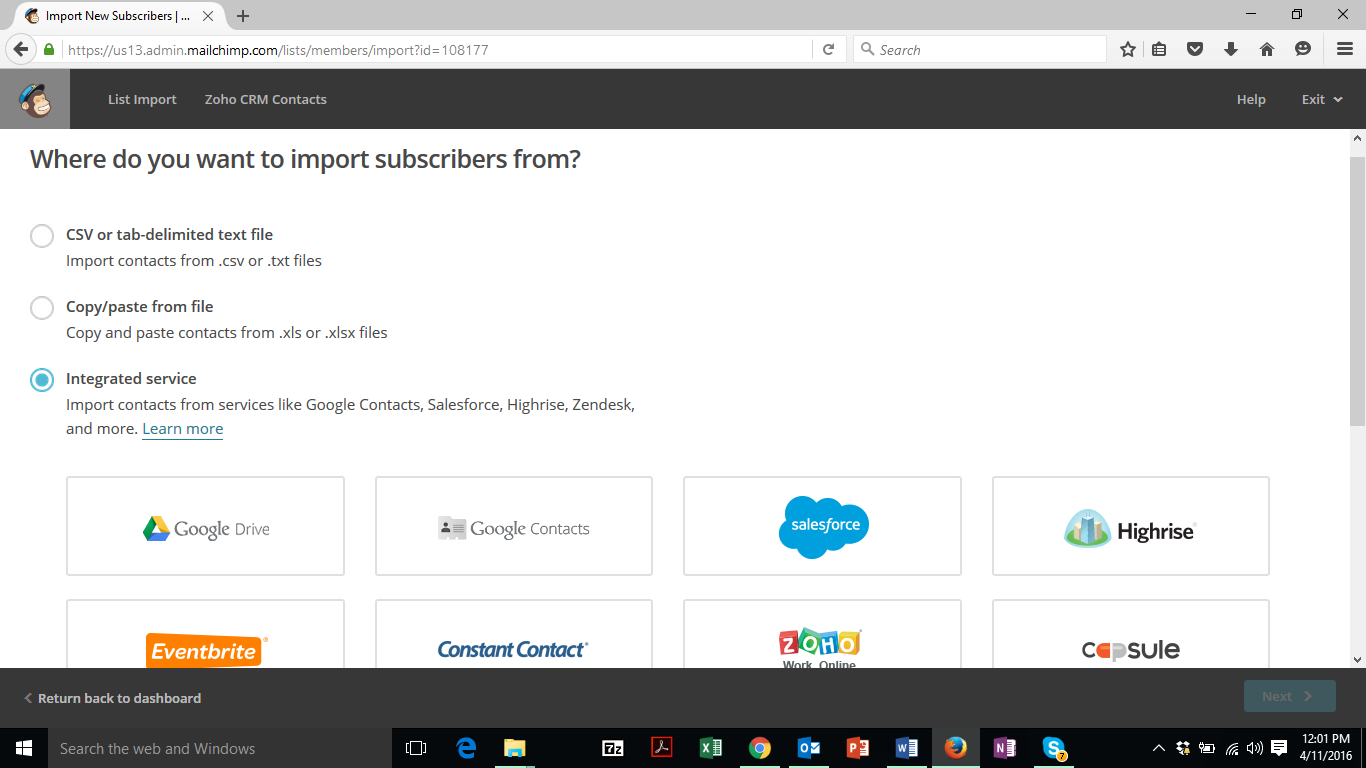
Out of the 3 options provided I will choose the last option ‘Integrated Service’ and from the list will click on Zoho and click ‘Next’.
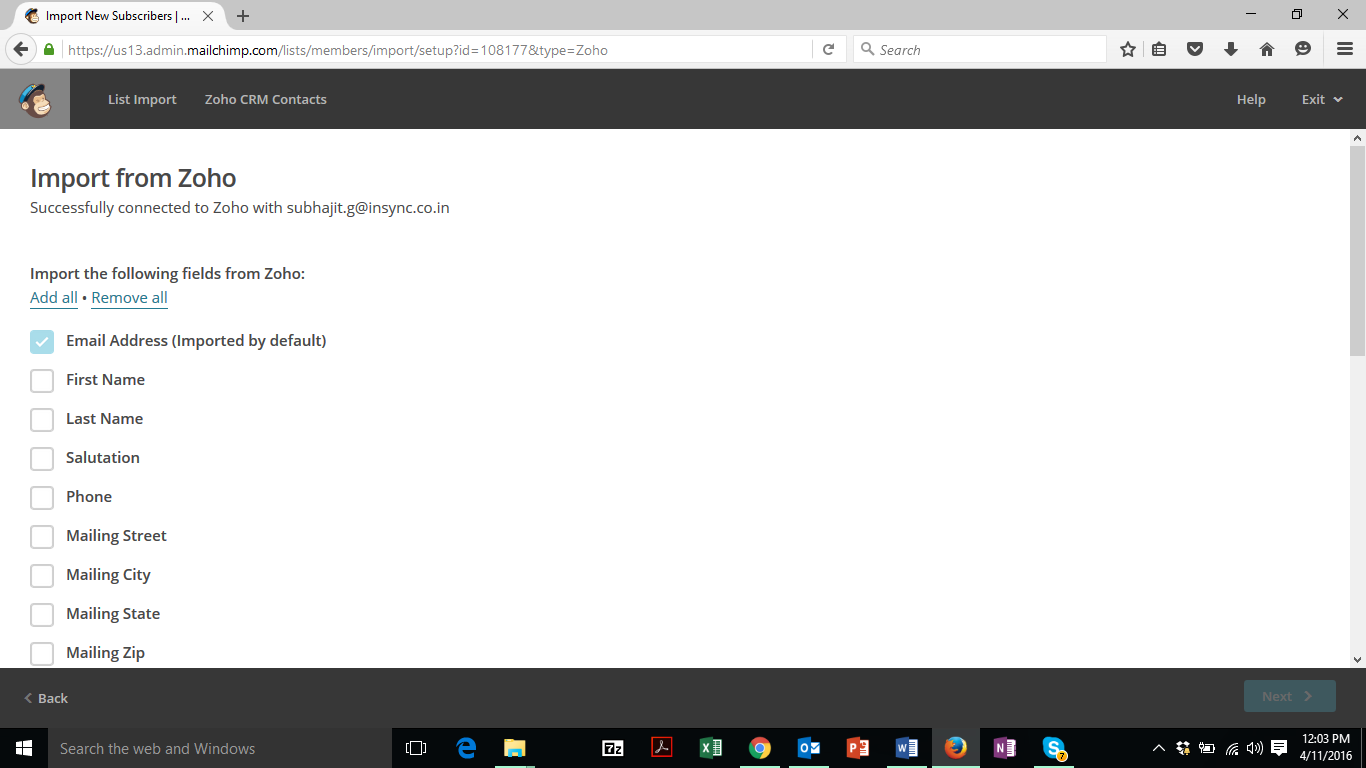
As I have established a successful connection with Zoho, it is showing me ‘Successfully Connected with Zoho’ and I need to choose the field which data I need in Mailchimp and click on ‘Next’.
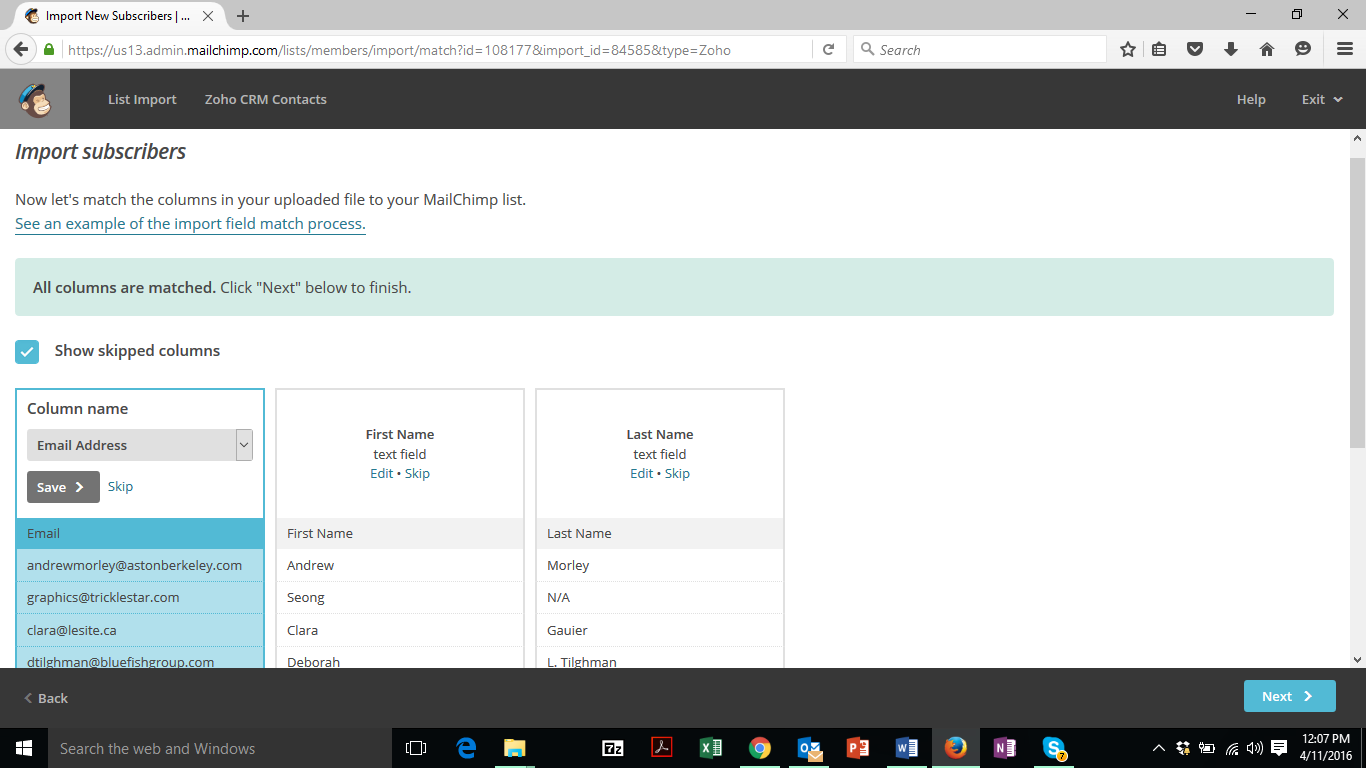
Any data mismatch or skipped columns will be shown to me. As I data to be imported showing perfect, I click on ‘Next’.
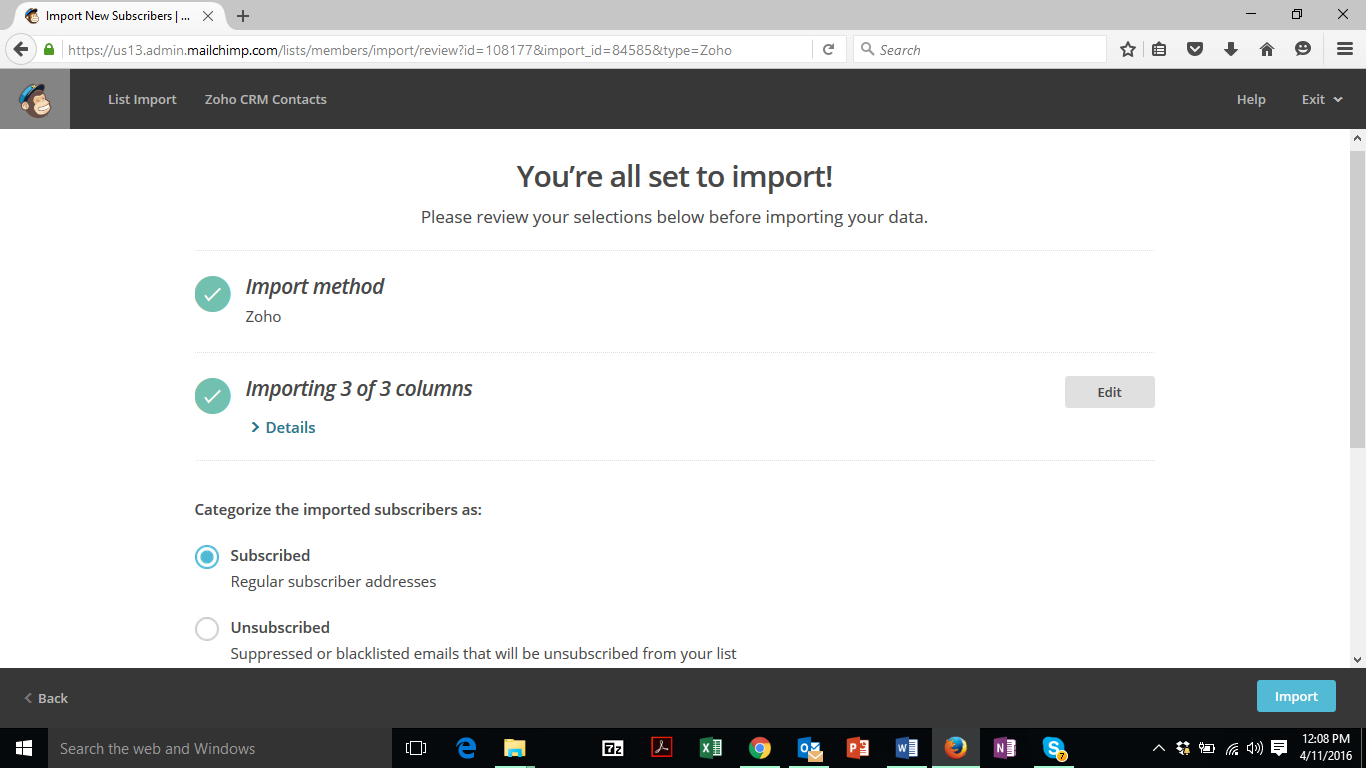
Now in the last step Mailchimp showing me a review of my import before finishing the task. Check the no. of columns, list, etc. and click on ‘Import’
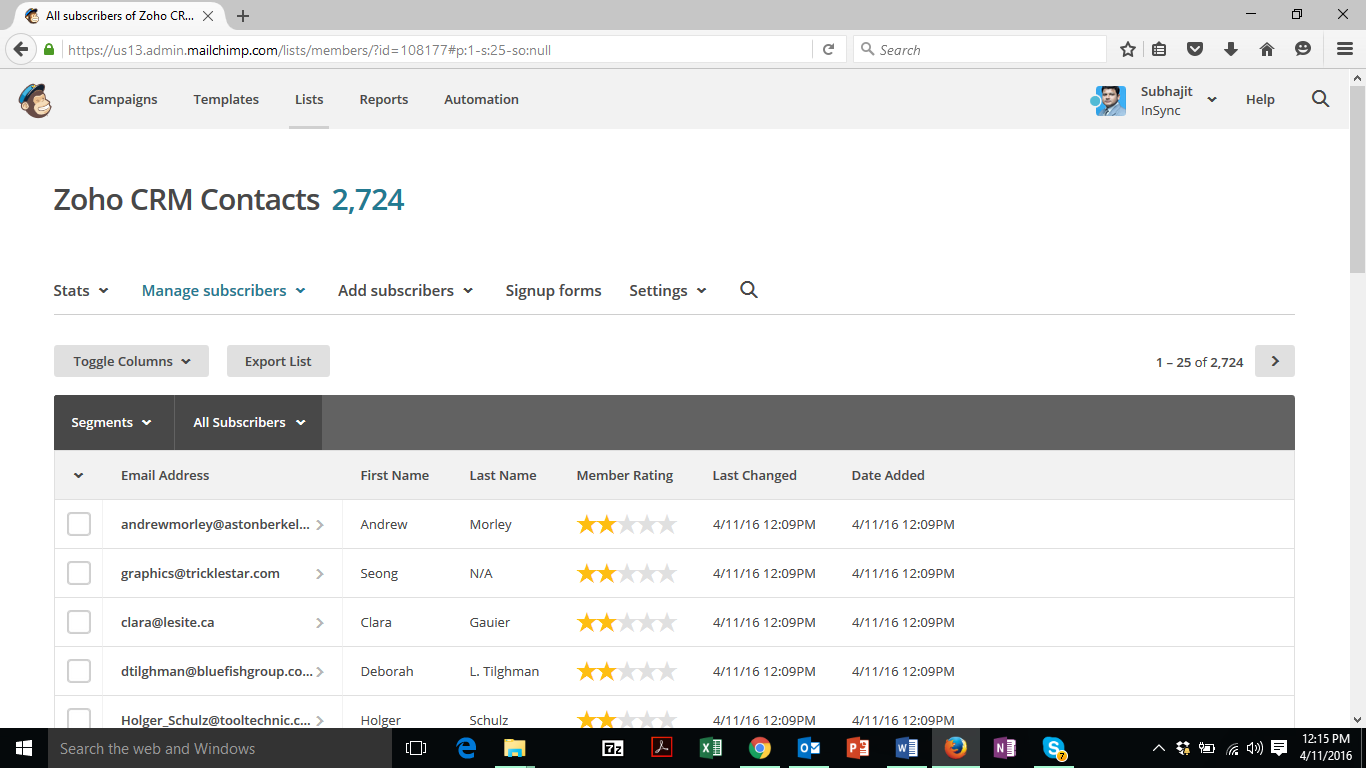
The import operation might take a while, depending on the no. of Zoho Contacts. In my case it took about 3 minutes to import 2724 Contacts which I guess is a decent number. And now all my Zoho Contacts are in Mailchimp.
So in this way I can connect my mailchimp with Zoho CRM using Zoho CRM Plugin. But through this I am only able to import Zoho CRM Contact’s Data.











