AI iPaaS, short for AI integration platform as a service, is a cloud integration platform that uses artificial intelligence to connect applications, move data between them, and run workflows with far less manual setup. It builds on traditional iPaaS by adding machine learning, natural language processing, and automation, so the platform can suggest data mappings, watch for problems in your data, and adjust workflows as conditions change.
For teams that already rely on an integration platform, the move to an AI powered iPaaS is less about replacing what works and more about removing the repetitive steps that slow integration projects down.
How AI iPaaS works
Traditional integration platforms depend on people to set up every connection. Someone has to map each field, write the rules for handling errors, and schedule when data moves. AI iPaaS works differently. It studies the patterns in your existing integrations and uses them to handle a large share of that setup on its own.
In practice, the platform connects to your applications through ready made connectors and then layers intelligence on top. Machine learning models look at how data has been mapped before and propose mappings for new connections. The system keeps an eye on data as it flows and flags anything that looks unusual. When something breaks, it can often diagnose the issue and reroute the process rather than waiting for a person to step in. Many platforms also let you describe what you want in plain language and then build the integration for you, which lowers the technical barrier for business teams.
AI iPaaS vs traditional iPaaS
The simplest way to see the difference is to look at who does the work. With traditional iPaaS, people configure, map, and maintain. With AI iPaaS, the platform takes on much of that load and learns as it goes.
Area | Traditional iPaaS | AI iPaaS |
Data mapping | Set up by hand for each field | Suggested automatically from past patterns |
Error handling | Fixed after something fails | Spotted early and often corrected on its own |
Workflow logic | Fixed rules and schedules | Adapts to data volume and conditions |
Building integrations | Needs technical skill | Can be described in plain language |
Scaling | Planned and adjusted manually | Adjusts to demand on its own |
AI agents | Not designed for them | Acts as the layer agents use to reach data |
Key features of an AI iPaaS platform
When you compare platforms, a few capabilities separate a true AI iPaaS from a traditional tool that has simply added a chat box.
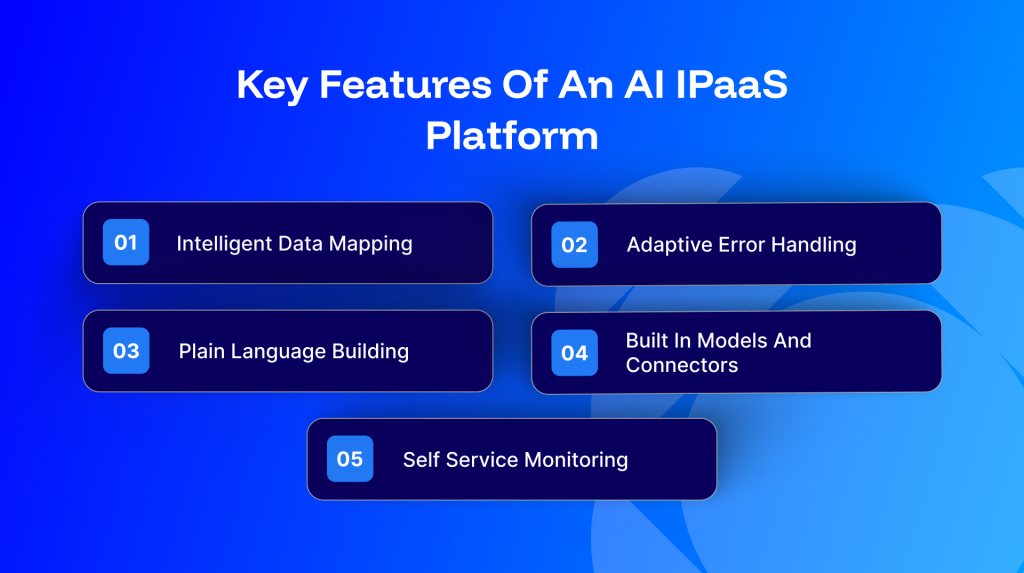
Intelligent data mapping
The platform looks at the source and target systems and proposes how fields should line up, learning from earlier mappings so its suggestions get sharper over time.
Adaptive error handling
Instead of waiting for a failure, the system watches for early warning signs, alerts the right people, and can reroute or set aside bad records so the rest of the process keeps moving.
Plain language building
Business users can describe the integration they need in everyday words and let the platform assemble a first version, which they can then refine.
Built in models and connectors
A strong platform ships with ready models for tasks like mapping and anomaly detection, alongside a library of connectors for the business applications most teams already run.
Self service monitoring
Dashboards show how integrations are performing, where errors are happening, and how data is flowing, so teams can manage their own workflows without raising a ticket for every change.
AI agents and agentic AI in iPaaS
One of the biggest shifts in integration right now is the rise of AI agents. These are software agents that can take in information, decide what to do, and act across several systems rather than follow a single fixed script. For an agent to be useful, it needs reliable access to live business data, and that is exactly what an AI iPaaS provides.
Without an integration layer, an agent is mostly limited to producing text. With one, it can read from a CRM, check inventory, update a record, and trigger a follow up, all through governed connections. Newer approaches such as the Model Context Protocol give agents a more consistent way to reach the systems an organisation already runs, which is why many integration vendors are starting to support it.
Because agents act on real data, oversight matters. Sensible setups keep clear controls over what an agent is allowed to do, log its actions, and keep its access to sensitive systems under review.
How large language models and generative AI fit into iPaaS
Large language models and generative AI have changed what people expect from an integration platform. Two patterns show up most often.
The first is grounding. A model gives better answers when it is working from your own data rather than general knowledge alone. An iPaaS can pull clean, current information from your systems and feed it into a retrieval augmented generation setup, so responses reflect what is actually true in your business.
The second is assistance. Copilots built into the platform can draft an integration, explain what a workflow does, or suggest the next step, which helps both technical and business users move faster.
Use cases for AI iPaaS
AI iPaaS tends to earn its place in workflows that are repetitive, data heavy, or prone to small errors that cause bigger problems later.
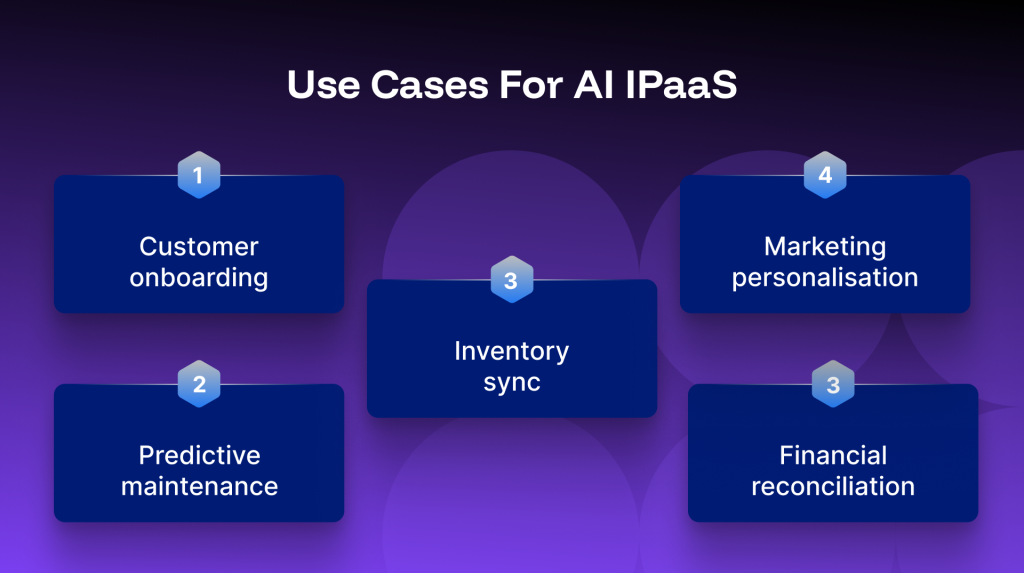
Customer onboarding
New customer details often live in web forms, a CRM, and a billing system at once. The platform can pull those details together, apply the right rules for account type and pricing, and start the welcome process without manual re entry.
Predictive maintenance
By bringing equipment and sensor data into your core systems, the platform can help surface early signs of trouble and route that information to the teams who need to act on it.
Inventory sync
For businesses selling across several channels, keeping stock levels accurate is a constant challenge. AI iPaaS can keep inventory in step across systems and flag mismatches as they appear.
Financial reconciliation
Matching records across finance systems is slow and easy to get wrong. The platform can line up transactions, catch differences, and reduce the manual checking involved.
Marketing personalisation
By connecting customer data from different sources, the platform helps marketing teams work from a fuller picture and tailor messages with less manual list building.
Benefits of AI iPaaS
The value of an AI powered platform shows up in everyday work rather than in any single feature.
- Less manual effort, since routine mapping and error handling move off the team’s plate
- Cleaner data, because issues are caught and corrected as data moves rather than after the fact
- Faster setup, as the platform handles much of the groundwork for new integrations
- Easier scaling, with resources adjusting to demand instead of being planned far in advance
- More room for strategic work, since teams spend less time on integration firefighting
Data governance and security in AI iPaaS
Bringing AI into integration raises fair questions about control and safety. AI models need access to data to be useful, which makes governance part of the platform rather than an afterthought. Look for clear visibility into what data is being used, controls over who and what can reach sensitive systems, and audit trails that record actions taken by both people and agents. Strong access management and the ability to review and contain automated actions matter just as much as the AI features themselves.
Examples of AI iPaaS platforms
People researching this category usually want to see real platforms, not just a definition. Names that come up in conversations about AI powered integration include Boomi, Workato, Celigo, Informatica, MuleSoft, and APPSeCONNECT. Each adds AI to a core integration engine in its own way, from assisted mapping and plain language building to support for AI agents.
The useful test when comparing them is whether the AI does real work. Does it suggest mappings, prevent errors before they happen, let you build in plain language, and support agents that act across systems? APPSeCONNECT applies these ideas to ERP, CRM, and ecommerce integration, with ready made connector packages and assisted mapping for the business applications most teams already run.
Trends shaping AI iPaaS
A few directions are worth watching as the category matures.
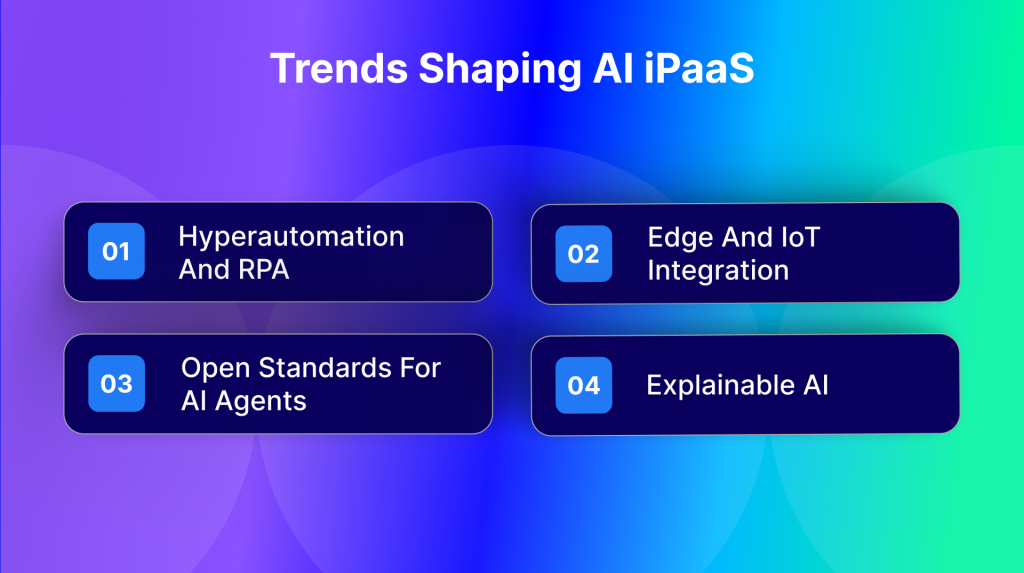
Hyperautomation and RPA
Integration is moving closer to full process automation, where the platform not only connects systems but also coordinates bots and complete workflows.
Edge and IoT integration
As more devices generate data outside the data centre, platforms are learning to process and route that information closer to where it is created.
Open standards for AI agents
Approaches like the Model Context Protocol aim to give agents a shared way to reach business systems, which could make agent based automation easier to adopt.
Explainable AI
As AI takes on more of the work, teams want to understand why the platform made a given choice, so clearer explanations of automated decisions are becoming a priority.
How to implement AI iPaaS
Start with your requirements
List the integrations you rely on, note where the most manual work and errors show up, and decide which processes would benefit most from automation first.
Choose a platform that fits
Match the platform to the applications you run and the level of AI support you actually need, rather than the longest feature list.
Plan your architecture and data flows
Map out how data should move between systems and where the platform should apply mapping, checks, and automation.
Run a pilot
Test on a contained set of workflows, compare the results against how things work today, and gather feedback from the people who use them.
Scale and keep improving
Roll out more widely once the pilot holds up, then keep refining mappings and rules as your systems and needs change.
Conclusion
AI iPaaS is the practical next step for teams that already depend on integration and want to spend less time on manual setup and maintenance. By adding machine learning, plain language building, and support for AI agents on top of a solid connector library, it turns integration from a recurring chore into something closer to a managed, adaptive system. If you are evaluating platforms, focus on how much real work the AI does and how clearly you can govern it.
Frequently Asked Questions
It is an integration platform that uses artificial intelligence to connect your applications, move data between them, and run workflows with far less manual setup than traditional tools.
Regular iPaaS relies on people to configure and maintain every integration. AI iPaaS studies your existing patterns and handles much of that work itself, while adapting as conditions change.
Most platforms connect to legacy systems through connectors or custom integration, though older applications without modern interfaces may need extra setup.
No. Smaller teams often benefit because the platform reduces the manual effort that would otherwise need more people.
It acts as the layer agents use to reach business data and take action across systems, through connections that can be monitored and controlled.