Go live instantly!

Launch Faster with APPSeCONNECT’s Ready-to-Deploy Packages.
Starting at just $99/month!!

Click to try any of these!

Transform your
workflow with appse ai

Salesforce and Dynamics NAV Integration and Automation

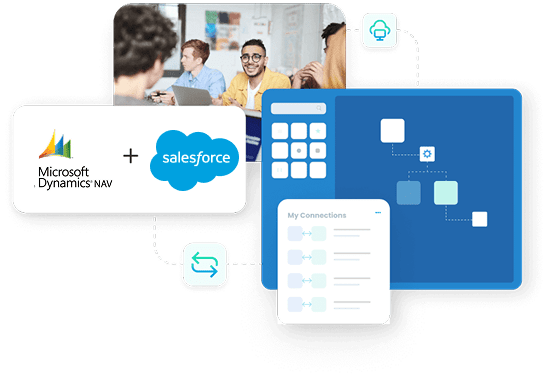
Salesforce and Dynamics NAV integration connects CRM sales activity with the ERP records that control pricing, order processing, billing, and payments, and APPSeCONNECT gives you a governed low-code platform to move that data both ways without custom scripts. Accounts, contacts, quotes, orders, invoices, and payments flow between Salesforce CRM and Microsoft Dynamics NAV through managed ProcessFlows, so sales teams quote with ERP-backed context and finance teams work from records that stay aligned across both systems.

Salesforce and Dynamics NAV Integration and Automation

Key Benefits

Why APPSeCONNECT Is the Gold Standard for Salesforce and Dynamics NAV Integration

Salesforce and Dynamics NAV integration needs more than a one-directional data push. Records must move in both directions with the right customer match, pricing rules, field logic, monitoring, and recovery controls. APPSeCONNECT connects the two systems through ProcessFlows, mappings, connector actions, logs, and retries, so CRM and ERP data keep moving with control.

Sync Customer Records Both Ways

New or updated Salesforce accounts can create or update Dynamics NAV customers, and NAV customer changes can refresh Salesforce accounts, so both teams work from aligned records instead of recreating them separately.

Build Quotes With ERP-Backed Pricing

NAV price levels and item data can map into Salesforce so quotes reflect ERP pricing before they move forward.

Move Quotes and Orders Without Re-entry

Salesforce Quotes can post as NAV Estimates, and NAV Sales Orders can sync back to Salesforce linked to the source quote, shortening the path from quote to order.

Keep Invoice and Payment Visibility in CRM

NAV invoices and payment records can post back to Salesforce, so account teams can follow billing status without asking finance for every update.

Support Custom Objects and Fields

Extra fields and custom objects exposed through RESTlets can be mapped, so the integration can extend beyond standard records when the process requires it.

Track, Fix, and Resync Exceptions

Logs, snapshots, node status, and API responses through the Sync Info dashboard help teams see what happened, correct the cause, and rerun affected records.
Standard Features Covered in Our Salesforce and Dynamics NAV Integration Template

APPSeCONNECT supports Salesforce and Dynamics NAV integration across customer, opportunity, order, and finance workflows. The setup can follow your Salesforce configuration and Dynamics NAV process, and it can be planned around custom fields, price levels, and the records your business needs to move first.

  • Salesforce Accounts → Dynamics NAV Customers: New or updated Salesforce accounts can create or update NAV customer records, including name, address, and account reference details.

  • Dynamics NAV Customers → Salesforce Accounts: NAV customer changes can refresh Salesforce account records so CRM users work with current ERP-backed information.

  • Salesforce Contacts ↔ Dynamics NAV Contacts: Multiple contacts per account can map in both directions, preserving roles, addresses, and account relationships.
  • Salesforce Quotes → Dynamics NAV Estimates: CRM quotes can post as NAV Estimates with line items, quantities, and expiry dates carried across.

  • Dynamics NAV Pricing → Salesforce Quotes: NAV price levels can map into Salesforce Price Books so quote lines reflect ERP pricing.

  • Approved Salesforce Quotes → Dynamics NAV Order Flow: Approved quotes can move toward NAV estimate or sales order processing, reducing re-entry when a quote becomes ready for ERP handling.
  • Dynamics NAV Sales Orders → Salesforce: NAV Sales Orders can post back to Salesforce as Sales Order records linked to the originating quote.

  • Dynamics NAV Invoices → Salesforce: NAV invoice records can create Salesforce Invoice records with amount, payment status, and totals.

  • Dynamics NAV Payments → Salesforce: NAV payment records can map under the related Salesforce Invoice record so account teams can see payment status.
  • Dynamics NAV Items → Salesforce Products: NAV items can push into Salesforce as Products, with inactive flags respected so status stays consistent.

  • Price Level and Price Book Mapping: NAV price levels can map into Salesforce Price Books for consistent quote pricing.

  • Custom Object Mapping: Any RESTlet-exposed object or field in NAV or Salesforce can be extended into the sync where the process requires it.

Popular Salesforce and Dynamics NAV Integrations

Salesforce and Dynamics NAV integration often becomes part of a larger revenue and operations stack. Salesforce can connect with SAP S/4HANA, SAP ECC, SAP Business One, Sage 300, and other business applications, and Dynamics NAV can connect with Magento (Adobe Commerce), Shopify, BigCommerce, and WooCommerce, with NAV remaining the ERP system of record.

Popular Salesforce Integrations

Connect Salesforce with other business applications.

Popular Microsoft Dynamics NAV Integrations

Connect Microsoft Dynamics NAV with other business applications.

Looking for a Specific Integration?
View All Apps

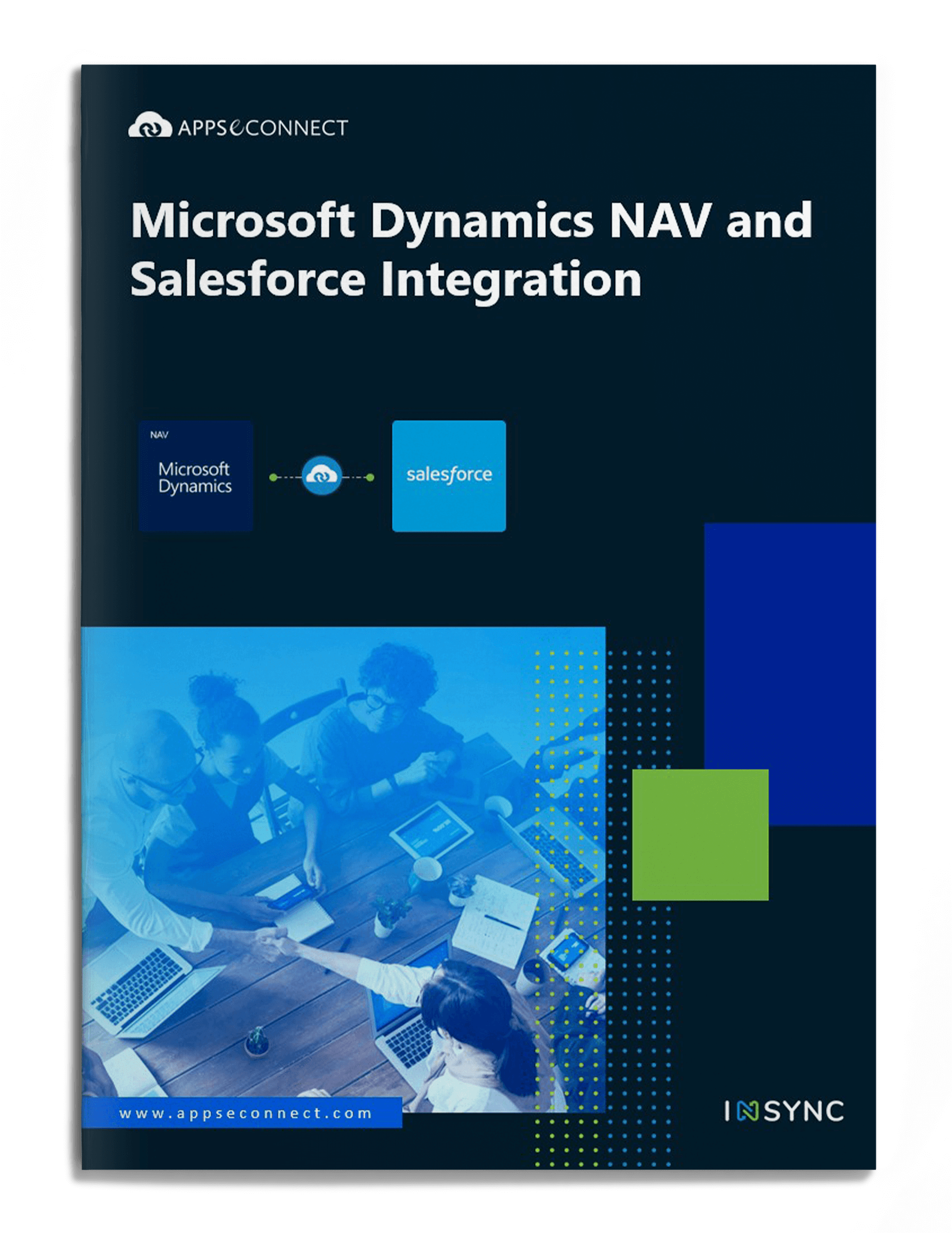
INTEGRATION BROCHURE

Download the Salesforce and Dynamics NAV Integration Brochure

Use the brochure to plan how Salesforce and Dynamics NAV can exchange customer, quote, order, invoice, payment, and product records, and to decide which system should own each process.

Inside you’ll find:

microsoft-dynamics-nav-salesforce-integration-brochure-cover

Real-world use cases

Use Cases

APPSeCONNECT’s Salesforce and Dynamics NAV integration is built for B2B sellers, manufacturers, distributors, and finance teams that need customer-facing and ERP teams working from connected records. The goal is to reduce manual work and keep Salesforce and NAV aligned across the quote-to-cash cycle.

Sales Operations

Sales teams quote with ERP customer and product context

Sales teams using Salesforce need reliable NAV data before they prepare quotes. Customer status, item data, and price levels all influence what the team can sell and how the quote should be built.
Supports field sales, inside sales, and quote-driven B2B teams.

What this integration handles

Synced

Account and contact data

Mapped

Item and price levels

Prepared

Quote-to-estimate handoff

Linked

Order back to source quote

Finance & Billing

Account teams see invoice and payment context in CRM

Finance activity often stays in Dynamics NAV, while customer follow-up happens in Salesforce. Integration helps account teams view billing context before they discuss renewals or new orders.

Supports finance, collections, and account teams that need cleaner billing visibility.

What this integration handles

Created

Salesforce Invoice records

Matched

Payments to invoices

Visible

Status and totals

Auditable

Logs and snapshots

Revenue Operations

Pipeline activity stays connected with ERP outcomes

Revenue teams need to see which opportunities became NAV orders, which orders moved forward, and which invoices were issued, not just pipeline movement inside Salesforce.

Supports revenue operations, sales leadership, and reporting teams.

What this integration handles

Connected

Quote and order records

Updated

Sales order status

Tracked

Invoice and payment signals

Filtered

Changed-record sync

error icon black

Workflow

How Does the Workflow Run End-to-End

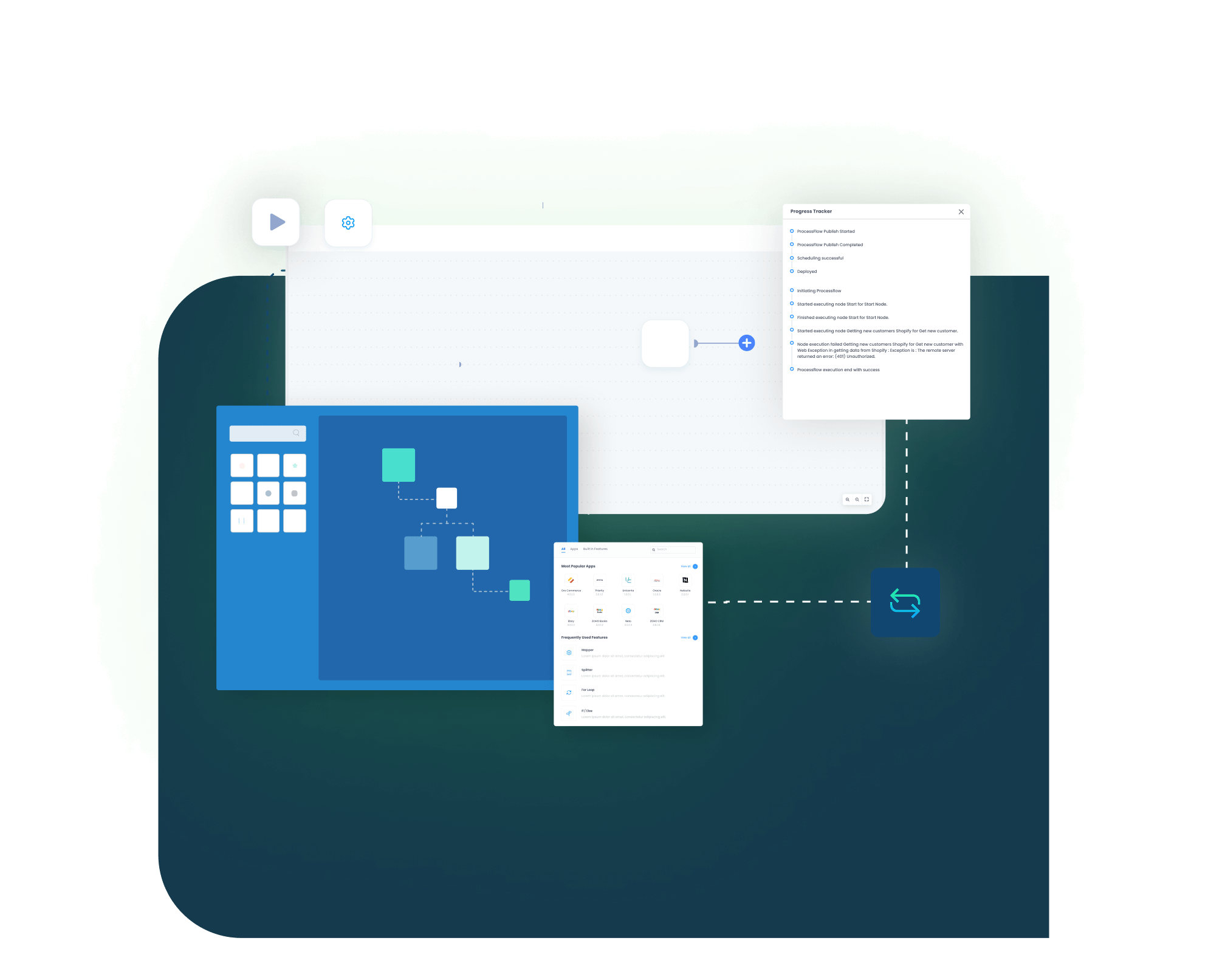
Our Salesforce and Dynamics NAV integration runs through ProcessFlows. Each ProcessFlow defines the source system, target system, entity, connector action, schema, field mapping, validation rules, run mode, retry settings, and monitoring path before any record moves.

Connect, Automate and Grow!

See How This Would Run in Your Business

Account Creation

A new or updated account in Salesforce triggers creation or update of the matching Dynamics NAV customer.

Contact and Product Flow

Related contacts map in both directions, and NAV items sync into Salesforce as Products.

Quote Generation

A Salesforce Quote posts as a Dynamics NAV Estimate with line items and pricing.

Order Creation

NAV transforms the Estimate into a Sales Order and syncs it back to Salesforce, linked to the source quote.

Invoice and Payment

The connector creates or updates the Sage 100 sales order, customer, or item record through the Business Object Interface, and captures the response with success state and failure reason.

Monitoring and Retry

The Sync Info dashboard tracks success and error states, auto-retry handles transient failures, and missed records can be corrected and resynced.

block-black

Meet appse ai

How appse ai Helps Streamline Salesforce and Dynamics NAV Integration

A working Salesforce and Dynamics NAV integration reduces manual transfer work, but teams still manage failed records, changing data volumes, mapping changes, and exception review. appse ai adds AI-assisted support for designing workflows, spotting issues earlier, and reducing manual checking across connected processes.

blue star Icon
Workflow Design

Help teams describe a process and shape the workflow structure around it, especially when new NAV entities or Salesforce objects are added.

blue star Icon
Issue Detection

Spot broken flows, error patterns, and records that need review before they become daily cleanup work.

blue star Icon
Exception Review

Review missing fields, mapping gaps, and validation errors with clearer transaction context.

blue star Icon
Order and Quote Tracking

Follow movement from a Salesforce quote through the NAV order and back into Salesforce across connected steps.

blue star Icon
API Coordination

Support workflows where Salesforce, NAV, and other systems share data through managed APIs.

blue star Icon
Teams Stay in Control

AI-assisted support helps the process while teams set the rules and decide how records move.

Frequently Asked Questions

Ready to Launch Your Salesforce and Dynamics NAV Integration Today?

Salesforce and Dynamics NAV should not leave teams working from different versions of customer, quote, order, and invoice data. APPSeCONNECT helps connect CRM activity with ERP records through structured, bidirectional workflows, so teams can reduce manual checks and improve visibility across the quote-to-cash cycle.

Companies automating their business through APPSeCONNECT

Customer Success Stories

With APPSeCONNECT, Hernon achieved a zero business downtime and levaraged the power of a fully automated and integrated solution to ensure business growth.

Blue Q, based in Pittsfield, Massachusetts, has been designing and manufacturing a wide array of quirky, fun, and high-quality products since 1988.
microsoft-dynamics-nav-salesforce-integration-brochure-cover

Download Free Integration Brochure

Fill in your details below to download our brochure instantly. Discover all the details you need in one place!
appseconnect-New-Logo_2022.png
Common Integration Landing Page

Submit Your Enquiry

Fill in your details below to connect with our team!