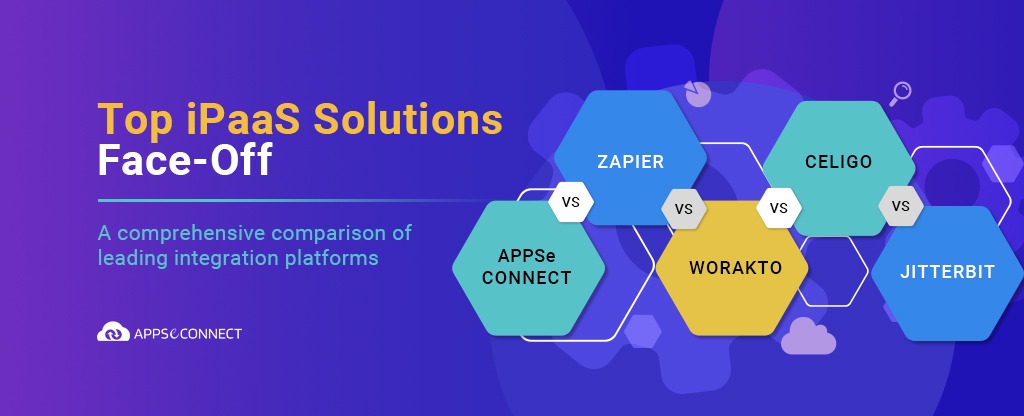
Choosing an integration platform is rarely about finding the single best tool. It is about finding the one that fits the systems you already run, the people who will use it, and the way your business is likely to grow. This iPaaS vendors comparison walks through the platforms buyers most often shortlist, how they differ in practice, and a simple way to match them to your own needs.
Rather than rank vendors from top to bottom, the goal here is to give you a clear, balanced view so you can make a decision you will still feel good about a year from now.
What is iPaaS?
iPaaS stands for Integration Platform as a Service. It is a cloud based platform that lets businesses connect applications, data, and APIs without building and maintaining their own middleware. A modern iPaaS usually brings together pre built connectors, a visual builder for low code and no code work, API management, and cloud scaling so teams can move data between systems and automate workflows across cloud and on premises environments.
In simple terms, an iPaaS sits in the middle of your software and keeps information flowing between an ERP, a CRM, an ecommerce store, and the many other tools a business runs each day.
What modern businesses need from an iPaaS
Most companies no longer run on a single system. They use a mix of SaaS applications, handle growing volumes of data, and expect updates to happen quickly rather than overnight. That puts a few clear demands on any integration platform you consider.
- Support for hybrid and multi cloud setups, so you are not locked into one provider.
- Visual, low code automation with ready to use templates, so business users can take part and not just developers.
- A development environment that suits both low code work and deeper customization when a process gets complicated.
- Real time data processing, so records stay current across connected systems.
Keeping these needs in mind makes the comparison below far more useful, because the right choice depends on which of them matter most to you.
Top iPaaS vendors to compare
The platforms below are the ones that come up most often when teams evaluate integration tools. The first group covers the vendors many smaller and mid sized businesses weigh first, followed by the enterprise platforms that belong on a complete shortlist.
APPSeCONNECT
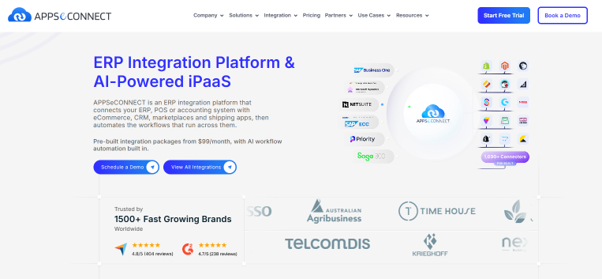
APPSeCONNECT positions itself for businesses that keep an ERP at the center of their operations and want it connected to ecommerce stores and CRM systems. It focuses on automating order, inventory, and customer data flows, and it offers guided, low code setup for teams that do not have a large development group.
Zapier
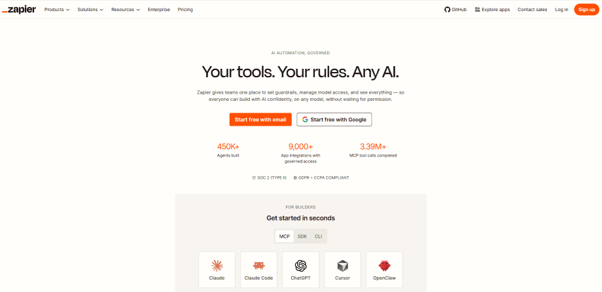
Zapier is built around simple triggers and actions across a very wide range of everyday apps. It suits smaller teams that want to set up quick automations on their own. For complex data mapping and high volume processing, most teams look to a heavier platform.
Workato
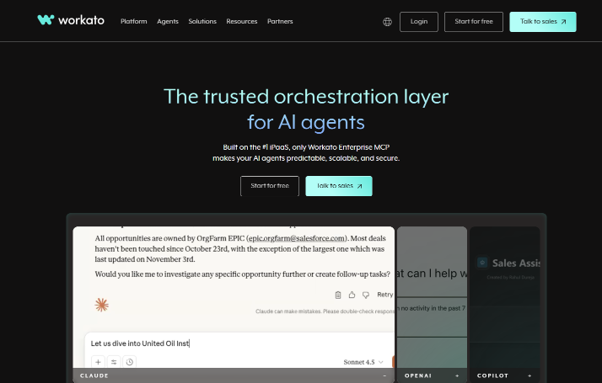
Workato is aimed at teams that want to build automations across business applications, with tooling meant to bring technical and business users together. It handles more involved workflows than a basic task automation tool, which is part of its appeal for mid sized companies.
Celigo
Celigo focuses on cloud and SaaS integrations and is often chosen by smaller teams that value a guided, approachable setup. Its simplicity is a strength, though teams with very specific or unusual requirements sometimes find it harder to stretch beyond its templates.
Jitterbit
Jitterbit offers a flexible way to build integration workflows and positions itself around design freedom. Its more hands on style appeals to developers, while business users may prefer a more guided platform.
MuleSoft Anypoint Platform
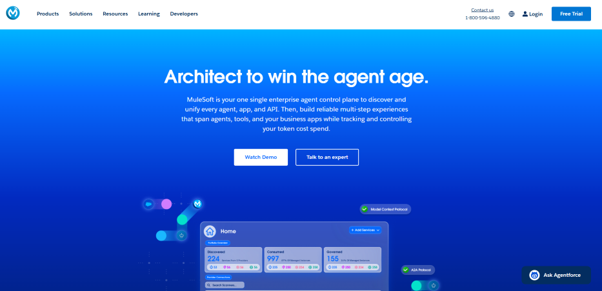
MuleSoft Anypoint Platform is built around API led connectivity and is commonly used by larger organizations that want reusable APIs and close ties with Salesforce. It is well suited to building API ecosystems, and teams usually plan for more technical involvement when they adopt it.
Boomi
Boomi is a low code platform with a broad connector library spanning ERP, CRM, and SaaS systems. It supports both API based integration and EDI, which makes it a flexible option for businesses that need a bit of both.
SnapLogic
SnapLogic focuses on data and application integration and puts attention on AI assisted features. It tends to suit data heavy teams that want to build connected, reusable pipelines.
Informatica
Informatica is known for data management and governance and takes a data first approach to integration. It is a common choice for organizations where data quality and oversight are central to the project.
IBM webMethods and other enterprise platforms
IBM webMethods is an enterprise option with support for API, EDI, and B2B integration in large environments. Other platforms worth keeping on a complete shortlist include TIBCO for event driven and data integration, Microsoft Azure Logic Apps for teams already working in Azure, Oracle Integration Cloud for Oracle estates, SAP Integration Suite for businesses standardized on SAP, and Cleo Integration Cloud for EDI and supply chain work.
iPaaS vendors comparison at a glance
This quick view summarizes how each platform tends to be used. Treat it as a starting point for your shortlist, then validate the details against your own systems.
Vendor | Often suited for | Deployment | Typical user |
APPSeCONNECT | ERP connected to ecommerce and CRM | Cloud and hybrid | Business teams, guided setup |
Zapier | Simple SaaS task automation | Cloud | Smaller teams, self serve |
Workato | Cross app automation | Cloud | Business and technical users |
Celigo | Cloud and SaaS integration | Cloud | Smaller teams |
Jitterbit | Flexible workflow building | Cloud and hybrid | Developers |
MuleSoft | API led enterprise integration | Cloud, hybrid, on premises | Developers |
Boomi | API and EDI integration | Cloud and hybrid | Low code teams |
SnapLogic | Data and application integration | Cloud | Data teams |
Informatica | Data governance and management | Cloud, hybrid, on premises | Technical teams |
IBM webMethods | Enterprise API, EDI and B2B | Hybrid | Enterprise IT |
How to compare iPaaS vendors against your needs
A feature list only tells you so much. The criteria below are the ones that usually decide whether a platform works in real projects, so it helps to score each vendor against them.
Hybrid and multi cloud support
Businesses rarely want to be tied to one environment. If you run a mix of on premises and cloud systems, look closely at how well a platform spans both. Enterprise suites are usually built for this, while lighter tools may focus mainly on cloud apps.
Visual and low code development
A good visual builder decides how quickly people who are not developers can ship and maintain integrations. Simpler platforms make this easy, while more technical tools trade some of that ease for depth.
Collaboration between developers and business users
The strongest setups let business users handle everyday work while developers step in for complex cases. Consider who will own integrations day to day, because a developer first tool behaves very differently in business hands.
Real time processing
If you need records to stay current across systems, pay attention to how a platform handles real time and event based work, and how it copes when transaction volumes rise. Error handling matters just as much as speed.
Connector ecosystem
Every vendor advertises a long list of connectors. What counts is whether the connectors for your specific systems are deep and well maintained, and whether the platform lets you build custom integrations when an off the shelf connector falls short.
Scalability and performance
Your business will keep changing, so your platform should keep pace. Look for the ability to scale as transaction volumes grow without a drop in performance.
Security and compliance
Security should be a gating factor rather than an afterthought. Check that any platform on your list meets the standards your industry expects, such as SOC 2, HIPAA for health data, GDPR for customer data in the regions you serve, and FedRAMP for public sector work. Also review data residency options, encryption, access controls, and audit logging.
How to think about iPaaS pricing
Most vendors keep detailed pricing behind a conversation, so the more useful exercise is understanding what drives cost. A few factors tend to shape the total more than the headline rate.
- The number and depth of connectors you need.
- Your data or task volume, since usage based limits add up as you grow.
- The level of support you want, from standard to premium tiers.
- The internal engineering time the platform demands to set up and maintain.
When you compare quotes, look past the sticker price to the total cost of ownership over a couple of years. A platform that is cheaper on paper can cost more once you add connectors, support, and the hours your team puts in.
How to choose the right iPaaS vendor
The fastest way to compare iPaaS vendors is to score them against your own environment rather than a generic checklist. A short, honest assessment usually narrows the field quickly.
- List the systems that must connect, including your ERP, CRM, ecommerce store, and key data sources.
- Define your main use cases, since EDI heavy supply chains, API first product teams, and SaaS only businesses each reward different platforms.
- Be honest about your team’s skills, because a developer led tool and a business user tool lead to very different day to day experiences.
- Plan for change, so the platform can keep up as volumes rise and new systems are added.
Independent review sites such as G2, TrustRadius, and Gartner can be a helpful sanity check once your shortlist takes shape, since they reflect how other buyers describe each platform.
iPaaS vendors by industry and use case
Industry context narrows the field fast, because the same features matter more in some sectors than others.
- Manufacturing, logistics, and wholesale teams with heavy EDI and trading partner needs often look at Cleo Integration Cloud, IBM webMethods, and Boomi.
- Retail and ecommerce businesses that need an ERP connected to a storefront in real time are well served by APPSeCONNECT and Boomi.
- Financial services and telecom buyers that prioritize API led integration at scale tend toward MuleSoft.
- Organizations where data governance is central often favor Informatica, while smaller SaaS first teams frequently start with Celigo, Workato, or Zapier.
Trends shaping iPaaS in 2026
Two themes are shaping how teams evaluate platforms this year. The first is AI assisted integration, where vendors add features that help build, map, and monitor workflows with less manual effort. The second is agentic integration, where platforms connect AI agents to core business systems so they can act on live data rather than work in isolation.
These features are worth weighing, but they should sit alongside the basics. A platform still has to connect your systems reliably, scale with your business, and stay secure before any added intelligence becomes useful.
Final thoughts
The right platform depends on your buyer profile rather than a single ranking. Enterprise teams that need API led scale and strong governance often look to MuleSoft or Informatica. Businesses that want flexible, mid market integration with room to grow tend to consider Boomi or SnapLogic. Teams that value simplicity usually start with Workato, Celigo, or Zapier. If your priority is keeping an ERP connected to ecommerce and CRM systems in real time, APPSeCONNECT is built around that job and is worth a place on your shortlist.
Map this comparison against your own systems, people, and use cases, then validate your shortlist with a hands on trial before you commit.
Frequently Asked Questions
iPaaS is a cloud based platform that connects applications, data, and APIs using pre built connectors and visual automation, without you having to build and maintain your own middleware.
Start with the systems you need to connect, then weigh connector depth, ease of use, real time performance, security, and how well each platform scales. Match those against your team’s skills and your main use cases.
An iPaaS connects applications and data from end to end, while API management focuses on publishing, securing, and governing APIs. Many enterprise platforms now offer both within one suite.
Platforms with deep, well maintained connectors and strong error handling, such as APPSeCONNECT and Boomi, are often a good fit for keeping an ERP in sync with an ecommerce store and CRM.
Yes. Lighter, low code platforms are built with smaller teams in mind and let business users set up integrations without a large development effort.