Go live instantly!

Launch Faster with APPSeCONNECT’s Ready-to-Deploy Packages.
Starting at just $99/month!!

Click to try any of these!

Transform your
workflow with appse ai

Microsoft Dynamics 365 Business Central and Amazon Integration

Microsoft Dynamics 365 Business Central and Amazon integration connects your Amazon selling activity with the ERP records that govern sales, inventory, and finance, and APPSeCONNECT gives you a governed platform to move that data without custom scripts. Amazon Seller Central and Amazon Business orders create Business Central sales records, FBA and seller-fulfilled stock stays aligned, and settlements, fees, and refunds post back to Business Central through managed flows.

Dynamic 365 Business central Amazon Connecter page hero img
BUSINESS VALUE

Why APPSeCONNECT Is the Gold Standard for Business Central and Amazon Integration

APPSeCONNECT connects Microsoft Dynamics 365 Business Central and Amazon in real time, without manual work. One governed platform built for Amazon sellers who run Business Central as the system of record, across both FBA and FBM.

Real Time Sync

Amazon orders keyed in twice

Marketplace and accounting teams enter the same Amazon order data separately, so records conflict and the billing cycle stalls on manual corrections.

Key Benefits

Listings drift from the item master

Business Central item inventory and Amazon fulfillment-center stock can stay aligned through scheduled or event-driven updates, so storefronts and the ERP work from a closer view of available inventory.

Two Way Sync

FBA stock you cannot see in the ERP

Amazon holds FBA inventory, so sent, in-transit, received, sold, returned and available quantities stay out of view from inside Business Central.

Oversells from stale stock

When Business Central warehouse stock does not reach Amazon, FBM offers oversell items the warehouse cannot ship.

Key benefits

Fees and refunds untracked

Marketplace fees, commissions and customer refunds are reconciled by hand, so finance cannot tie settlements back to orders cleanly.

Key Benefits

Failures with no clear recovery

Without record-level logs, a failed order or settlement is hard to find and rerun, so exceptions pile up unnoticed.

Standard Features Covered in Our Business Central and Amazon Integration Template

The template covers both Amazon fulfilment models, each with its own set of workflows, exactly as the live integration splits them. Fields can be extended and rules refined as needs change.

Amazon web orders create Business Central sales orders under a default customer, with line items, price, tax, shipping and discount mapped, and billing and shipping addresses captured on the sales order.

ASIN values map Business Central items to Amazon listings, and item name, description, attributes and updated prices publish from Business Central to Amazon cleanly.

FBA inventory report files arrive securely in an FTP folder, with sent, in-transit, received and available quantities by item, plus sold, returned and rejected quantities for review.

Marketplace fees and commissions capture as separate finance entries inside Business Central.

Credit memos are created for refunds tied to Amazon orders quickly.

Mapped settlements and clear references simplify payment reconciliation.

Amazon web orders create Business Central sales orders quickly, with item prices, taxes, shipping charges and discounts mapped into ERP totals, and billing and shipping stored against the default customer.

Items link to Amazon listings by ASIN, and product information and price changes publish from Business Central to Amazon to avoid stale offers.

One or more Business Central warehouses map for stock updates, and on-hand quantities send to Amazon listings to reduce oversell risk.

Shipment status and tracking numbers move from Business Central to Amazon after dispatch, and shipment references are kept for support and dispute checks.

Marketplace fees and commissions record as separate A/R entries inside Business Central.

Credit memos are created for customer refunds and adjustments, and settlements match to orders using references for clean reconciliation.

Popular Business Central Integrations

Our Integration Platform helps you seamlessly connect Microsoft Dynamics 365 Business Central Integrations with other Business Applications.

Looking for a Specific Integration?
View All Microsoft Dynamics 365 Business Central Apps

Popular Amazon Seller Central Integrations

Our Integration Platform helps you seamlessly connect Amazon Seller Central Integrations with other Business Applications.

Looking for a Specific Integration?
View All Amazon Seller Central Apps
INTEGRATION BROCHURE

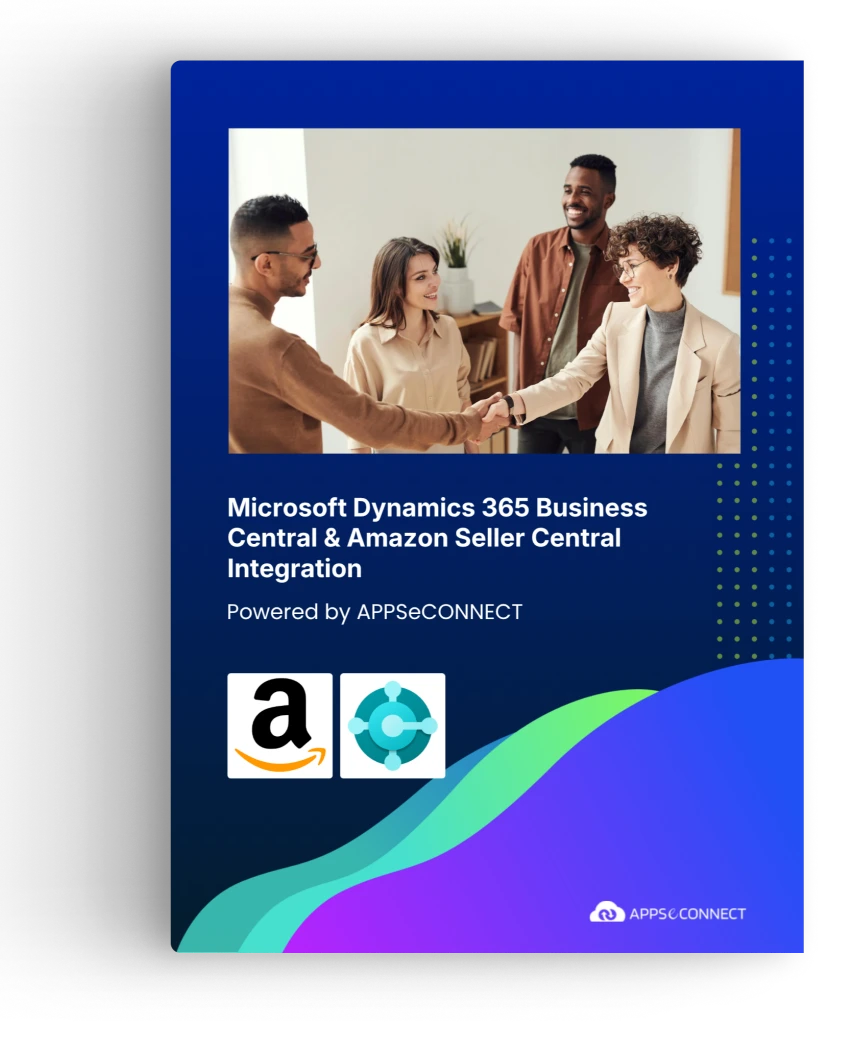
Download the Business Central and Amazon Integration Brochure

Use the brochure to plan how Business Central and Amazon can exchange order, inventory, settlement, and fulfillment records, and to decide which system should own each process before rollout.

LEARN MORE ABOUT:

Real-world use cases

Use Cases

APPSeCONNECT’s Business Central and Amazon integration is built for retailers, distributors, multi-marketplace brands, and finance teams that need cleaner records across selling channels and the ERP. The goal is to reduce manual work and keep Business Central connected with Amazon activity.

Finance & Accounting

Scenario: Settlements reconcile inside Business Central

Finance teams need Amazon fees, refunds, and payouts connected to the Business Central record instead of arriving as disconnected reports.

Supports finance, accounting, and operations teams that need cleaner settlement traceability.

What this integration handles

Posted

Settlement and payout entries

Structured

Marketplace and FBA fees

Linked

Refunds and credit memos

Auditable

Logs and snapshots

Distributors & Multi-Marketplace

Scenario: Multiple marketplaces feed one Business Central environment

Sellers running several Amazon marketplaces need each order to post with the right currency, warehouse, and tax authority.

Supports distributors and brands selling across multiple Amazon marketplaces.

What this integration handles

Routed

Orders by marketplace and company

Applied

Currency and tax-authority rules

Aligned

Inventory across channels

Separated

B2B and B2C order flows

Retail & D2C Sellers

Scenario: Amazon orders post to Business Central without re-entry

Brands selling on Amazon Seller Central need orders, taxes, and fees to land in Business Central without staff transcribing them.

Supports retailers and D2C brands running Amazon with Business Central as the ERP backbone.

What this integration handles

Synced

Amazon orders into Business Central

Mapped

ASIN-to-item and customer data

Updated

FBA and seller inventory

Returned

Status and tracking to Amazon

error icon black

WORKFLOW

How Does the Workflow Run End-to-End?

A step-by-step view of how Amazon marketplace events sync into Business Central, covering trigger, queue, transform, API sync, error handling and status update back.

Connect, Automate and Grow!

Try APPSeCONNECT for 30 Days or Request a Free Demo.

Event Trigger (Amazon)

An order, item change, shipment update or settlement file starts a run.

Event Reception (iPaaS)

APPSeCONNECT receives the event and queues it for processing.

Data Transformation

Mapping steps convert Amazon fields into Business Central-ready values.

API Call to Business Central

Secure API calls create or update sales orders and finance entries.

Confirmation and Error Handling

Results are logged, and failed records show clear errors and can be rerun.

Status Update Back

Shipment and tracking details refresh the Amazon order status.

block-black

Meet appse ai

How appse ai Helps Streamline Business Central and Amazon Integration

A working Business Central and Amazon integration reduces manual transfer work, but teams still manage failed records, changing order volumes, settlement review, and repeated checks. appse ai adds AI-assisted support for designing workflows, spotting issues earlier, and reducing manual checking across connected processes.

blue star Icon
Workflow Design

Help teams describe a process and shape the workflow structure around it, especially when new marketplaces or Business Central entities are added.

blue star Icon
Issue Detection

Spot broken flows, error patterns, and records that need review before they become daily cleanup work.

blue star Icon
Order Tracking

Review order movement from the first Amazon record through later updates in Business Central.

blue star Icon
Settlement and Finance Clarity

Make settlement, fee, and refund updates easier to review across connected systems.

blue star Icon
API Coordination

Support workflows where Business Central and Amazon share data through managed APIs.

blue star Icon
Teams Stay in Control

AI-assisted support helps the process while teams set the rules and decide how records move.

FAQs

Ready to Launch Your Business Central and Amazon Integration Today?

Amazon volume only pays off when Business Central can keep up. A structured integration connects Business Central with Amazon Seller Central, Amazon Business, and FBA so teams can scale selling without adding more manual order, inventory, and settlement work.

APPSeCONNECT AI robot mascot for intelligent workflow automation

Companies automating their business through APPSeCONNECT

Customer Success Stories

CASE-STUDY
Founded in 2005, Proveedora PGP has solidified its position as a leading ecommerce business in Mexico, specializing in car and truck tires.
CASE-STUDY
African American Expressions, founded by Gregory Perkins in 1991 in Sacramento, California, has been on a remarkable journey of growth and success.

Download Free Integration Brochure

Fill in your details below to download our brochure instantly. Discover all the details you need in one place!
sap-s4hana-zoho-crm-integration-brochure-cover

Download Free Integration Brochure

Fill in your details below to download our brochure instantly. Discover all the details you need in one place!
appseconnect-New-Logo_2022.png
Common Integration Landing Page

Submit Your Enquiry

Fill in your details below to connect with our team!