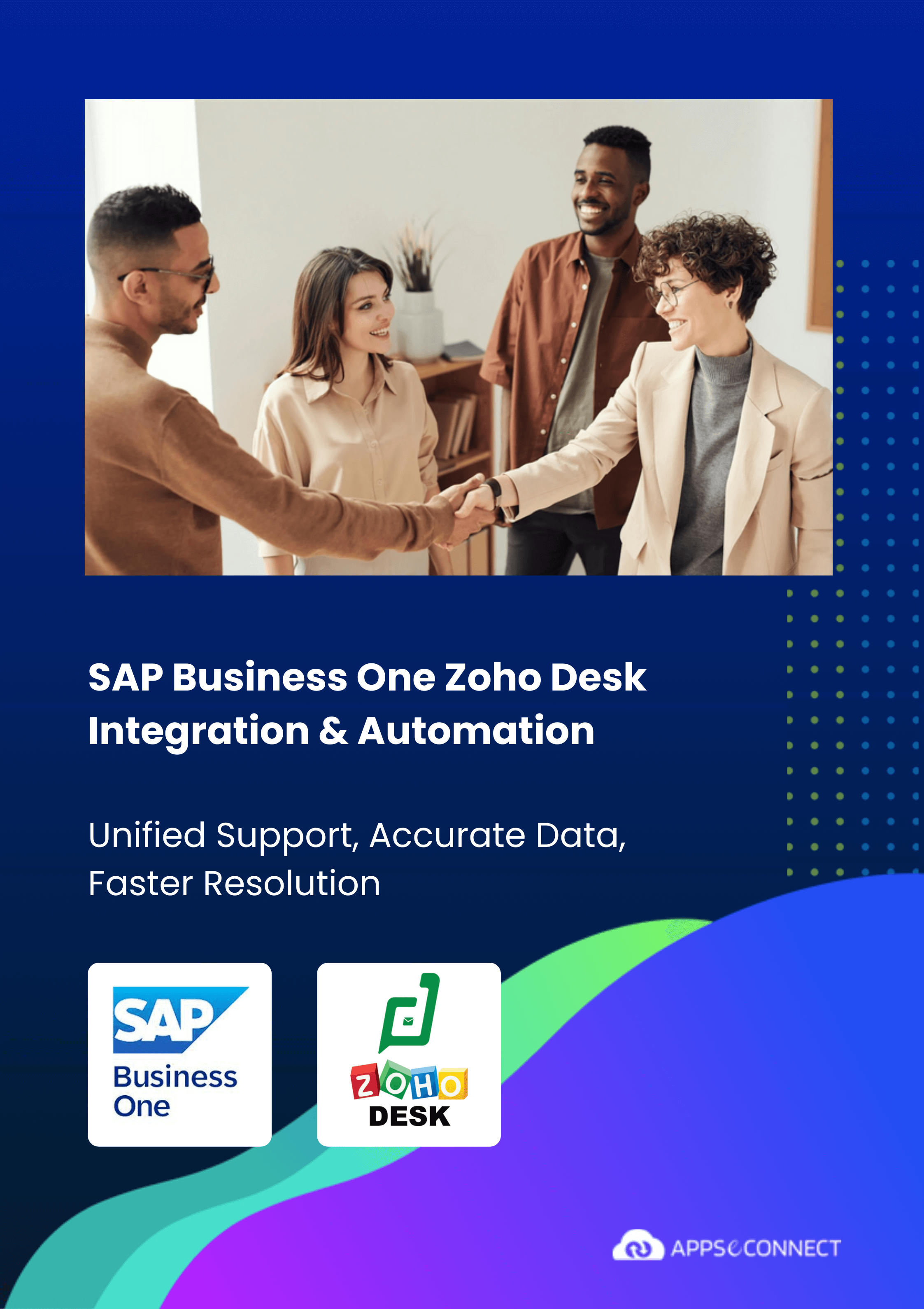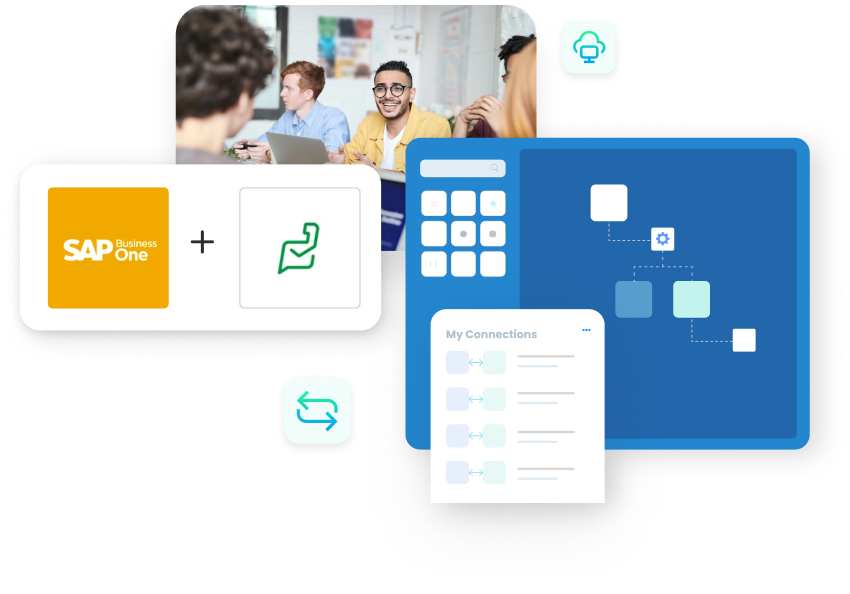
SAP Business One Zoho Desk Integration & Automation
- Unified Support
- Accurate Data
- Faster Resolution
SAP Business One Zoho Desk Integration connects ERP and helpdesk so customer data, tickets, and updates move cleanly and quickly. APPSeCONNECT syncs accounts, contacts, products, tickets, notes, and statuses without re-typing.
Agents see the same truths as finance and operations. Exceptions surface early with context. Customers receive timely updates and faster resolutions, without back-and-forth.
Key Benefits
Why APPSeCONNECT Is the Gold Standard for SAP Business One and Zoho Desk Integration
APPSeCONNECT connects SAP Business One and Zoho Desk in real time, without manual work. One governed platform built for support, operations and finance teams who need the helpdesk and the ERP telling the same story on every customer.
Agents lack ERP context
Support agents cannot see a customer’s orders, invoices, balances or warranties from inside the ticket, so simple questions get escalated.
Swivel-chair between two systems
Staff switch between Zoho Desk and SAP Business One to copy account, product and status details by hand, which slows every resolution.
Tickets never reach SAP
Support issues that need a Service Call, part or field visit are re-entered into SAP manually, so operations work from stale or missing tickets.
Warranty and entitlement disputes
Without live warranty, contract and serial data in the ticket, agents cannot confirm entitlement, so disputes drag on and trust erodes.
Status and notes drift apart
Ticket status and resolution notes in Zoho Desk do not match the Service Call in SAP, so finance and audit see conflicting records.
Reporting needs manual joins
SLA, backlog and CSAT data in the helpdesk and revenue data in SAP never line up, so any full view needs exports and spreadsheet joins.
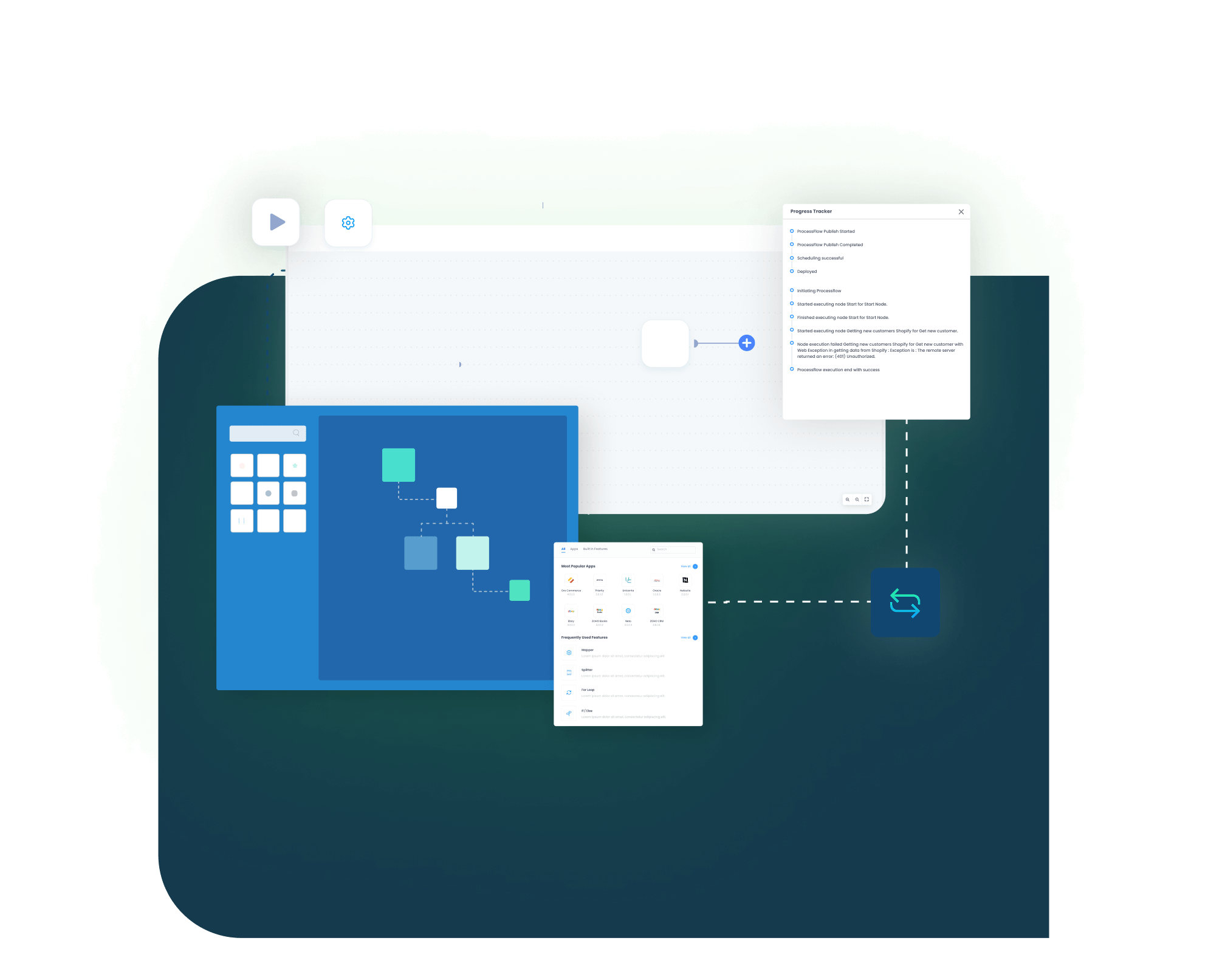
Standard Features Covered of SAP Business One and Zoho Desk Integration Template
The seven core capabilities the integration covers, ready to switch on and adapt.
Prebuilt blueprints
- Ready flows for accounts, contacts, products, tickets, comments and statuses.
SAP B1 Zoho Desk API integration
- Use supported APIs for stable, governed data movement between the two systems.
Zoho Desk ERP integration
- Show balances, items and warranties where agents work, so context is one click away.
Ticket to Service Call sync
- Convert Zoho Desk tickets into SAP Business One Service Calls and keep references linked.
Helpdesk automation
- Route, assign and notify by rules so the right owner gets the right ticket fast.
Monitoring console
- View runs, throughput and exceptions with actionable alerts.
Security and policies
- Protect data in transit and at rest, with access kept governed, and extend flows with adapters when unique rules are needed.
SAP Business One & Zoho Desk Integration Endpoints
| ENDPOINT | DIRECTION | DETAILS |
|---|---|---|
| Accounts | Zoho Desk → SAP B1 | Create/update Business Partners from Zoho accounts with key attributes. |
| Contacts | Zoho Desk ↔ SAP B1 | Sync contact persons, phones, emails, and roles reliably both ways. |
| Products / Items | SAP B1 ↔ Zoho Desk | Publish items and prices; sync existing product references accurately. |
| Tickets | Zoho Desk → SAP B1 | Create Service Calls in SAP; keep ticket references linked. |
| Ticket Comments / Notes | Zoho Desk ↔ SAP B1 | Mirror comments and resolutions; preserve authors, timestamps, visibility. |
| Ticket Status | Zoho Desk ↔ SAP B1 | Reflect open, pending, closed, and custom states consistently. |
| Attachments | Zoho Desk → SAP B1 | Copy attachments to Service Calls when policy allows. |
| Entitlements / Warranty | SAP B1 → Zoho Desk | Surface warranty, contract, and entitlement details to agents. |
| Users / Ownership | Zoho Desk ↔ SAP B1 | Keep owners and assignees mapped for clear accountability. |
INTEGRATION BROCHURE
Download The SAP Business One and Zoho Desk Integration Brochure
- Connector Framework: Naming, patterns, validations keep builds predictable.
- Deployment Guide : Environments, prerequisites, and responsibilities in clear steps.
- Best Practices : Cutover, rollback, monitoring for steady operations.
- Case Studies : Proof from teams resolving faster with shared facts.
Popular QuickBooks Integrations
Popular SAP Business One Integrations
+
+
+
+
Looking for a Specific Integration?
View All Apps
Deployment process
How Does the Workflow Run End-to-End?
Here is how a typical SAP Business One and Zoho Desk integration runs, from ticket creation to resolution and follow-up.
Order Capture
Zoho Desk captures the issue, product and requester details when a ticket is created.
Event Trigger
APPSeCONNECT reacts to the new ticket the moment it happens, checks it, and starts the workflow.
Data Mapping
The ticket maps or syncs to the SAP Business Partner and contact person, applying account, product and ownership rules.
Record Creation
APPSeCONNECT creates a Service Call in SAP with references, urgency and category, while warranty and entitlement detail surface back to the agent.
Back-Sync
Comments, parts and updates mirror between SAP and Zoho Desk, and on closure the Service Call and ticket status and resolution sync immediately.
Monitor and Improve
Run history and alerts surface exceptions, time-to-resolve and reopen trends are reviewed, and mappings are refined before the next spike.
INTELLIGENT DATA FLOW
How Our Intelligent Data Flows Supercharge Your Integration
Streamlining helpdesk operations with SAP B1 and Zoho Desk integration needs smart automation. Flows react to events, process batches safely, and alert only when needed. Traffic separates by customer or category, changes stay auditable, and scaling is predictable
Event-Driven
New tickets and updates sync quickly without manual checks.
Parallel Runs
Handle campaign spikes and incidents safely across queues.
Targeted Sync
Filter by category, priority, or customer segment.
Auto-Retries
Temporary faults retry automatically; reduce manual follow-ups.
Clear Alerts
Notify the right owner with context and next steps.
Auditable Trails
Track who changed what, when, and why across flows.

Frequently Asked Questions
Accounts, contacts, products, tickets, comments, ticket statuses, attachments, warranty and entitlement details, and owners can sync. Zoho accounts map to SAP Business Partners, and tickets create Service Calls in SAP Business One.
Warranty, contract, balance and product details from SAP Business One surface inside the Zoho Desk ticket, so agents confirm entitlement and answer without switching systems or waiting on finance.
Yes. Tickets convert to SAP Business One Service Calls with references, urgency and category, and the link is kept so both systems stay connected through resolution.
It is two-way where it matters. Accounts flow from Zoho to SAP, entitlements flow from SAP to Zoho, and contacts, comments, statuses and ownership sync both ways.
Open, pending, closed and custom states reflect across Zoho Desk and the SAP Service Call, and comments and resolutions mirror both ways while preserving authors, timestamps and visibility.
It uses the supported SAP Business One and Zoho Desk APIs through prebuilt, low-code flows, with field mapping, monitoring and alerts keeping the sync stable and governed.
Yes. Prebuilt blueprints, rules and guided setup help small support teams launch quickly, scale calmly, and keep customers informed without adding headcount.
Ready To Transform Your Support Workflows Today?
Companies automating their business through APPSeCONNECT
Customer Success Stories
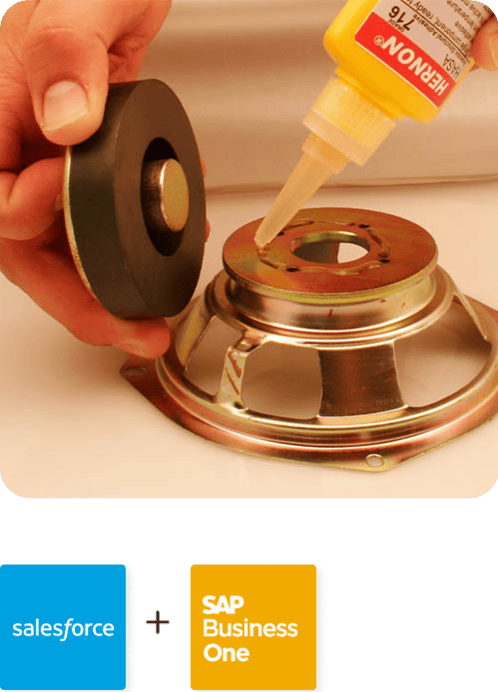
With APPSeCONNECT, Hernon achieved a zero business downtime and levaraged the power of a fully automated and integrated solution to ensure business growth.
Related Resources
Articles and Guides to Help You With Your Integration and Automation Journey